Your privacy is important to us

This website uses cookies to enhance your experience, analyze site usage, and offer tailored interactions with our chat service. By continuing to use this site, you agree to our use of cookies. You can choose to manage your cookie preferences by clicking below

Skip to main content
YakChat logo
MMS Menu Icon

MMS for Business

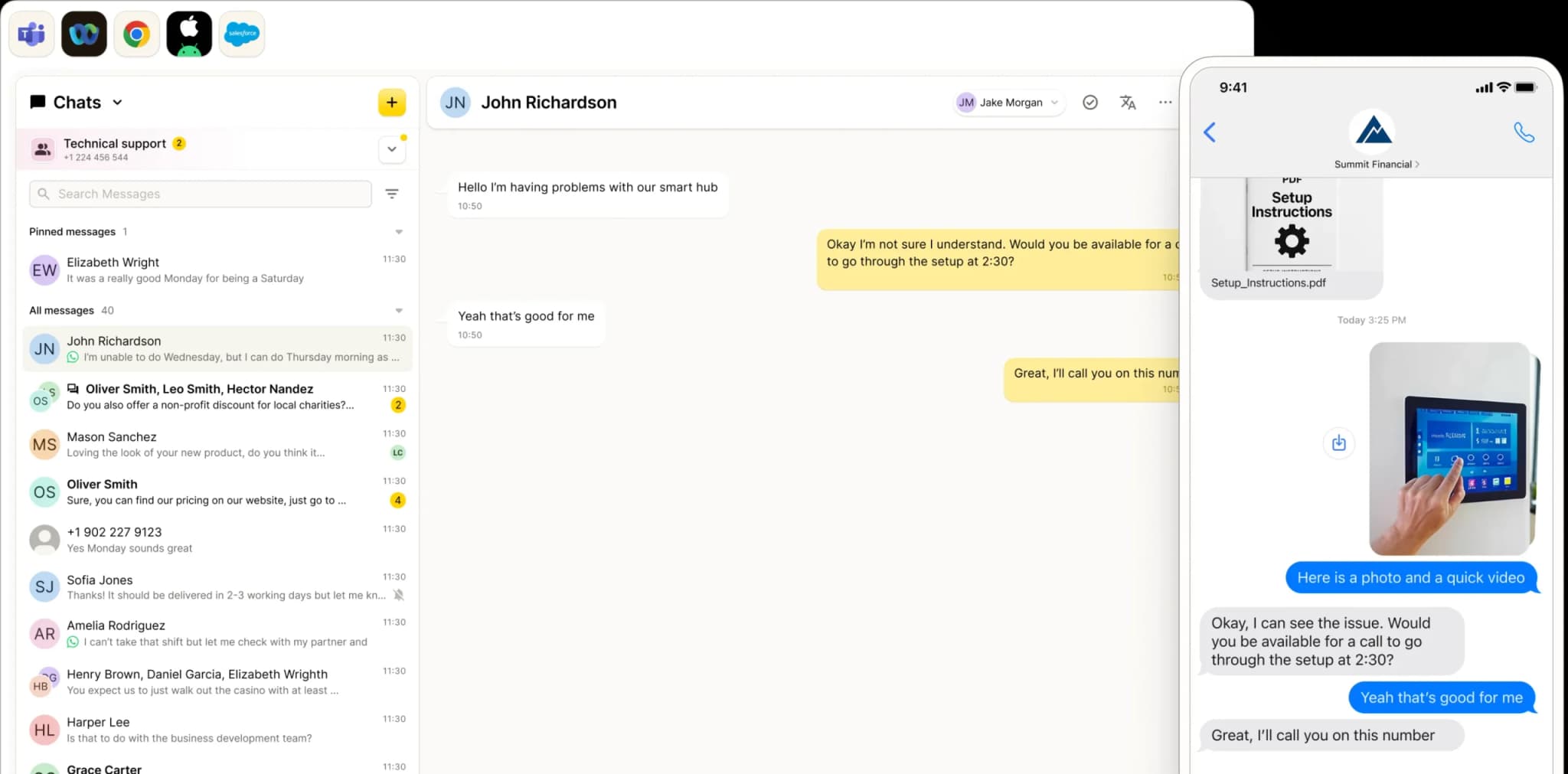
With MMS for Business, you can send images and PDFs directly to your customers' phones.
A computer screen shows a chat interface with conversations on the left and an open chat with John Richardson in the center. On the right, a mobile phone screen displays an RCS for Business text conversation about viewing a smart hub video.
Connect . Collaborate . Comply

 MMS

Visual | Impactful | Engaging
all the features of YakChat
More than just words

MMS Completes the Picture

MMS doesn’t replace SMS: it amplifies it. While SMS delivers the message, MMS delivers the context.Send images and PDFs directly to your customers' native inbox without using email links, third-party apps, or external logins.Simply attach your file to an SMS and it will be delivered as an MMS. No extra steps required.For businesses operating at scale in North America, MMS is the most dependable way to combine media and text in a single, reliable message.
Keep everyone in sync

MMS Group Chat Brings Everyone into the Picture
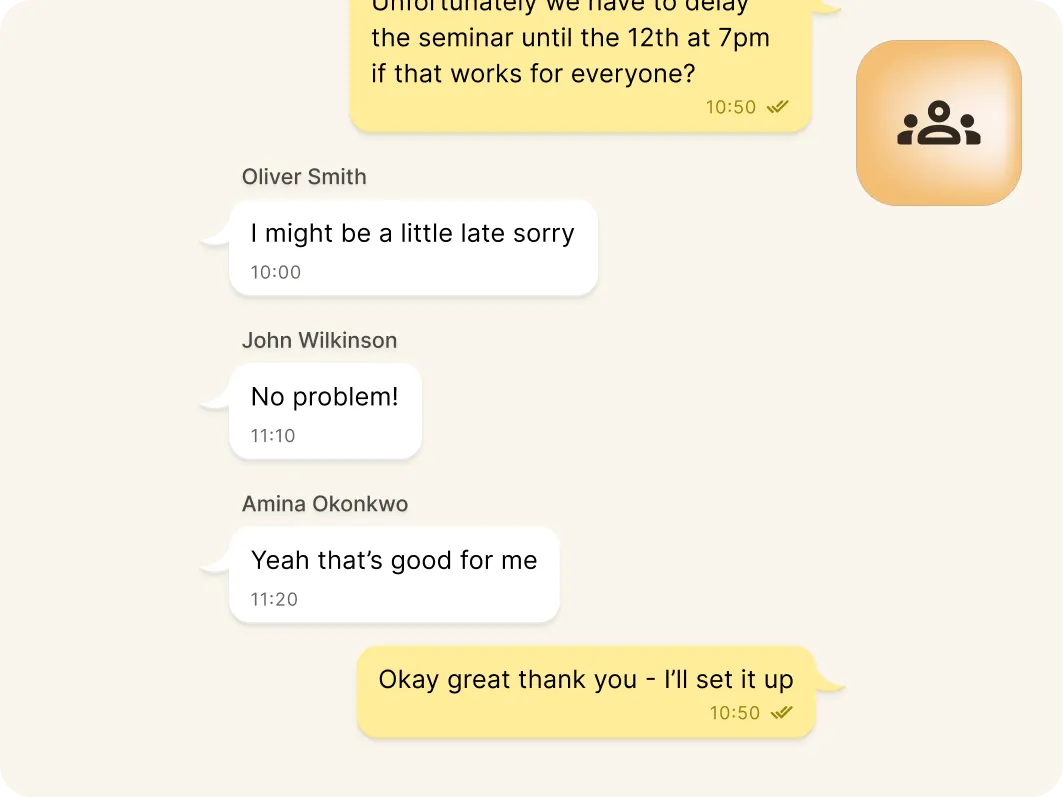
Built for conversations that don’t stop at two people, YakChat MMS Group Chat keeps everyone in sync with up to 10 participants in a single thread.Everyone in the conversation stays perfectly aligned with instant updates and real-time replies. No duplicate messages. No scattered chats. No slow responses.
Screenshot of a group chat discussing rescheduling a seminar. Oliver apologizes for being late, John and Amina confirm the new time works, and another user thanks them and will set it up. An icon of a group is shown in the top right corner.
File sharing

Drag. Drop. Done.

MMS already makes image-sharing fast. YakChat makes it effortless — inside the tools your business already relies on. Your team can share images, PDFs, audio clips, and more — whether they're working in Microsoft Teams, Webex, a browser, or CRM system.
MMS attach files to conversations

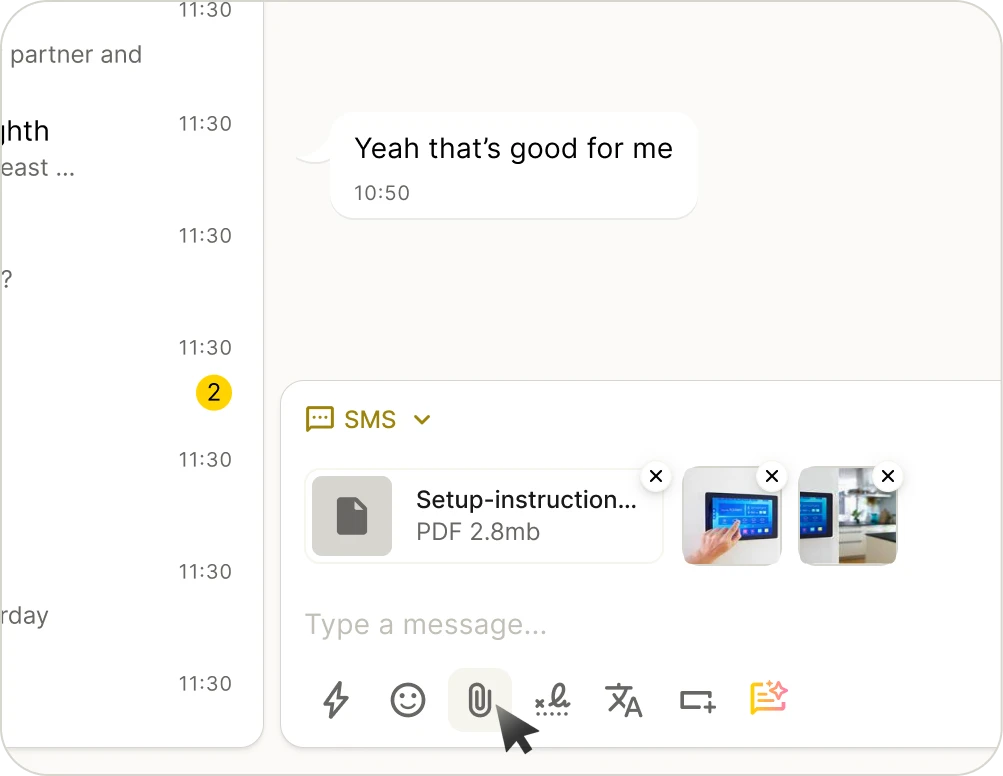
Attach Files

Upload pictures, PDFs, files, and more right from your desktop.
MMS in Microsoft Teams & Webex

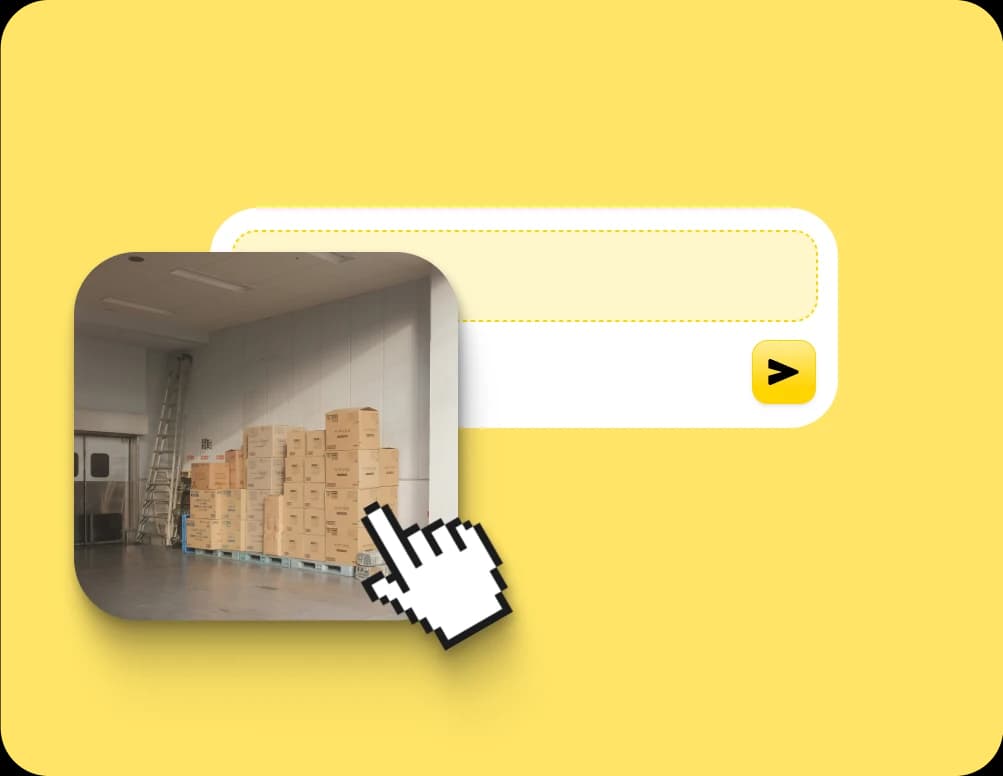
Drag and Drop Images

Add photos or graphics by simply dragging them into the chat.
MMS cut paste attachments

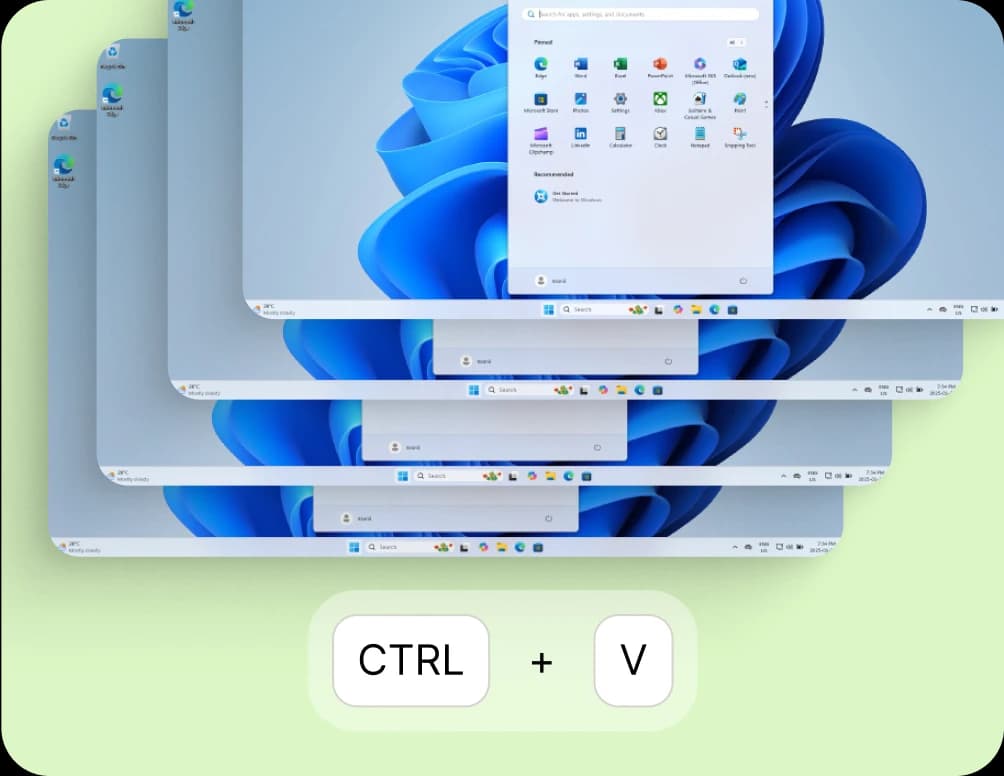
Copy, Paste, and Send Screenshots

Copy, paste, and send screenshots in seconds to save or upload.
Instantly simple

SMS/MMS from the Comfort of Your Business App
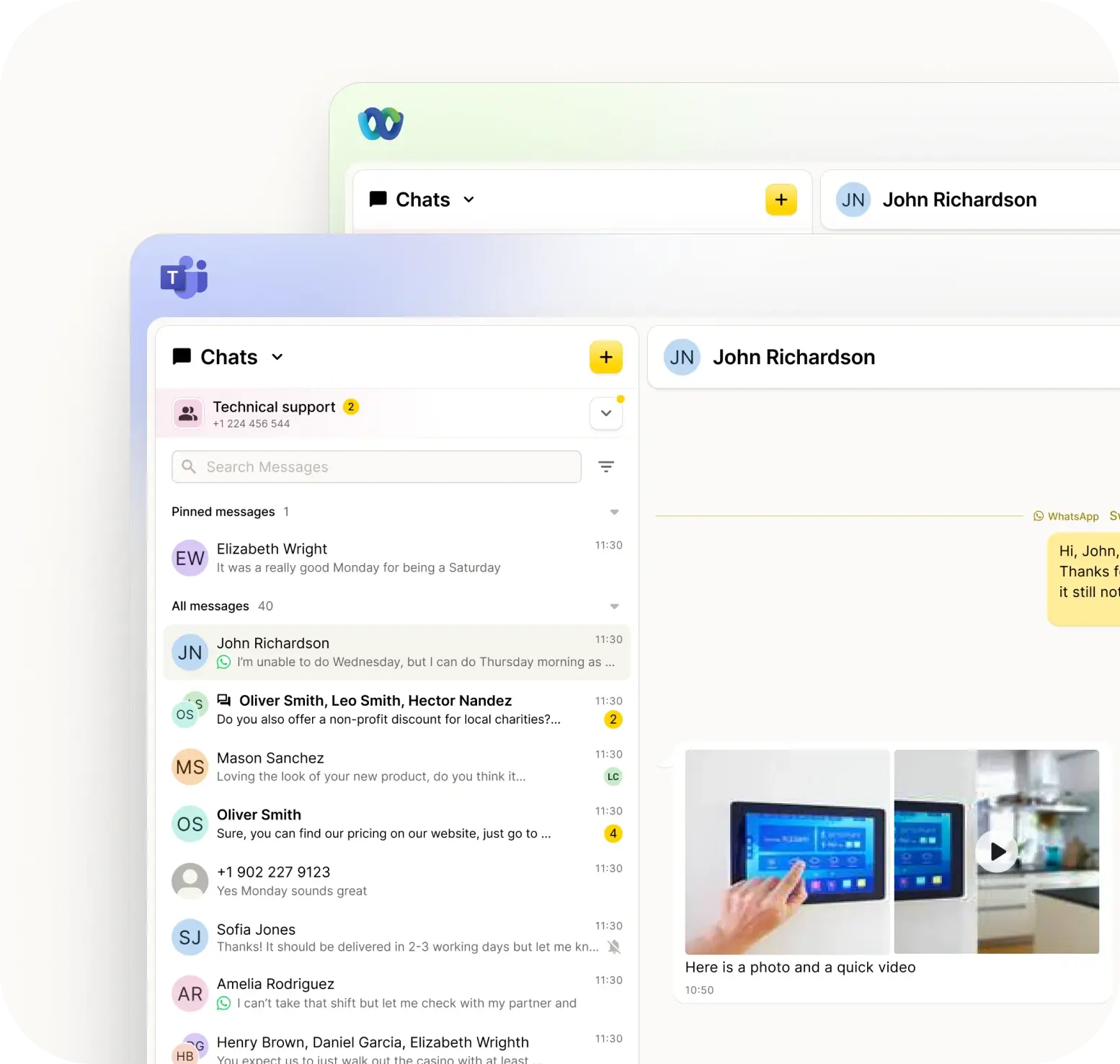
YakChat brings powerful messaging directly into Microsoft TeamsWebex, your browser, or CRM system — without adding new tools or disrupting your workflow.From a single interface, you can pivot between SMS, MMS, RCS, and WhatsApp to meet your customers where they are. If a contact is unreachable on one channel, simply switch to another. Every interaction will remain in a single, unified thread.
SMS for Microsoft Teams, Webx, and Browsers
WhatsApp Business in Teams and Webex
Compliance and control

YakChat + MMS: Built for Compliance

Personal phones are a liability. Without oversight, your business data is a black hole: if a message is deleted, it’s gone forever. If an employee leaves, your client history goes with them. And if work texts are backed up to personal iCloud or Google accounts, those messages move beyond IT control and outside your compliance framework. A single unmonitored text can trigger an instant FCC or CCPA breach.YakChat puts you back in command. Every MMS message is securely archived, retained, and owned by your business. Your data stays protected, and your compliance remains ironclad.

The MMS Advantage

Attach media

Share images and PDFs directly in a message. When an attachment is added to an SMS, it’s automatically sent as MMS. No extra steps required.

Universal reach

Reach anyone, anywhere. MMS lands straight in the default messaging inbox on almost every mobile phone. Available in North America, it's the most universal way to send media files.

Group chat

Keep your team connected. MMS supports group conversations across all mobile devices - something SMS alone can't offer.

Longer messages

Keep it all together. MMS delivers longer texts as one, seamless message (like WhatsApp or RCS) so you avoid the splits (and extra charges) of SMS.

YakChat: Powerful Features. Powerful Messaging.

Switch between SMS, MMS, WhatsApp, and RCS

Keep the conversation going by switching channels without losing the thread.
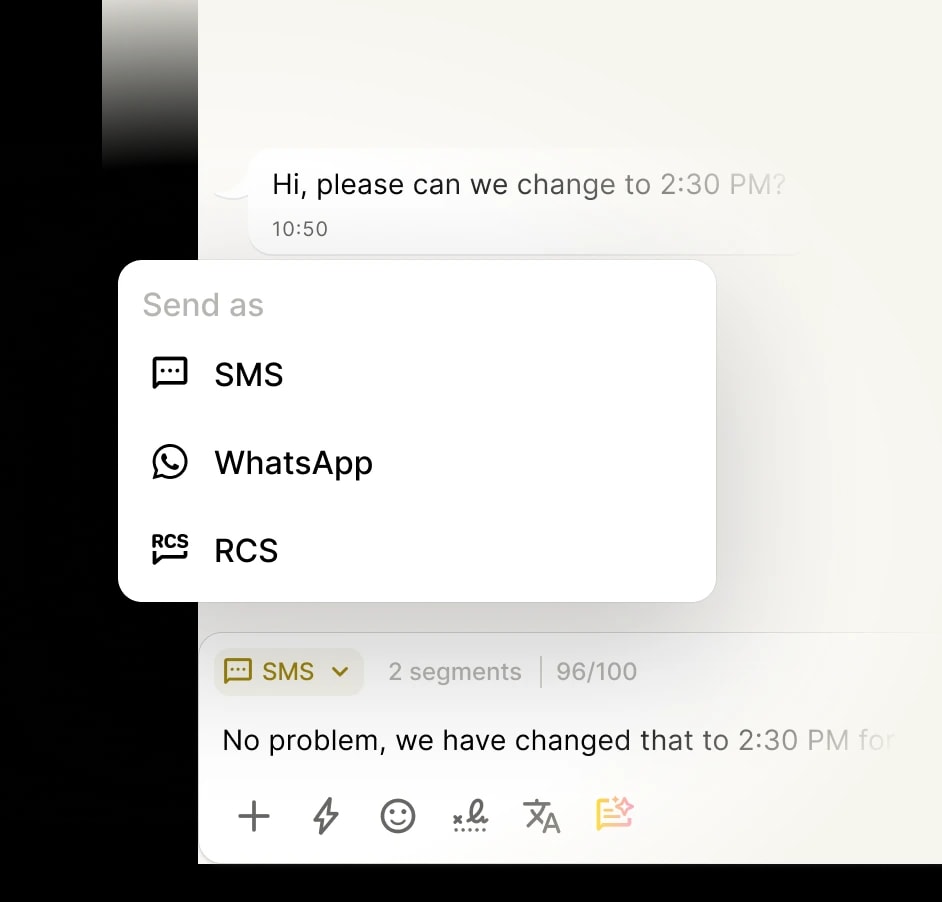
Image of Menu showing different channels to send messages from

Keep every chat in one place

Every message, every channel — all in one clear, continuous view. 
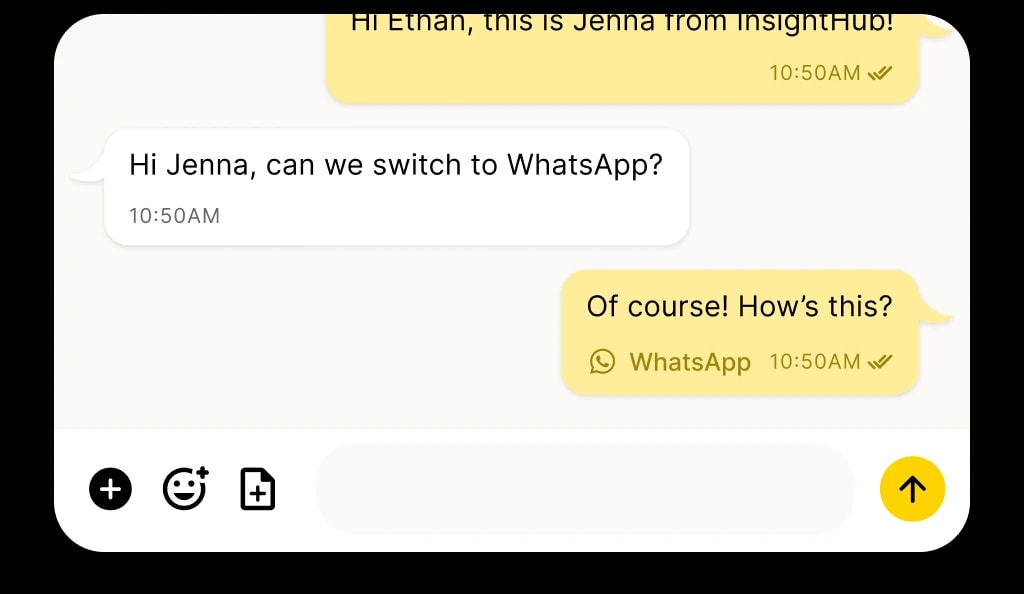
Image of someone texting using WhatsApp

Collaborate in a shared inbox

Team members can collaborate on WhatsApp messages in real time — assigning, replying, and following up without duplicating effort or losing the thread. 
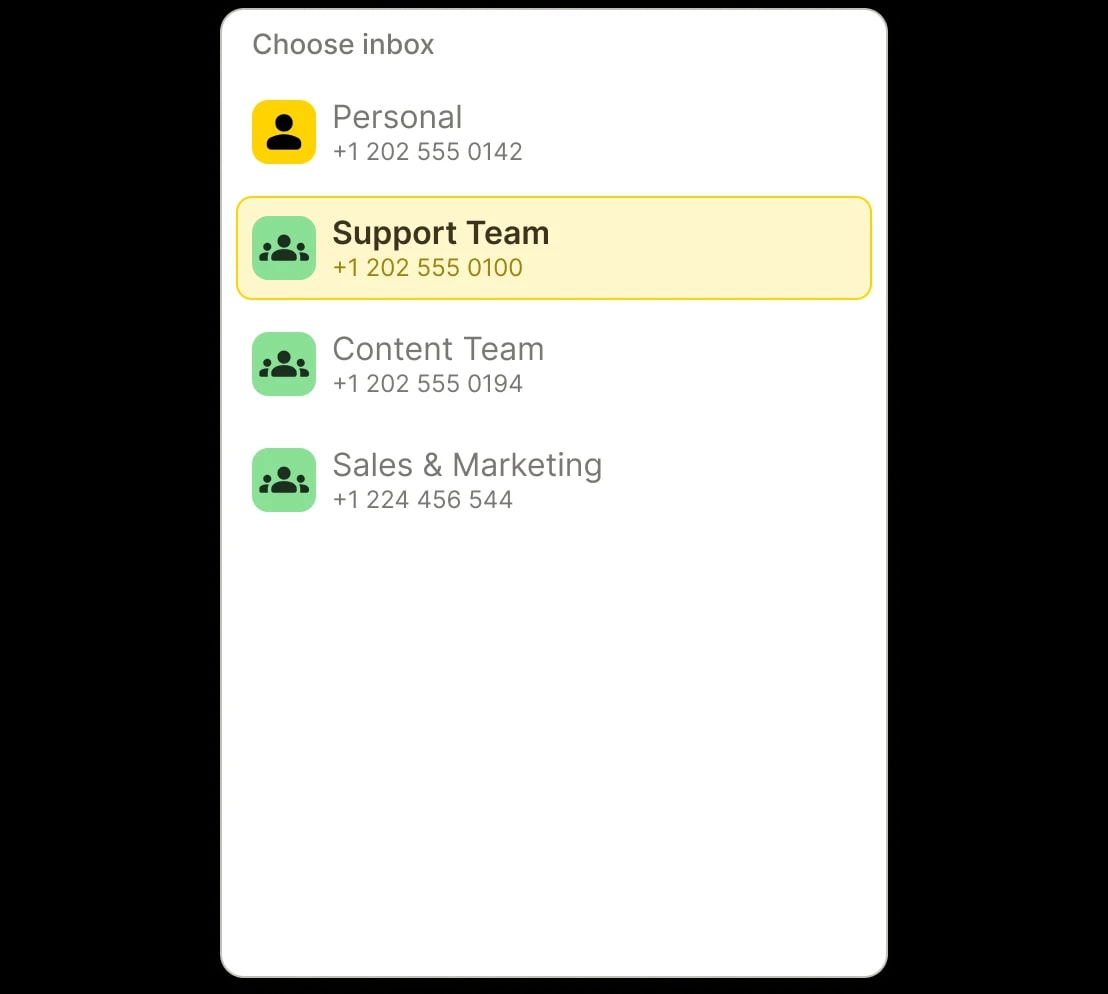
Example of inbox selection in YakChat

See who's replied — and who's still waiting

Message status indicators, read receipts, and team visibility help ensure nothing gets dropped.
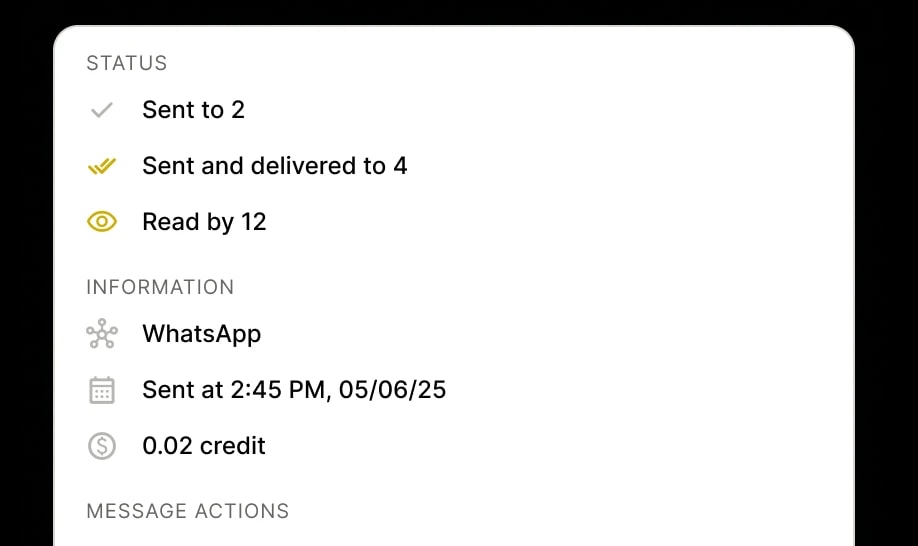
Message delivered receipts

Connect contacts to conversations

Link WhatsApp chats to your company contacts and directories, so customer context is always accessible.
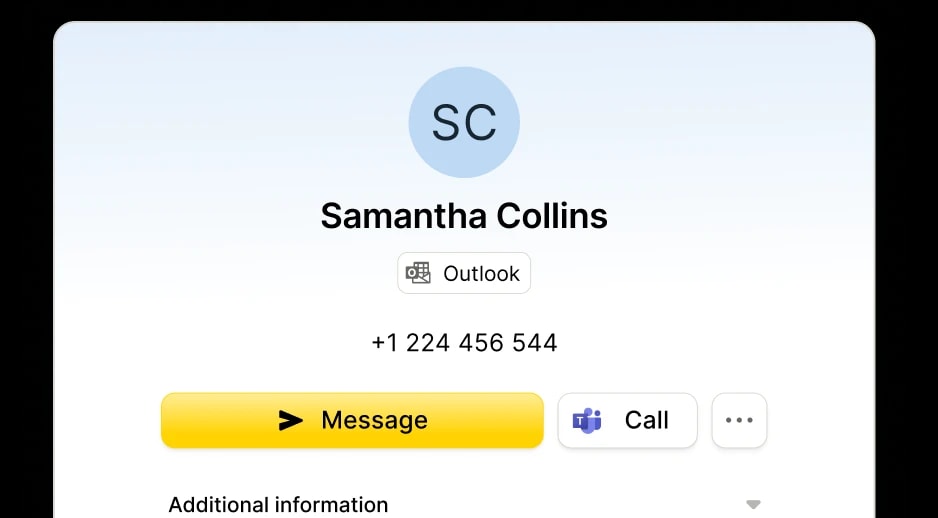
Contact details

Translate messages in real time

Message your contacts in their native language and get replies in yours. With 100+ languages at your fingertips, the world is just a message away.
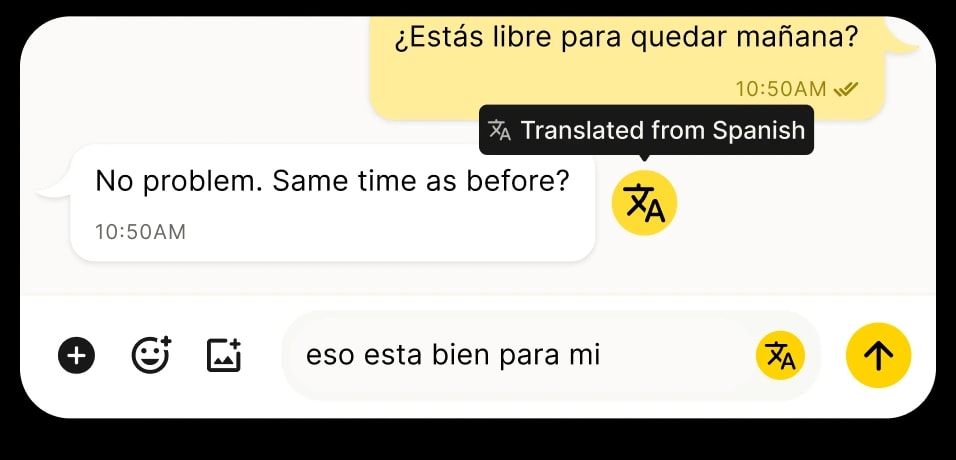
Translated message from Spanish to English

Create a group chat

For truly collaborative conversations, text multiple people simultaneously and share replies instantly with the group.
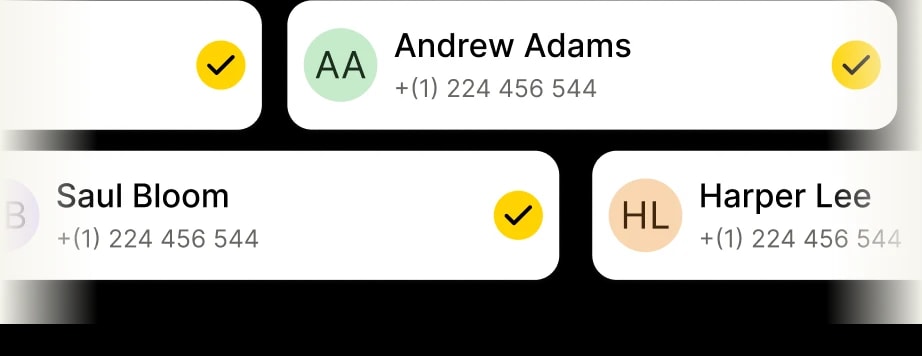
Add multiple contacts to your messages

Schedule messages to send later

Compose a message now and schedule it to send later at the perfect time. Ideal for planning ahead to stay organized.