Your privacy is important to us

This website uses cookies to enhance your experience, analyze site usage, and offer tailored interactions with our chat service. By continuing to use this site, you agree to our use of cookies. You can choose to manage your cookie preferences by clicking below

Skip to main content
YakChat logo

WhatsApp Business Messaging

The world's most popular messaging app - trusted for global business communication
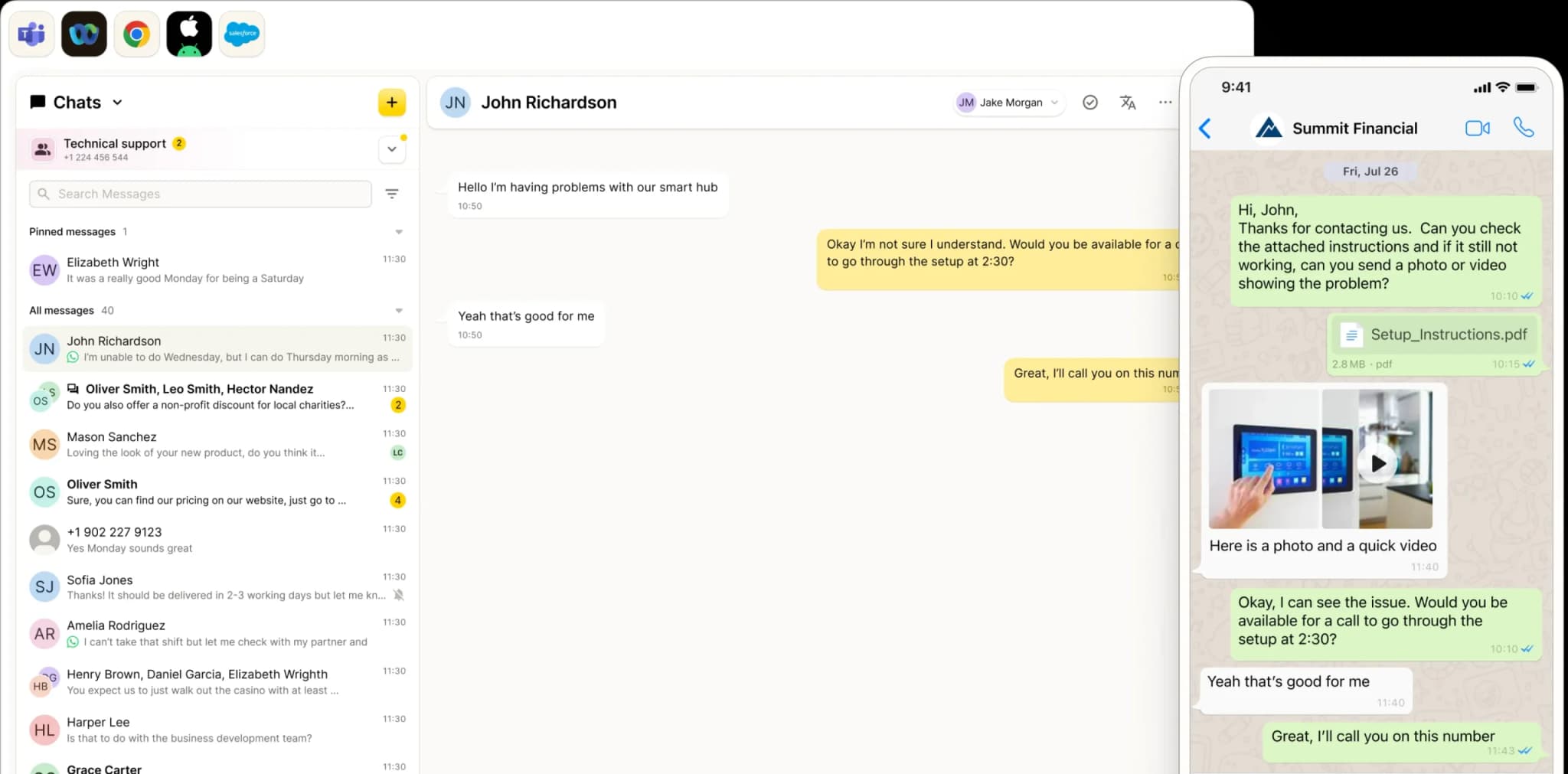
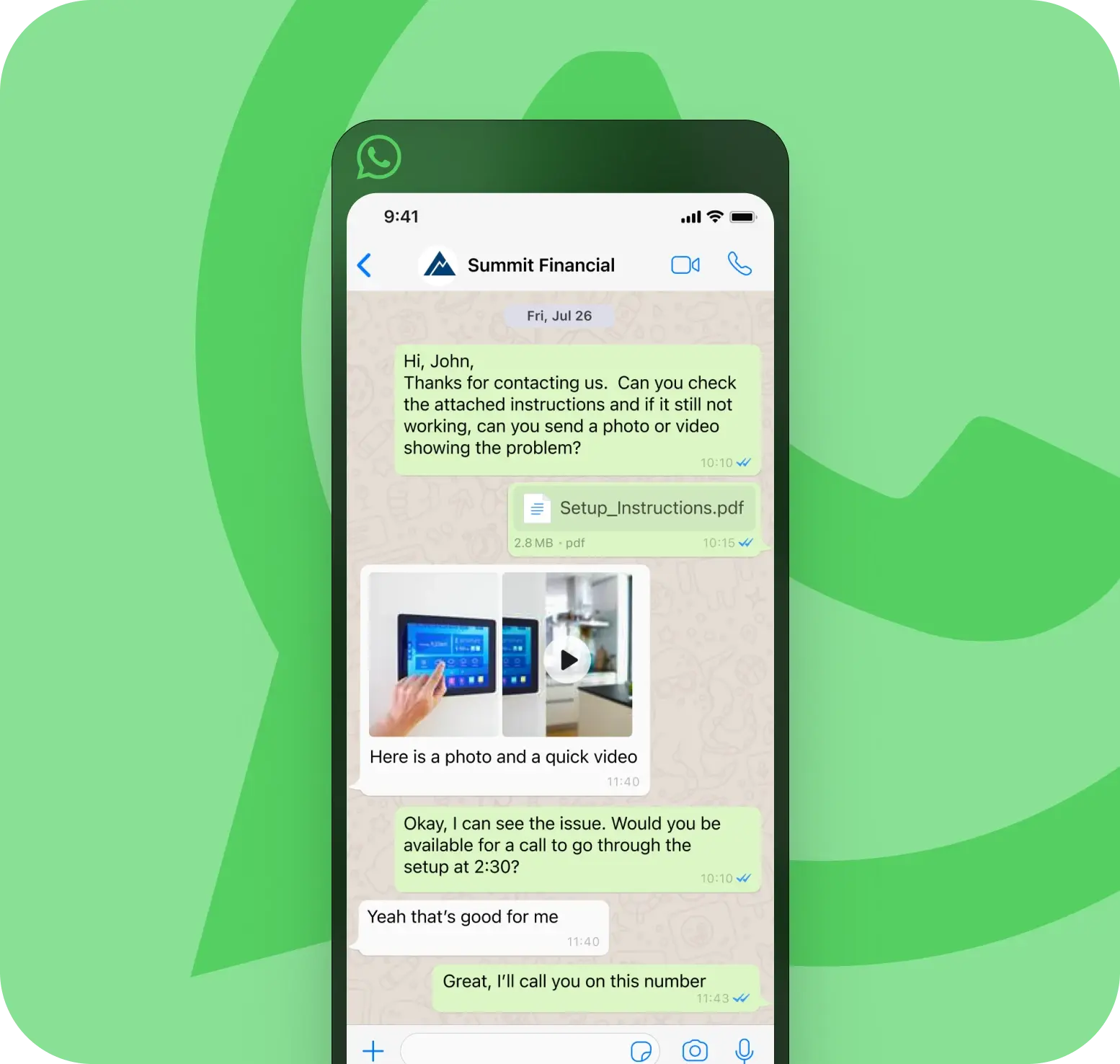
A desktop screen shows a chat with John Richardson about smart hub issues, while a mobile phone overlaps the screen displaying a WhatsApp Business Messaging conversation with Summit Financial about setting up an investment review.
SMS for Microsoft Teams, Webx, and Browsers
The world runs on WhatsApp

Why WhatsApp Business Messaging Matters Globally

With 3+ billion users, WhatsApp is the world’s most trusted messaging app, and the essential choice across the UK, Europe, India, and LATAM.Customers use it daily to communicate with friends, family, and trusted brands, making it the natural choice for business conversations that demand speed, familiarity, and engagement.
Built for global conversations

The Right Channel for International Messaging
International SMS can be expensive, inconsistent, and often blocked. WhatsApp changes that. It gives your team a direct, dependable way to reach customers worldwide - without carrier limitations, unpredictable delivery, or the hidden costs of cross-border texting.
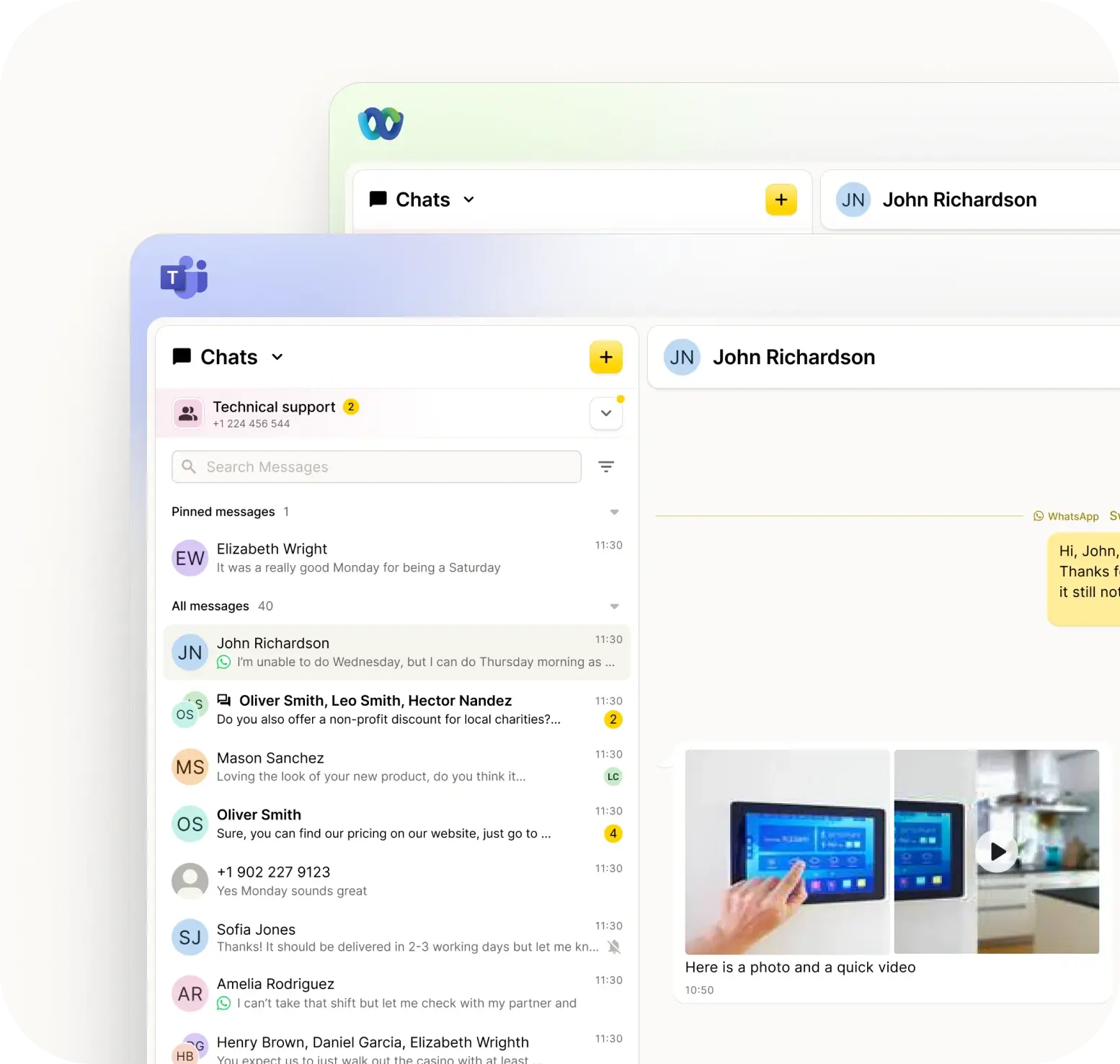
WhatsApp Business in Teams and Webex
Drive measurable outcomes

WhatsApp: Built for Business

Messaging should do more than connect: it should convert. WhatsApp Business equips your team to engage customers, provide context, and guide them to the next step, turning interactions into outcomes.
WhatsApp Business in Teams and Webex

Build Trust with Every Message

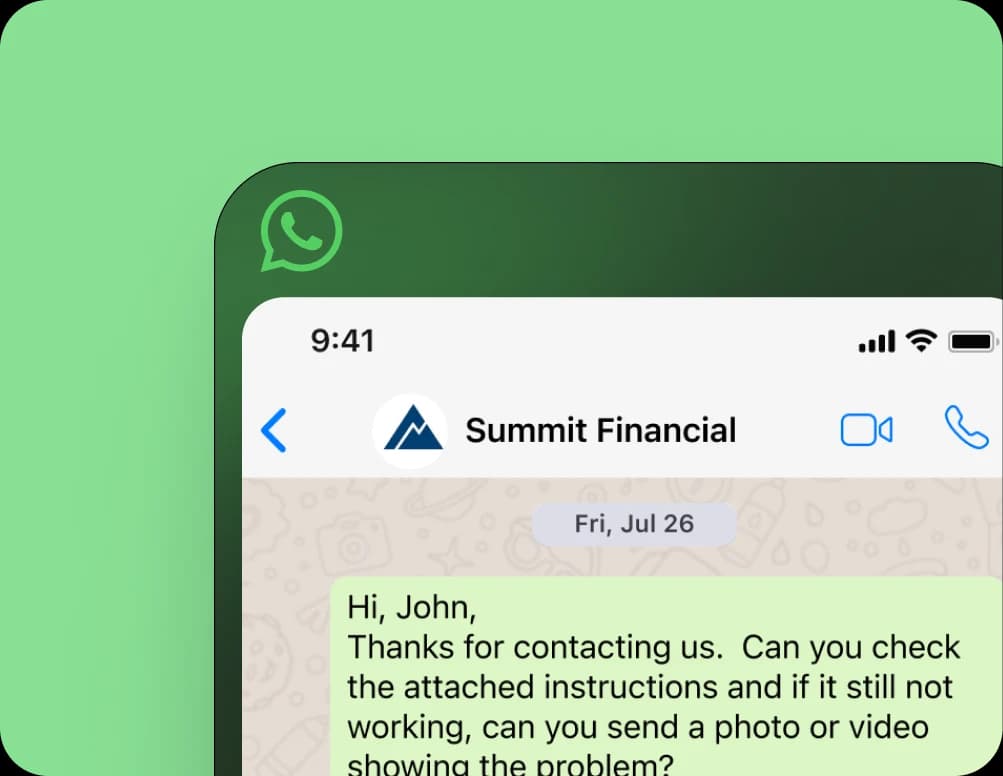
Anonymous texts get ignored. Branded messages get results. With WhatsApp Business, every message is clearly identified with your name, logo, and profile, building trust before it’s even opened.
WhatsApp Business in Teams and Webex

Add Attachments

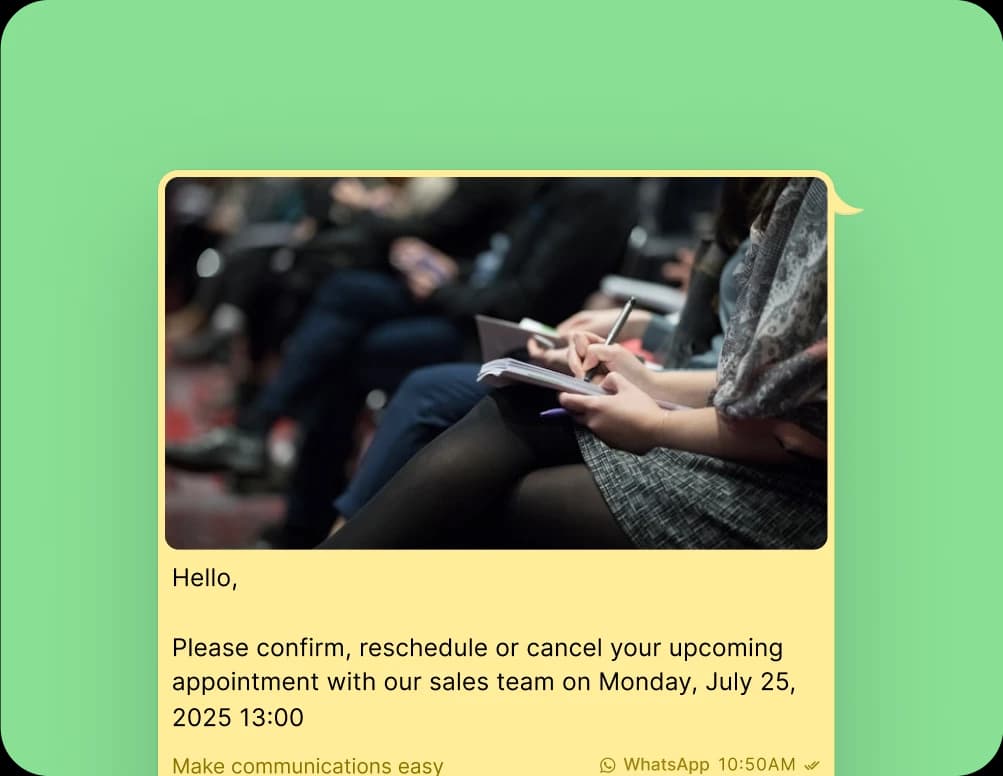
When words aren’t enough, attachments keep conversations moving. Share images, PDFs, documents, and videos directly in WhatsApp, so customers get the context they need — faster.
WhatsApp Business in Teams and Webex

Drive Engagement

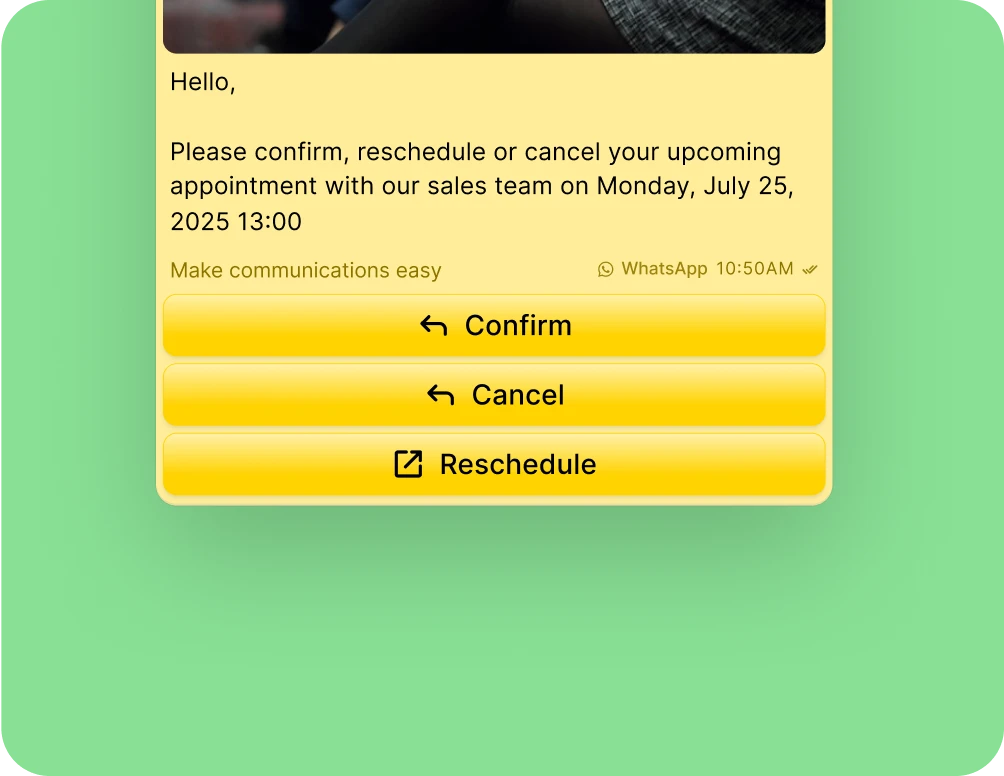
Use call-to-action (CTA) buttons, quick replies, and read receipts to guide responses, reduce friction, and help customers take the next step without delay or confusion.
WhatsApp Business in Teams and Webex
Compliance and control

YakChat + WhatsApp: Built for Compliance

Personal phones are a liability. Without oversight, your business data is a black hole: if a message is deleted, it’s gone forever. If an employee leaves, your client history goes with them. And if work texts are backed up to personal iCloud or Google accounts, those messages move beyond IT control and outside your compliance framework.A single unmonitored text can trigger an instant FCC or CCPA breach.YakChat puts you back in command. Every WhatsApp message is securely archived, retained, and owned by your business. Your data stays protected, and your compliance remains ironclad.
One number for calls and messaging

WhatsApp on Your Business Number

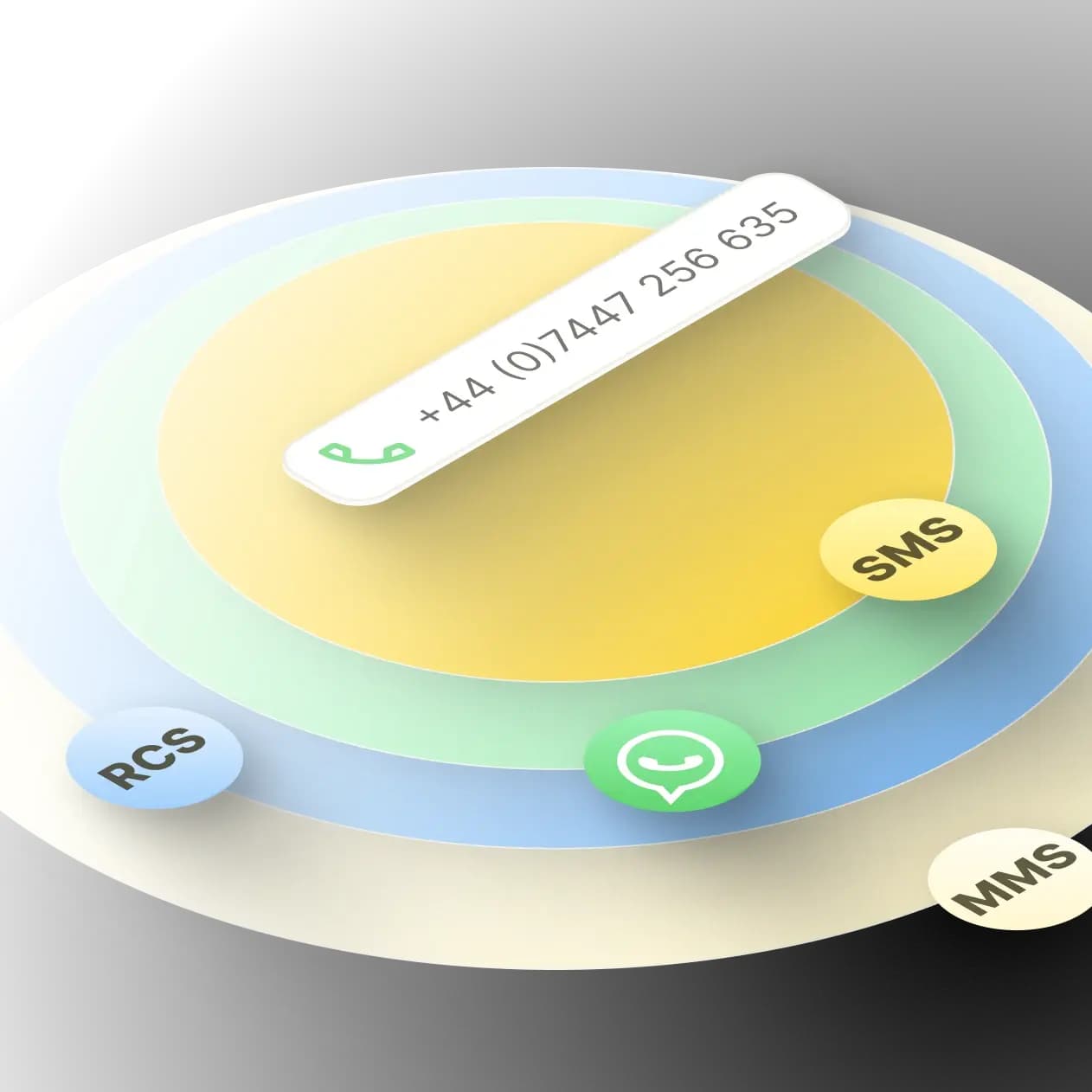
Add WhatsApp to your business number so customers can call or message you on the number they already know and trust. Manage every conversation securely and compliantly — in Microsoft Teams, Webex, your browser, or CRM system.

Keep Your Number

Whether your business number is tied to Microsoft Teams, Webex, or your VoIP service, YakChat can add WhatsApp to it. No new numbers to manage and no confusion for your customers.
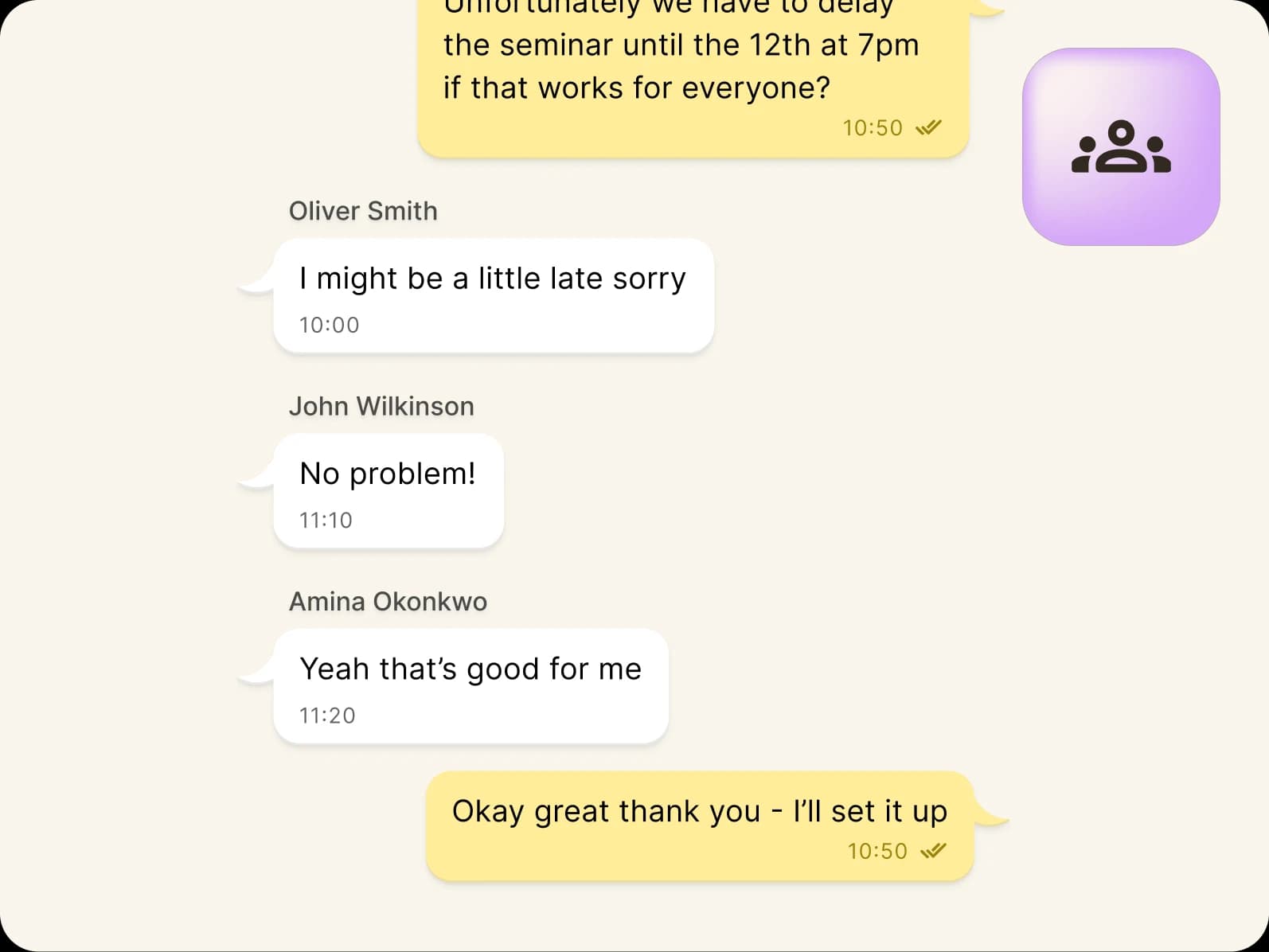
A group chat shows four participants coordinating a seminar, with messages about rescheduling to the 12th at 7pm. Participants confirm if the new time works, and one apologizes for being late. A group icon is visible in the corner.

Individual and Group Numbers

Add WhatsApp to an individual number for a private inbox - or a group number where your team can view, own, and reply to messages together, all in one place.
A light green map of Europe and the North Atlantic, overlaid with a white hexagonal grid and several dark green dots marking various locations—perfect for illustrating WhatsApp in Teams and Webex integration points across the region.

Instant Global Reach

Use one WhatsApp-enabled business number to reach customers globally, without the complexity and cost of international texting.

The WhatsApp Business Advantage

Accelerate sales

Leverage the exceptional 98% open rate of WhatsApp messages to connect with people faster and close deals with minimal effort.

Boost customer engagement

Instant WhatsApp notifications empower your team to respond swiftly to customer inquiries from any device, regardless of location.

Fast-track coordination

95% of WhatsApp messages are read within 3 minutes, making Group Chat the ultimate tool for fast, efficient work coordination and interaction.

Simplify OTP/2FA

Receive OTP/2FA codes on WhatsApp in your Microsoft Teams channel or Webex shared space - so you can distribute user credentials to remote and mobile teams quickly and securely.

YakChat: Powerful Features. Powerful Messaging.

Collaborate in a shared inbox

Team members can collaborate on WhatsApp messages in real time — assigning, replying, and following-up without duplicating effort or losing context.
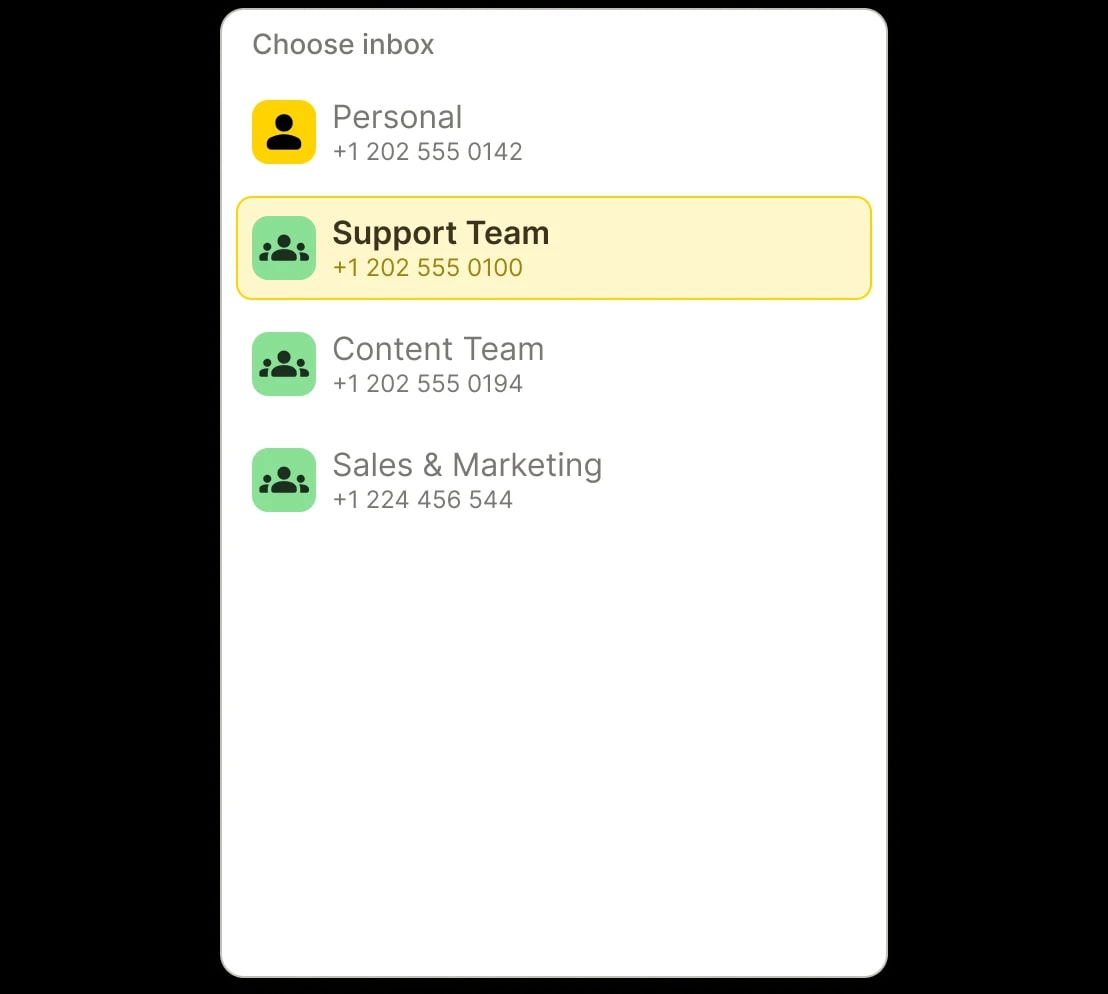
Example of inbox selection in YakChat

Connect contacts to conversations

Link WhatsApp chats to your company contacts and directories, so customer context is always accessible.
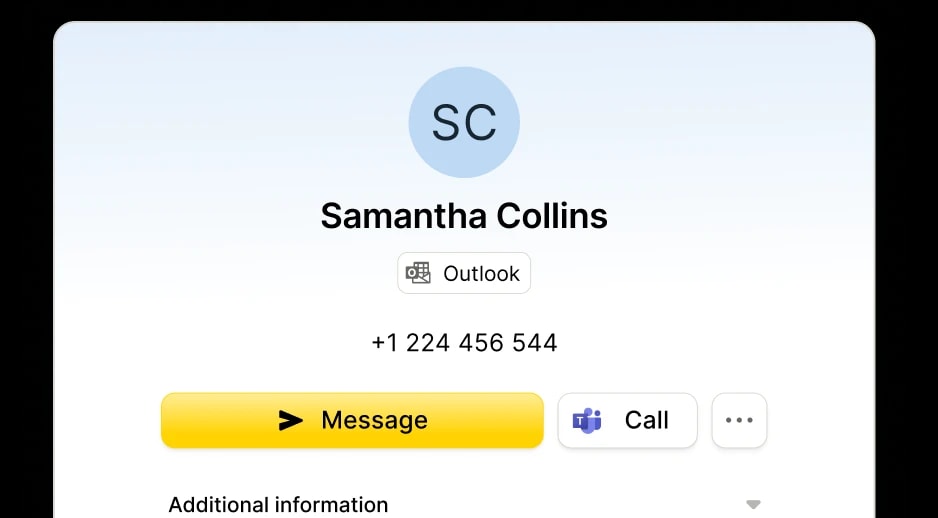
Contact details

Reply to individual messages

View the message someone has replied to and select a message to include with your response.
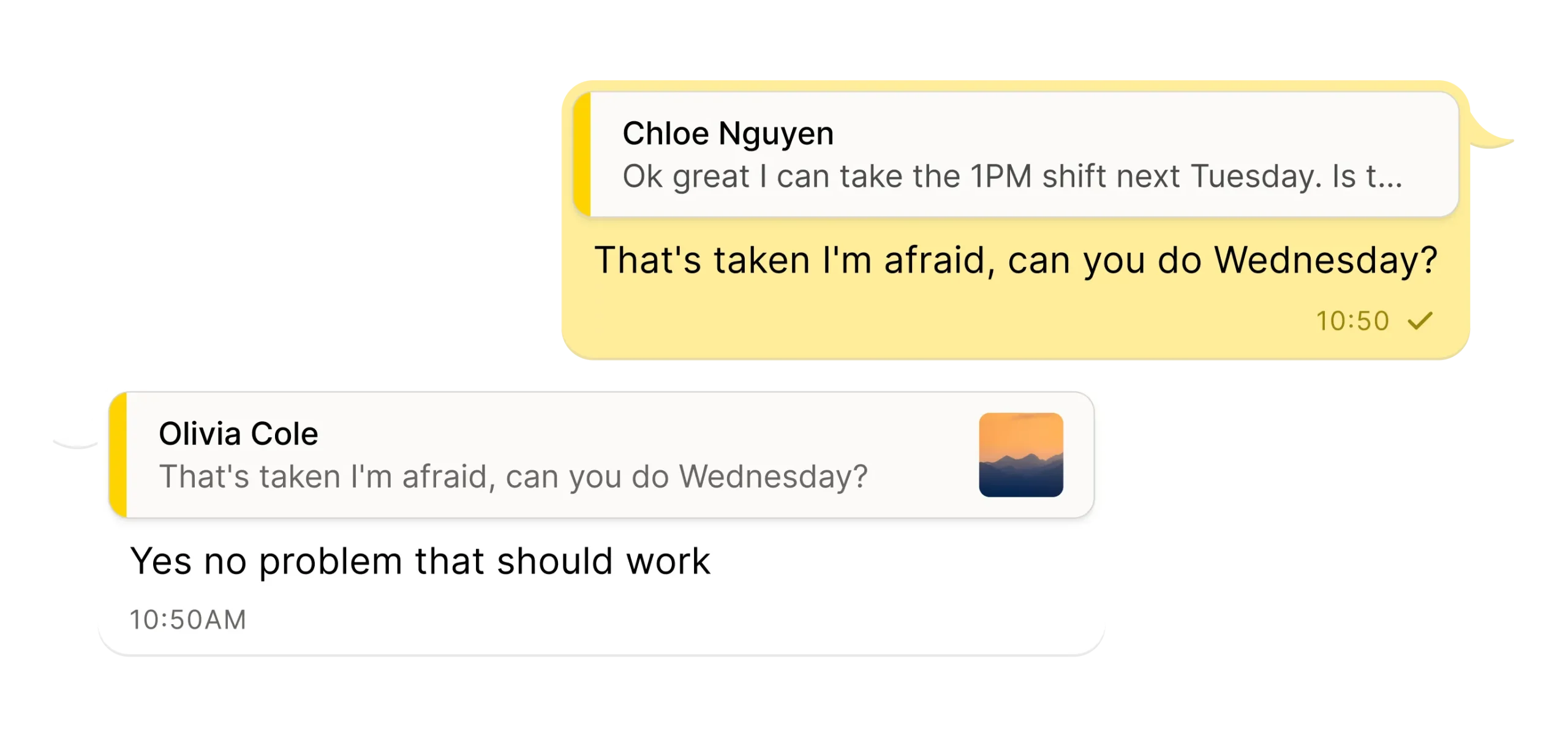
A chat exchange where Chloe Nguyen asks to take a 1PM shift next Tuesday. The reply says that’s taken and asks about Wednesday. Olivia Cole agrees, saying Wednesday works. Timestamps are 10:50 and 10:50 AM.

Instant emoji reactions

Use emoji reactions to respond faster and add a human touch to every customer conversation.
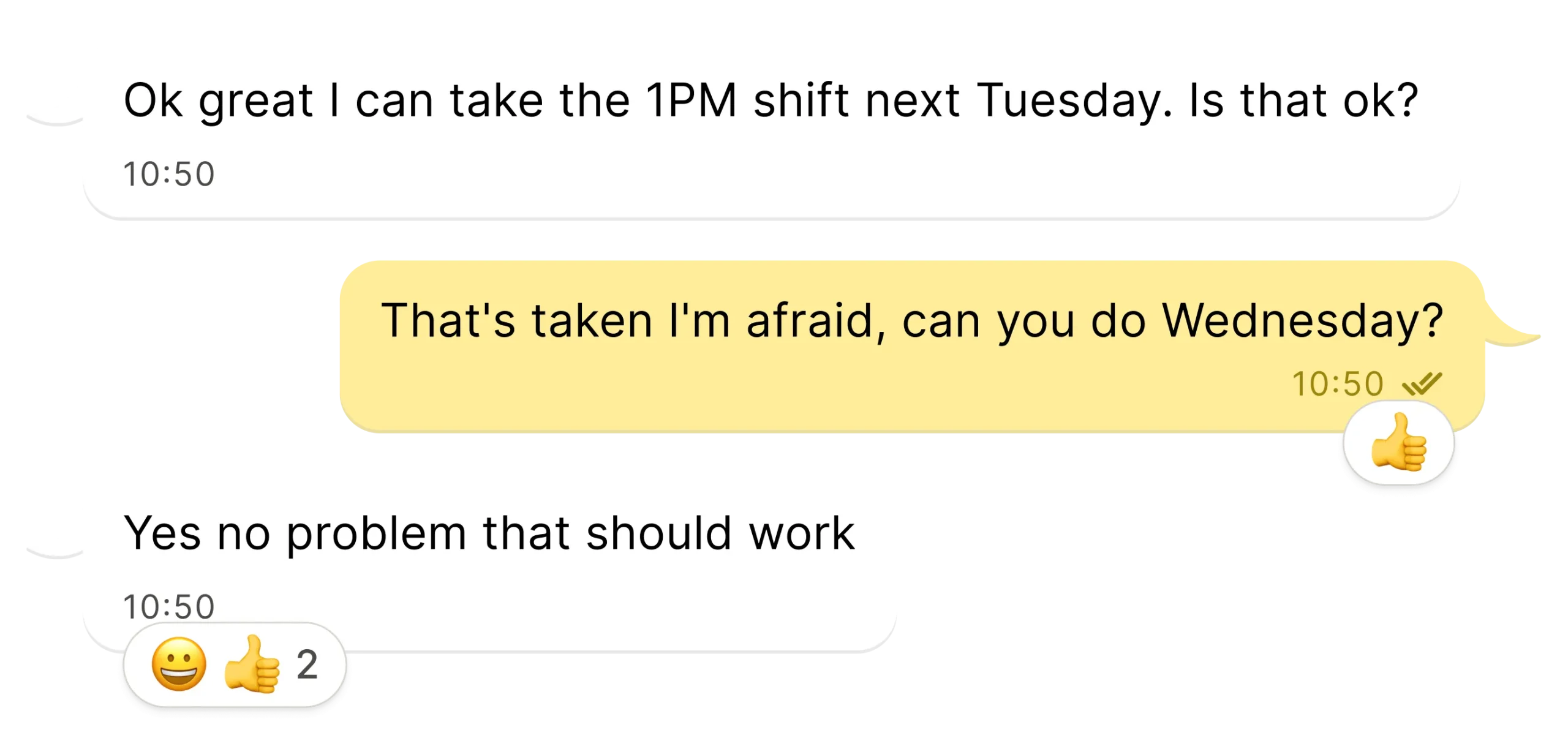
A text conversation about work shifts. One person asks to take the 1PM shift on Tuesday. The other replies its taken and suggests Wednesday. The first person agrees, adding a thumbs-up and smiley emoji.

Know what's been seen

Message status indicators, read receipts, and team visibility help ensure every customer message is seen, tracked, and actioned.
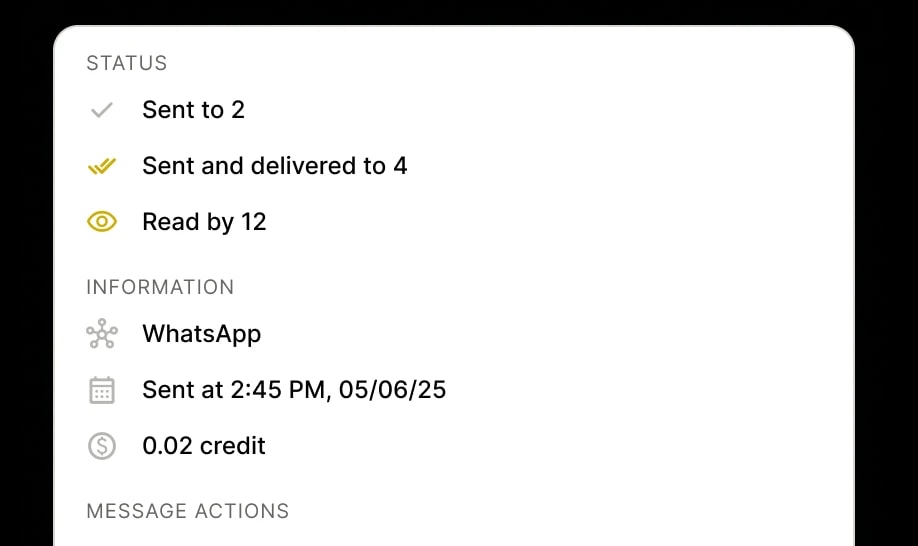
Message delivered receipts

Switch between WhatsApp, SMS, MMS, and RCS

Switch channels without losing the thread, so every conversation stays connected and easy to follow.
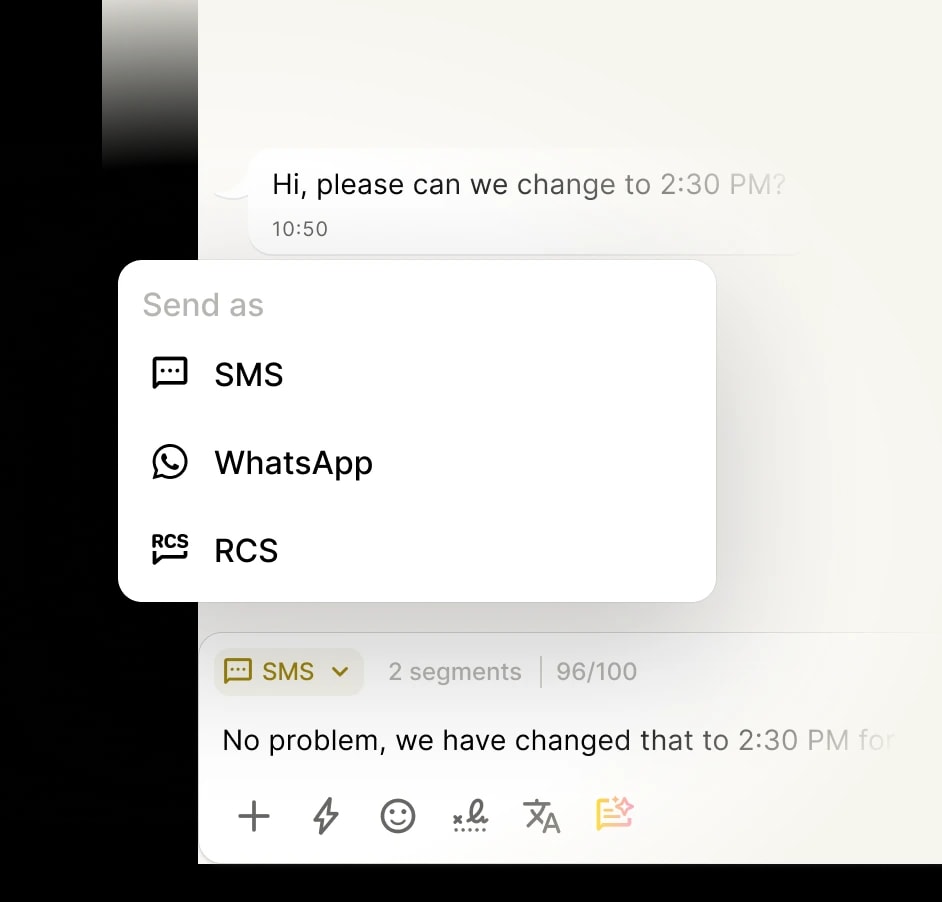
Image of Menu showing different channels to send messages from

Translate messages in real time

Message your contacts in their native language and get replies in yours. With 100+ languages at your fingertips, the world is just a message away.
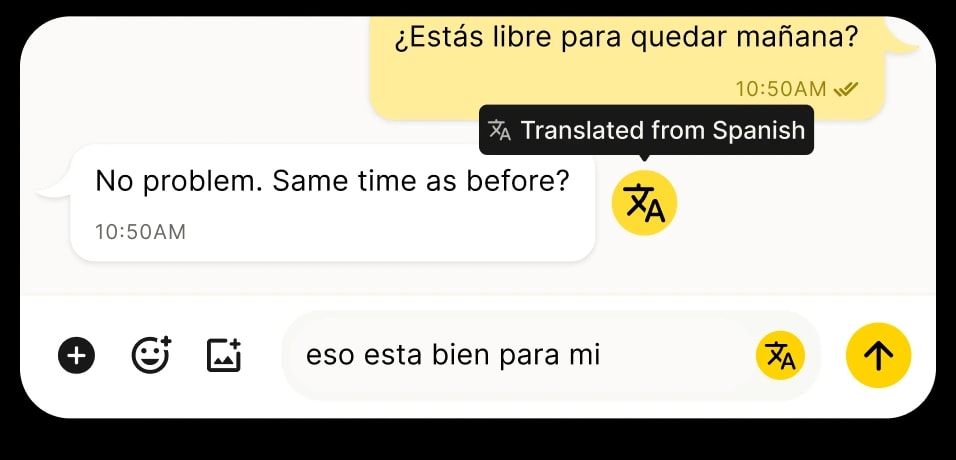
Translated message from Spanish to English

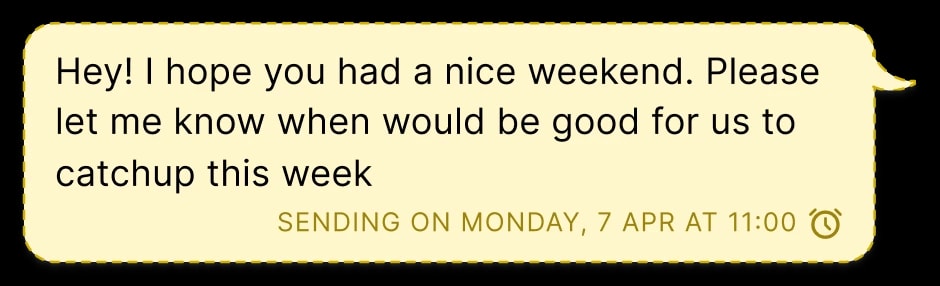
Schedule messages to send later

Compose a message now and schedule it to send later at the perfect time. Ideal for planning ahead to stay organized.