Messaging App
 For Microsoft Teams
 For Webex
 For Salesforce
 In the Browser
 For iOS and Android
 All Features
 SMS
SMS MMS
MMS WhatsApp Business Messaging
 RCS for Business
 Power Automate
 Browser extension
 Tango Extend Integration
 Bring your own SMS provider
Omnichannel Messaging for Microsoft Teams
Enterprise-grade unified messaging for Microsoft Teams. Manage SMS, MMS, WhatsApp, and RCS in one secure workspace for compliant customer engagement.
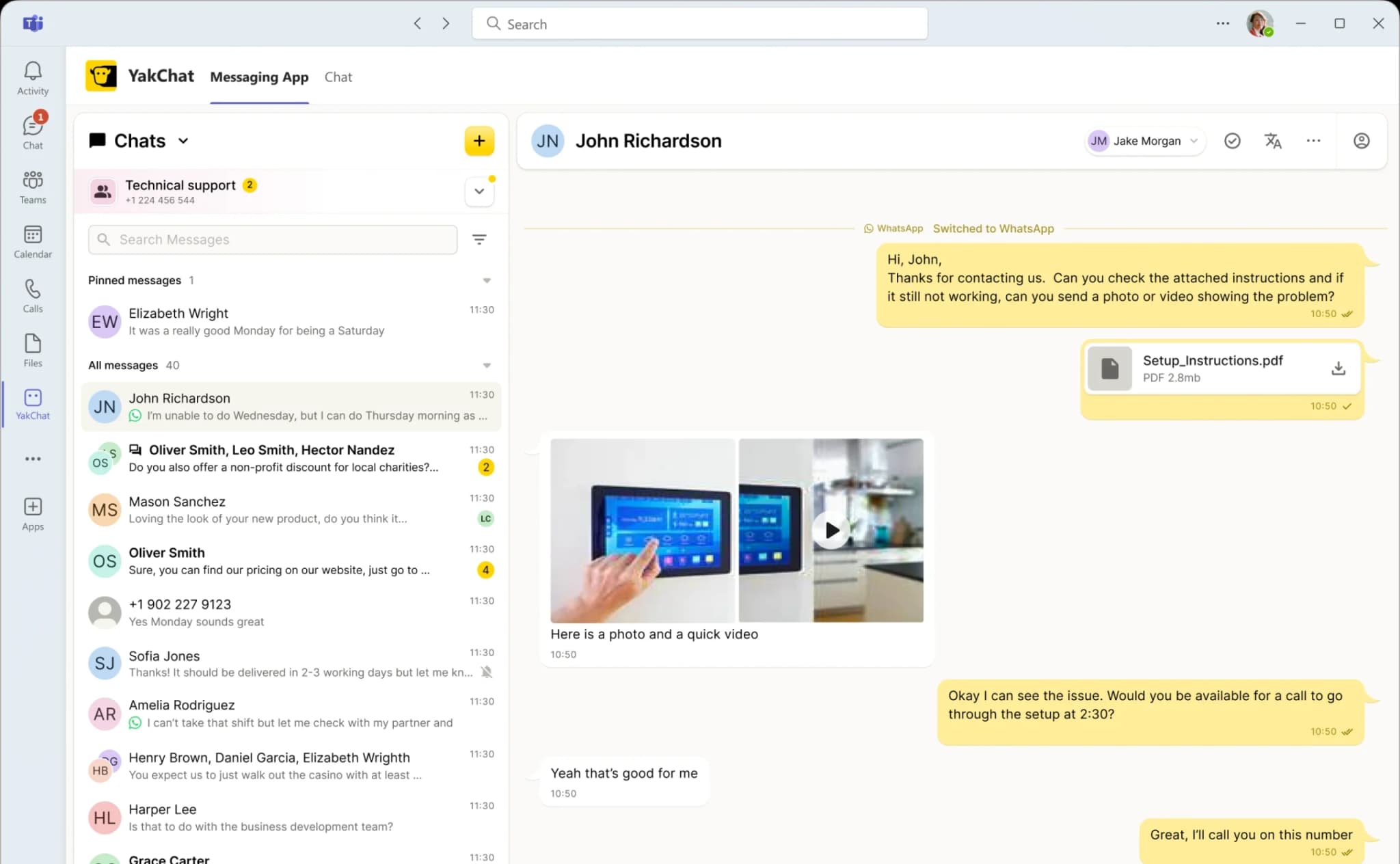
Connect • Collaborate • Comply
Choose Your Messaging Channel
Whether customers prefer SMS, MMS, WhatsApp, or RCS, your team can manage every conversation directly in Microsoft Teams — switching channels mid-thread without losing context, visibility, or control.
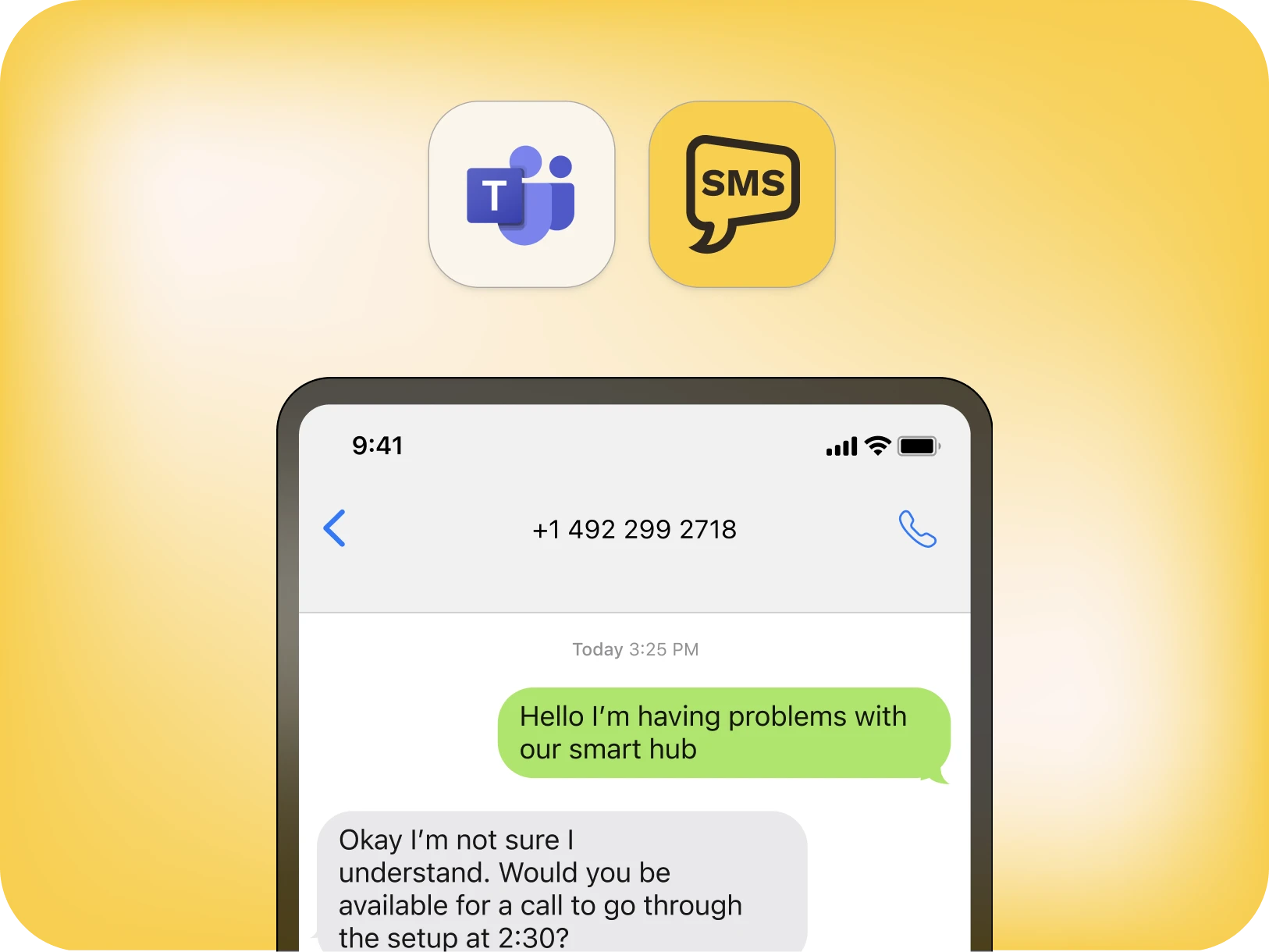
SMS/MMS
Enterprise-grade SMS and MMS messaging for instant, compliant communication with universal reach.
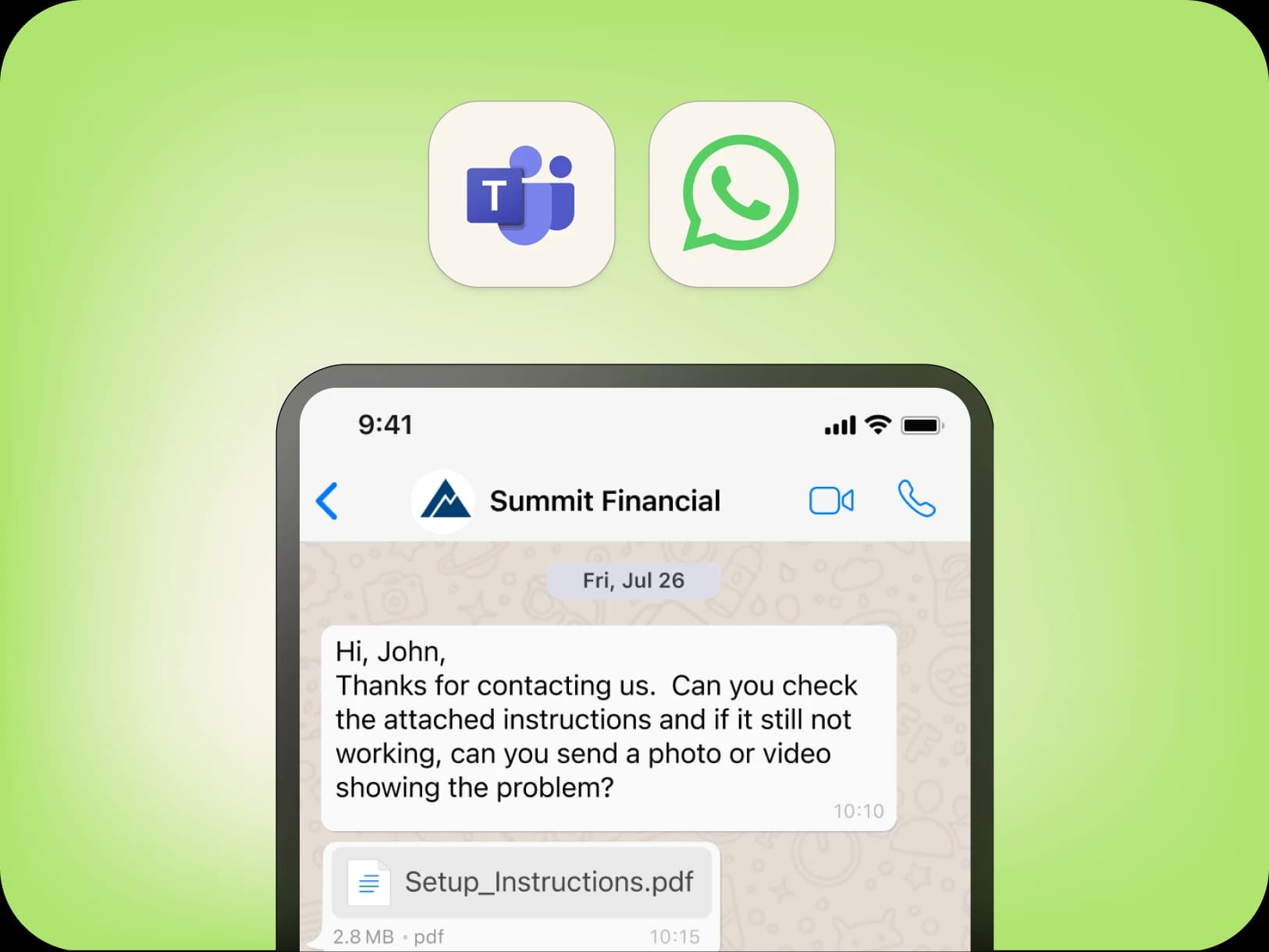
WhatsApp Business Messaging for secure international engagement and global customer reach.
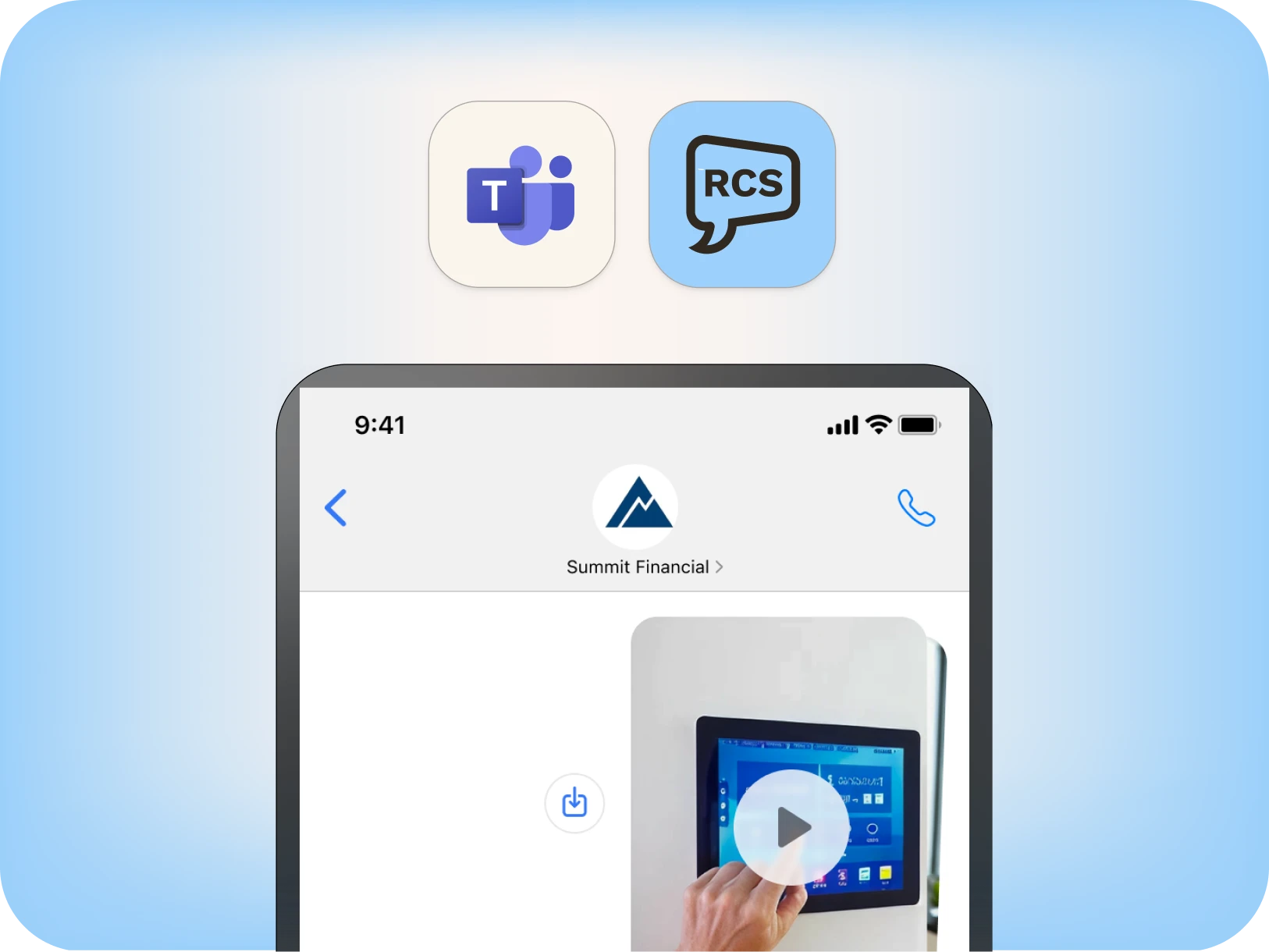
RCS
RCS for Business enables rich media, branded layouts, and tap-to-reply actions that drive deeper engagement.
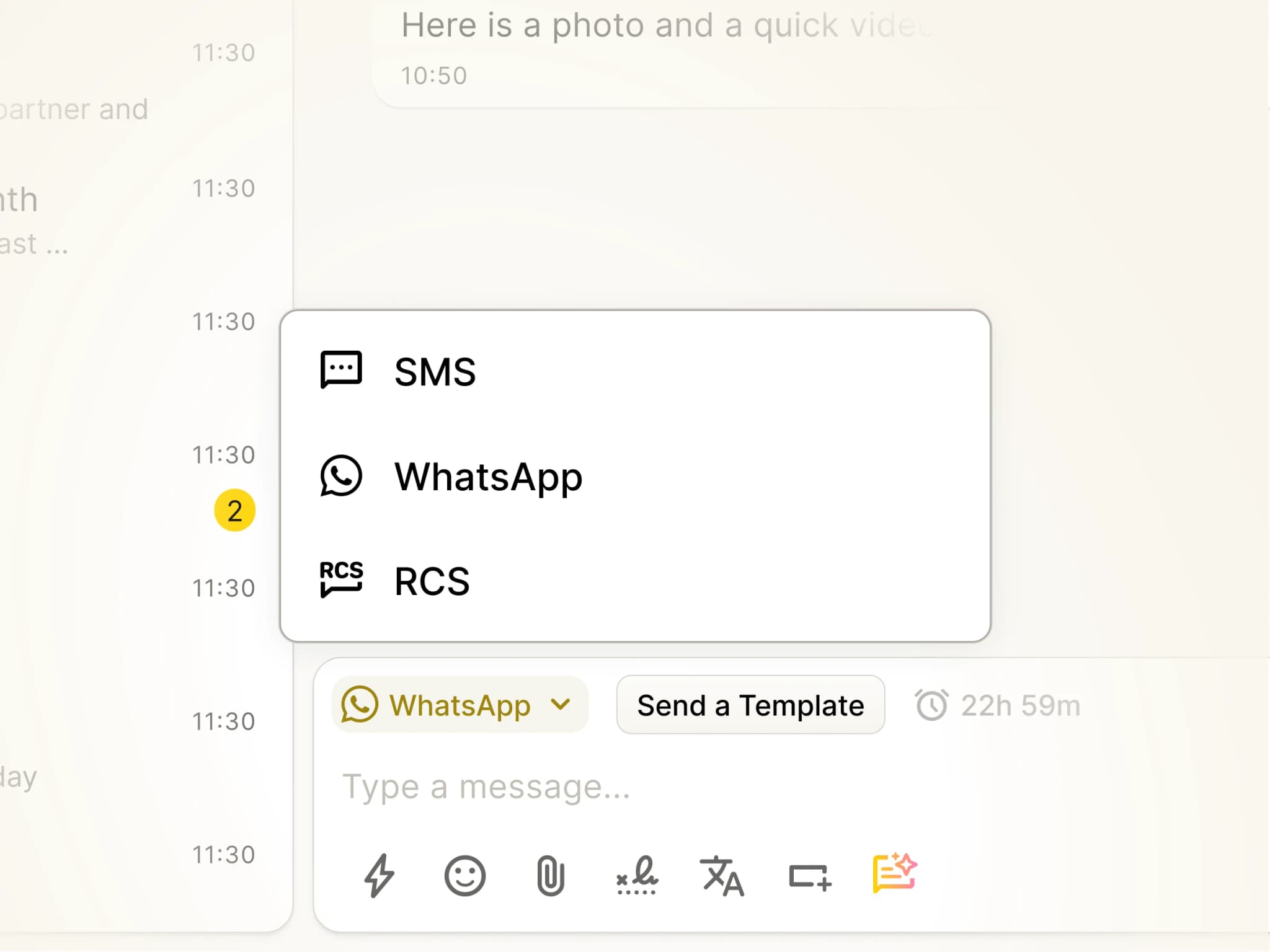
Why Omnichannel Messaging in Microsoft Teams Matters
Most domestic business messaging still happens over SMS. Yet different situations call for different channels.SMS and MMS provide universal reach, WhatsApp helps organizations connect with international customers, while RCS enables richer, proactive engagement.Omnichannel Messaging for Microsoft Teams brings SMS, MMS, WhatsApp, and RCS into one unified workspace. Conversations can move between channels as needed, but every message remains in a single thread with full history and compliance.Reach customers on the right channel — while managing every conversation from one messaging hub inside Microsoft Teams.
Add YakChat from the Microsoft App Store
Omnichannel Messaging Unified in Microsoft Teams
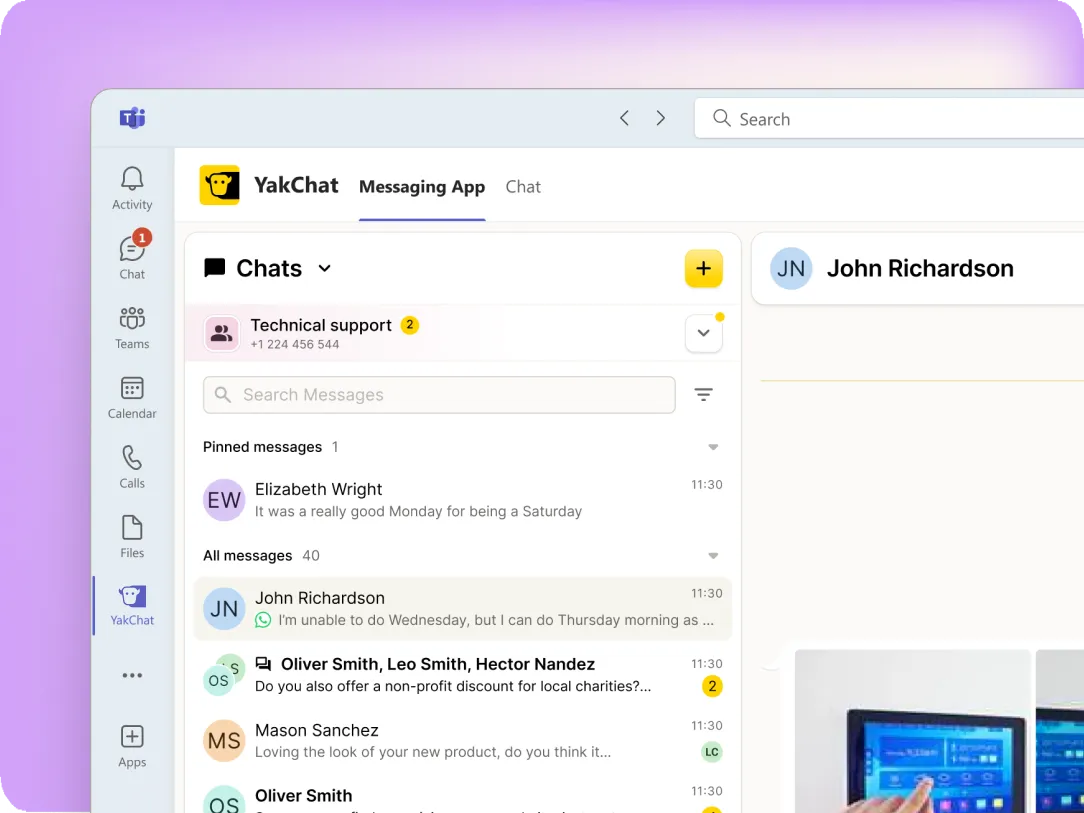
Messaging App
Access SMS, MMS, RCS, and WhatsApp chats from the YakChat app in the Microsoft Teams sidebar, with advanced features and full conversation management.
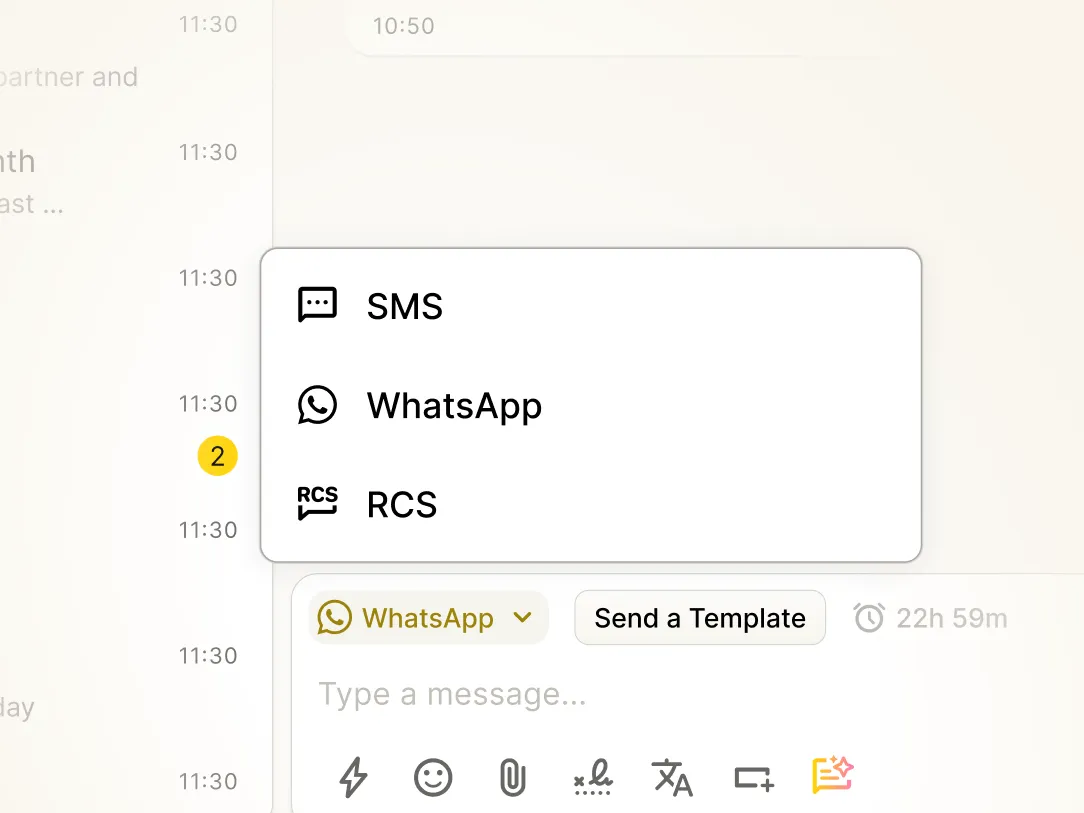
Native Teams Chat
YakChat delivers SMS, WhatsApp, and RCS conversations directly into Microsoft Teams Chat for faster responses and a more natural workflow.
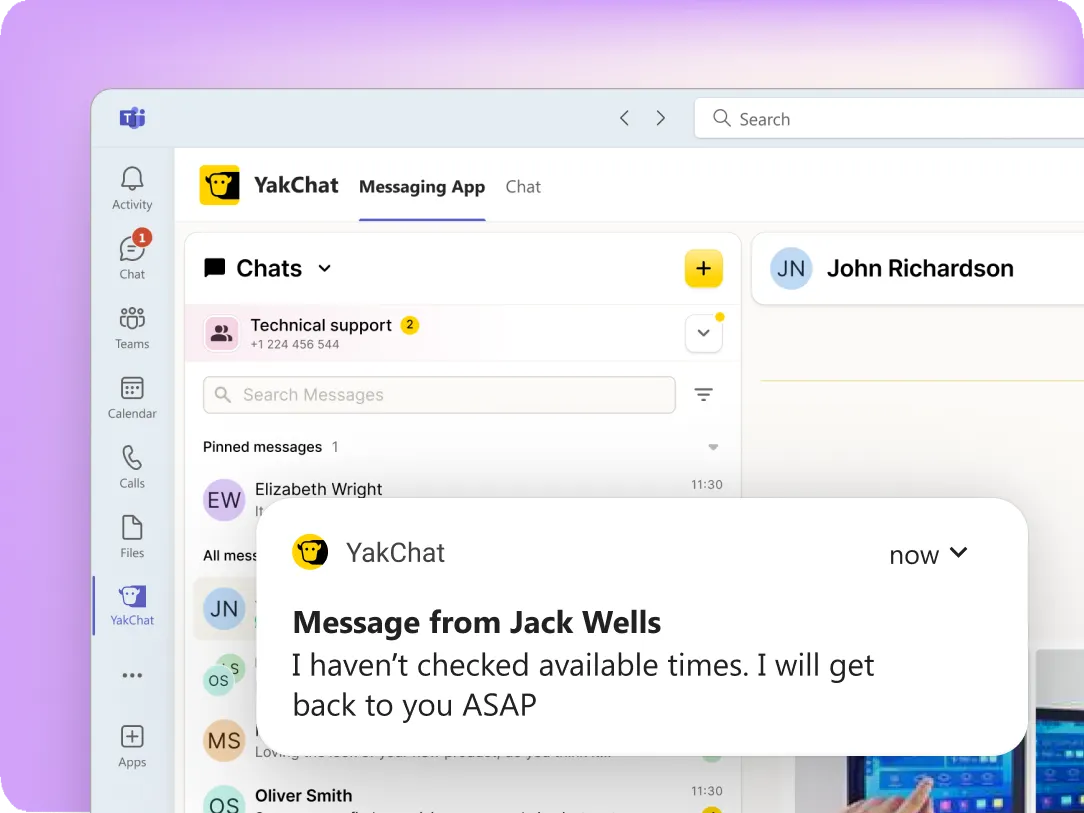
Real-Time Notifications
Get Microsoft Teams Chat or Activity alerts for new SMS, RCS, and WhatsApp messages in real time across desktop and mobile.
Microsoft Calling Number
Message from your Microsoft Teams, Operator Connect, or Direct Routing phone number, so recipients instantly know who's contacting them.
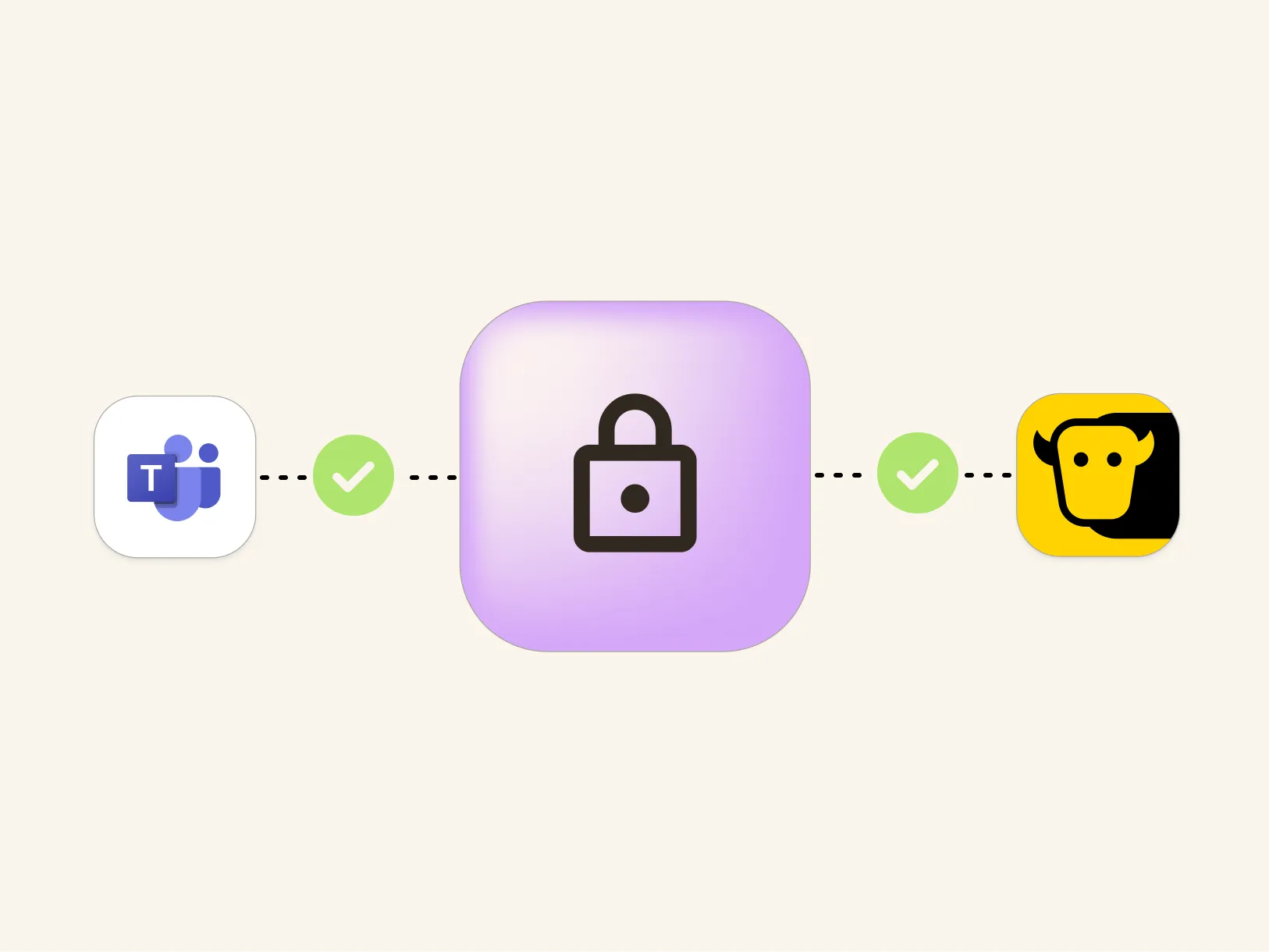
Seamless Microsoft Security
Authentication happens behind the scenes using your Microsoft Teams user profile - no additional usernames or passwords to manage.
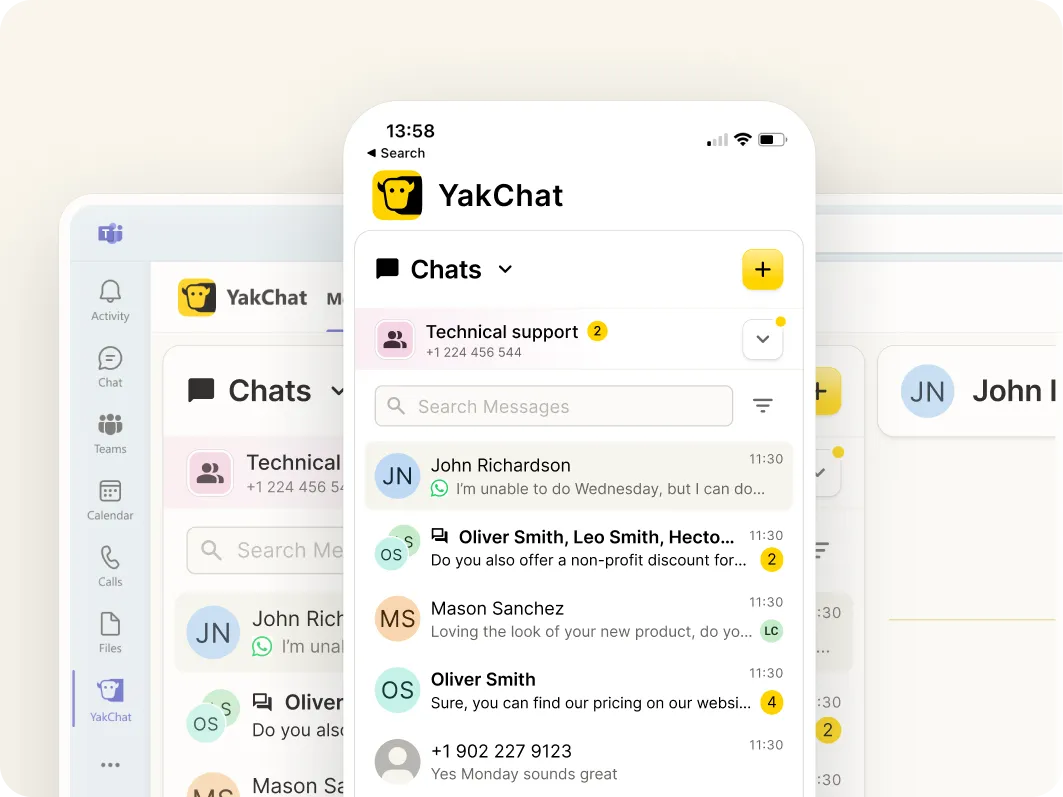
Desktop & Mobile
Access SMS, WhatsApp, and RCS messages across Microsoft Teams desktop and mobile, with conversations synced in real time across devices.
One experience. Any platform
See YakChat on Other Platforms
The same omnichannel messaging experience — wherever your team works.