Messaging App
 For Microsoft Teams
 For Webex
 For Salesforce
 In the Browser
 For iOS and Android
 All Features
 SMS
SMS MMS
MMS WhatsApp Business Messaging
 RCS for Business
 Power Automate
 Browser extension
 Tango Extend Integration
 Bring your own SMS provider

WhatsApp for Microsoft Teams
Meet international customers where they are. YakChat brings WhatsApp Business Messaging into Microsoft Teams with business-grade visibility, control, and compliance—connecting the channel your customers prefer with the platform your team relies on every day.
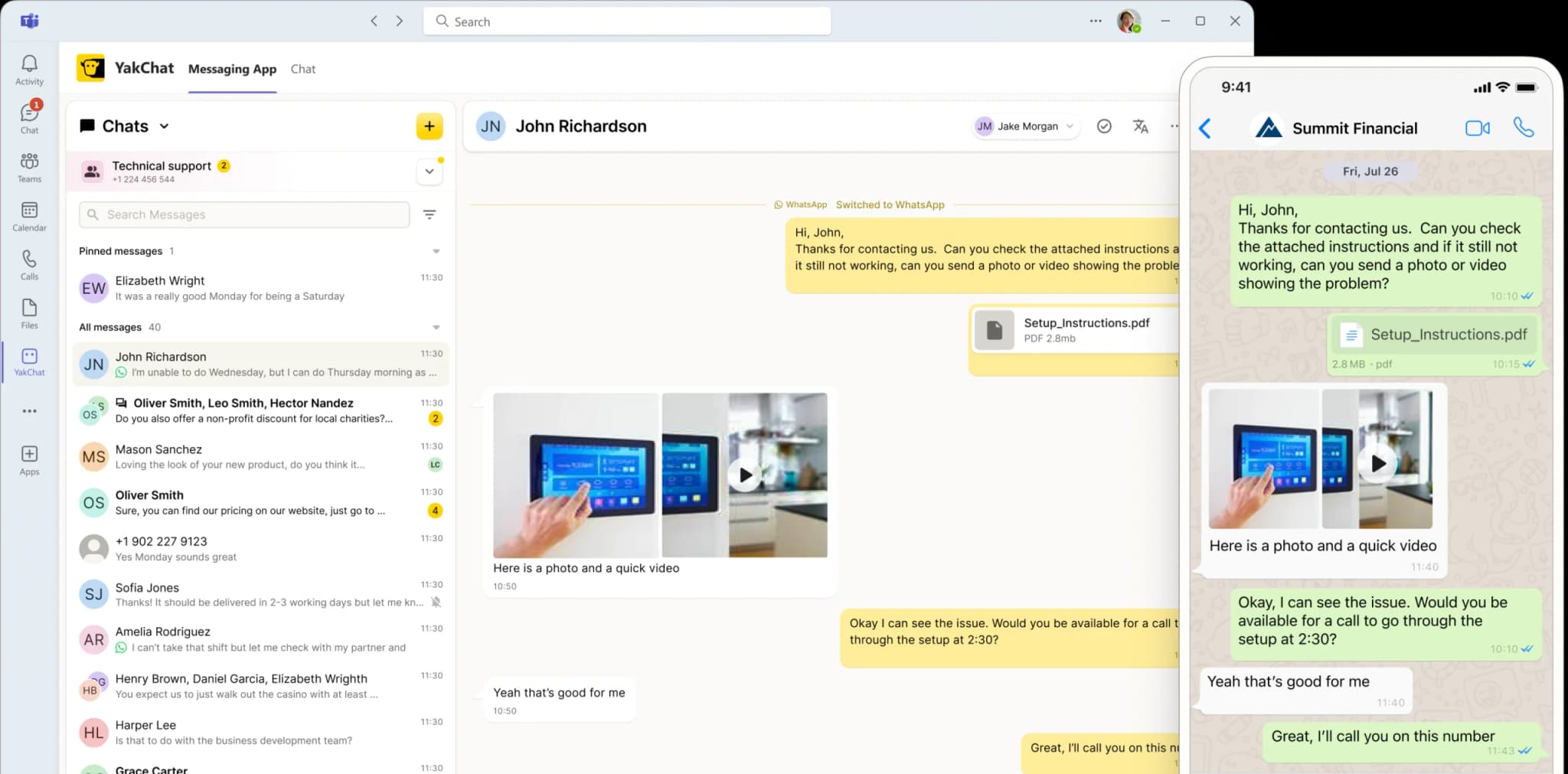
Connect . Collaborate . Comply
Why WhatsApp in Microsoft Teams Matters
Your international customers already live on WhatsApp, but your team works in Microsoft Teams. YakChat bridges that gap, helping them respond instantly on the world's most popular messaging app while ensuring every conversation has the oversight, governance, and auditability your business needs.
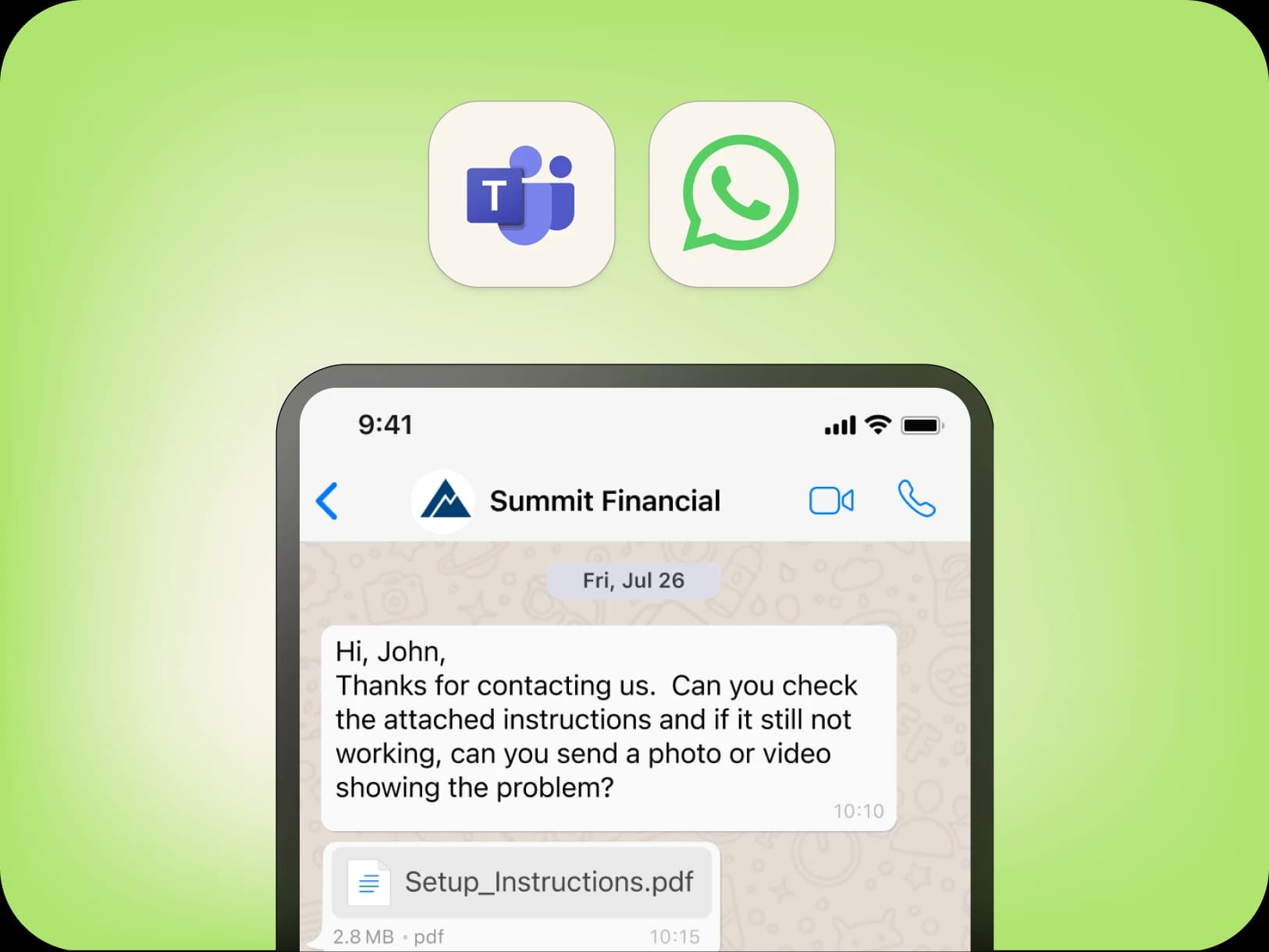
Built for international engagement
Add WhatsApp to Microsoft Teams for Instant Global Reach
Reach your international customers on the channel they already use. With over 3 billion users worldwide, WhatsApp is the default for markets outside North America.YakChat embeds WhatsApp Business Messaging directly into Microsoft Teams, giving your teams an effortless way to engage customers globally — without switching apps or changing how they work.
When SMS isn't enough
All the Features You Need...
Extend Microsoft Teams beyond chat with powerful messaging features built for collaboration and compliance at scale.
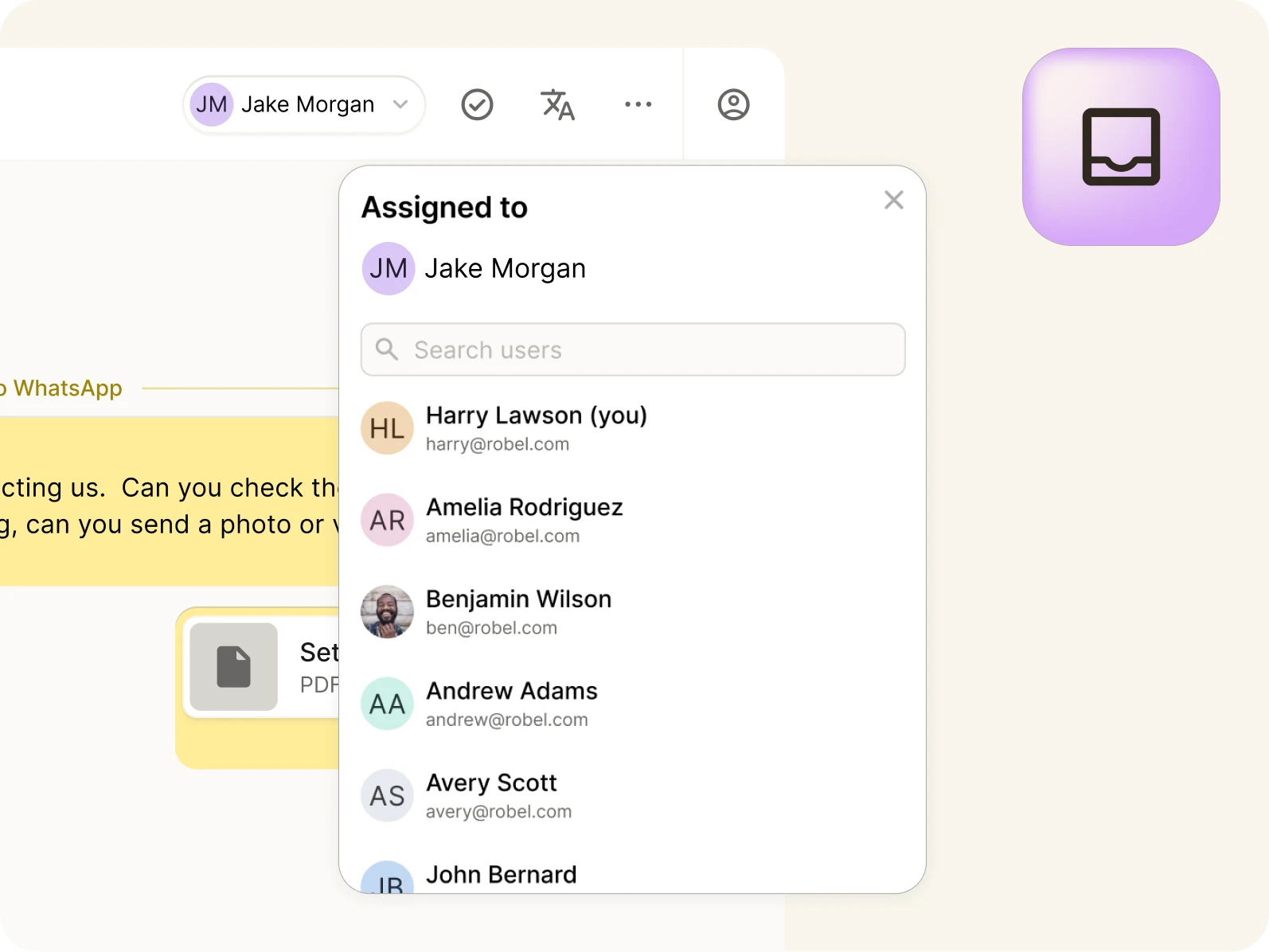
Individuals & Teams
Add WhatsApp to individual user numbers with a personal inbox, or your team's group number with a shared inbox so everyone can collaborate using WhatsApp.
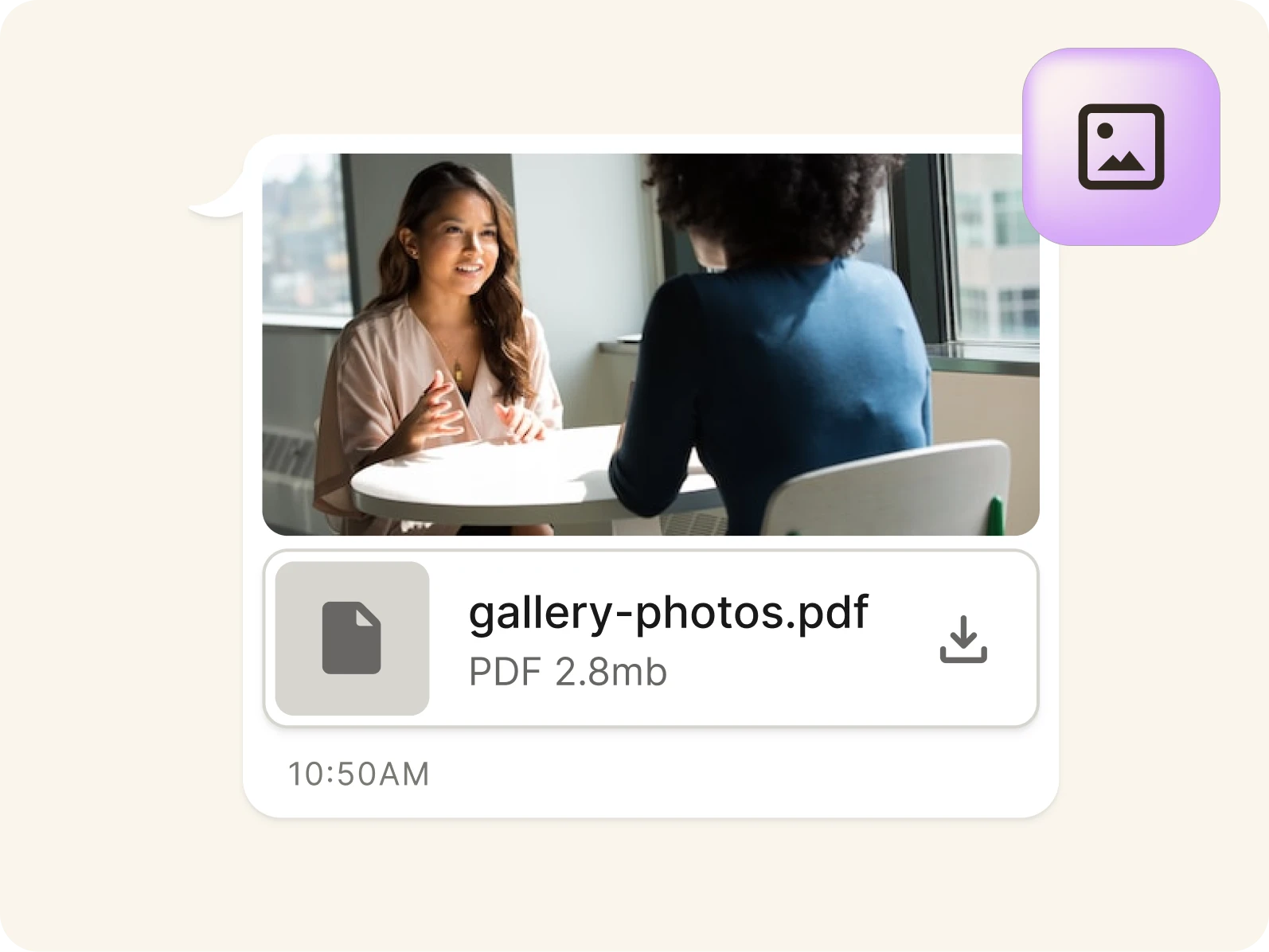
Pictures & Files
Send and receive images, videos, screenshots, and documents with contacts outside the US and Canada (capabilities not supported by international SMS/MMS).
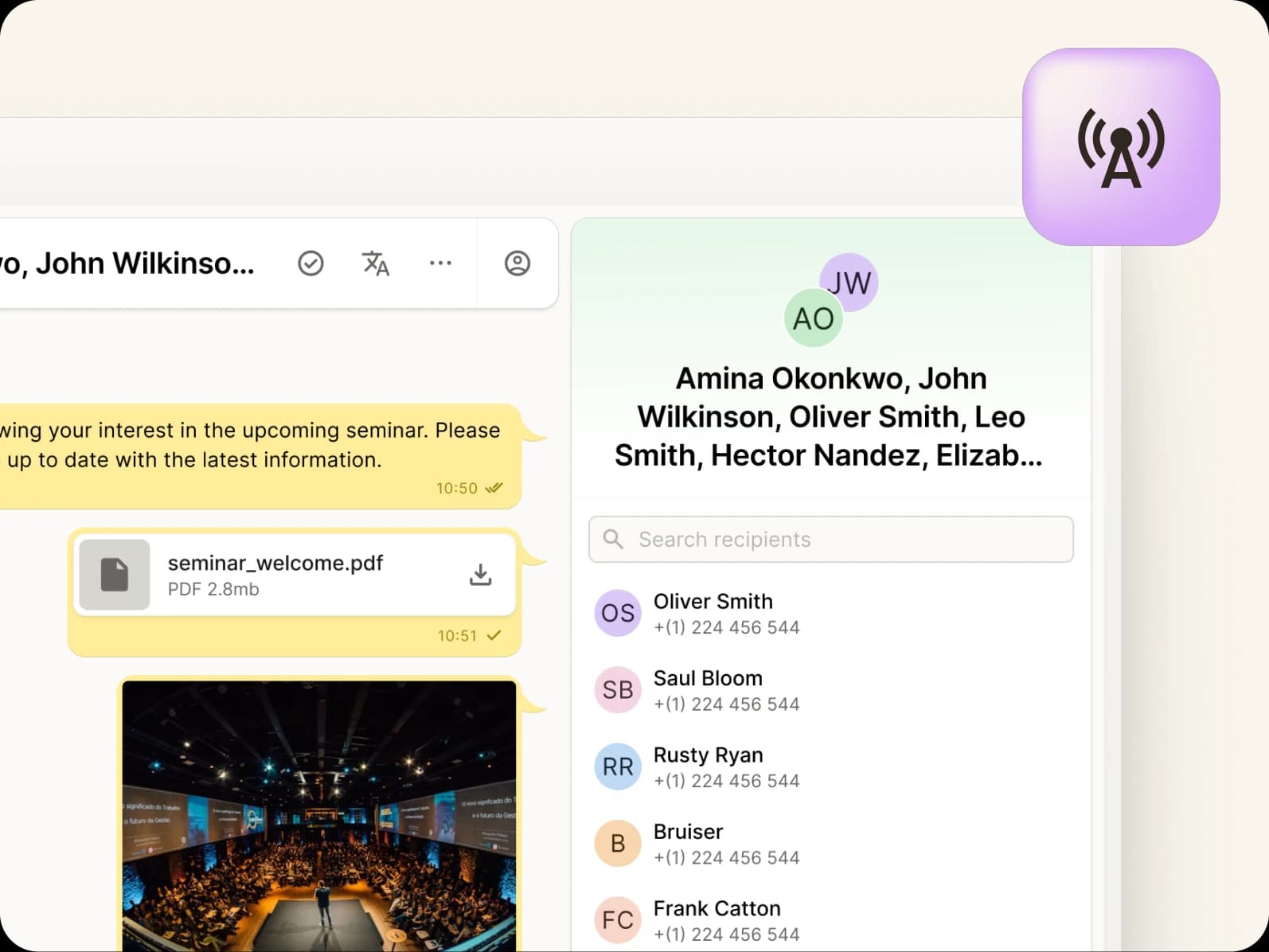
Broadcast Messages
Use Meta-approved WhatsApp templates to broadcast messages at scale. Each message is delivered as private one-on-one conversation with full visibility, control, and compliance.
...and All the Features You Could Wish For
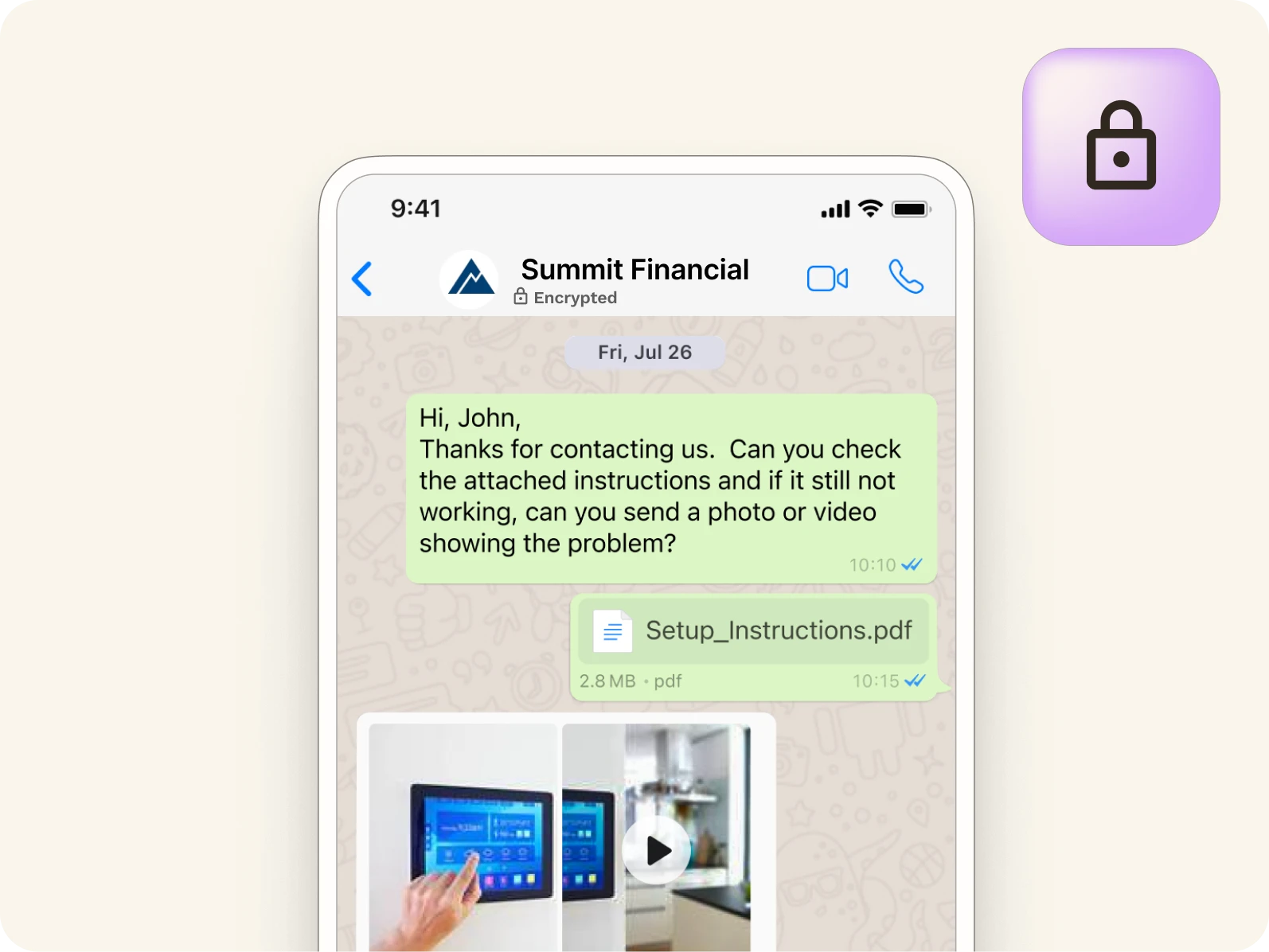
Branded & Encrypted
WhatsApp Business Messaging displays your business name and logo, with encryption in transit — building trust, improving engagement, and ensuring secure communication.
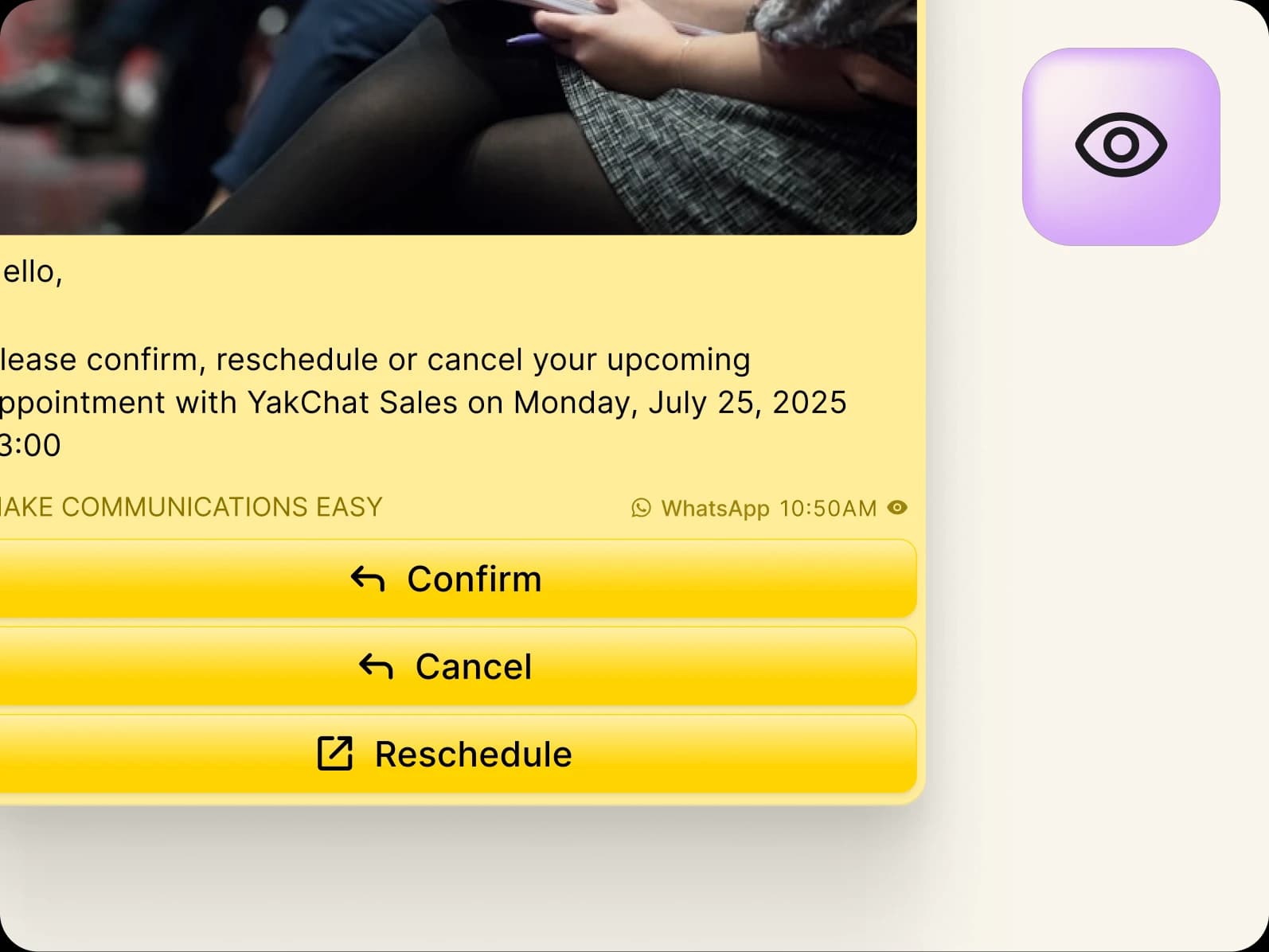
Buttons & Read Receipts
Drive interaction with call-to-action buttons, quick reples, and read receipts to drive interaction, guide next steps, improve responsiveness, and deliver faster, more consistent customer outcomes at scale.
Language Translation
Translate messages automatically in real time to chat effortlessly with international customers and teams, reduce friction, and keep conversations moving smoothly across borders.
Unified contact hub
Connect with Contacts Wherever They're Saved
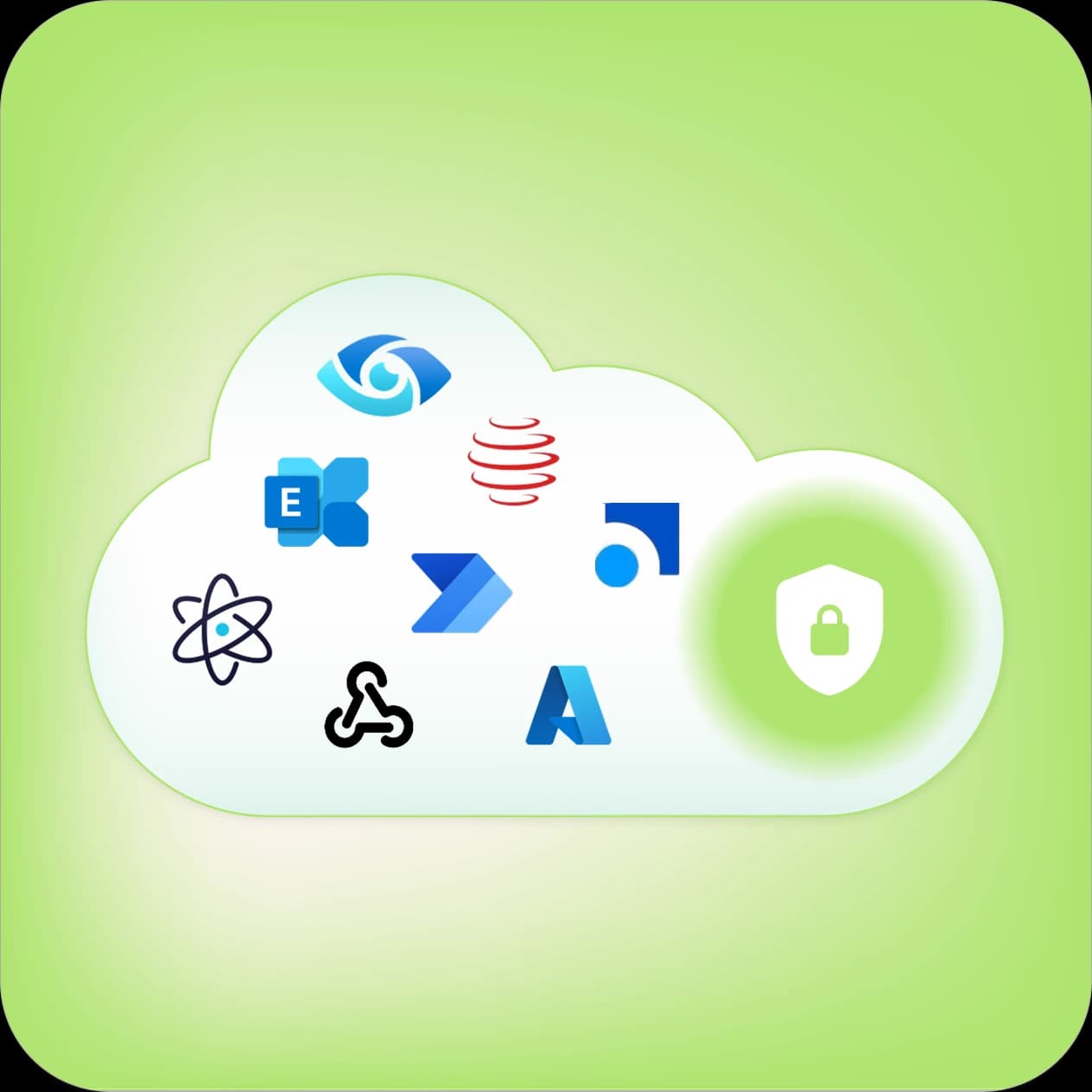
Bring together contacts from YakChat, Microsoft Outlook, SharePoint, or Entra ID into a single, unified view - so your teams can quickly find and share contacts without switching systems. YakChat automatically matches phone numbers to contacts and displays names instead of just numbers, giving teams instant context and making conversations easier to manage.
Add YakChat from the Microsoft App Store
Seamless WhatsApp Integration with Microsoft Teams
Benefit from the most integrated and professional WhatsApp solution for Microsoft Teams.
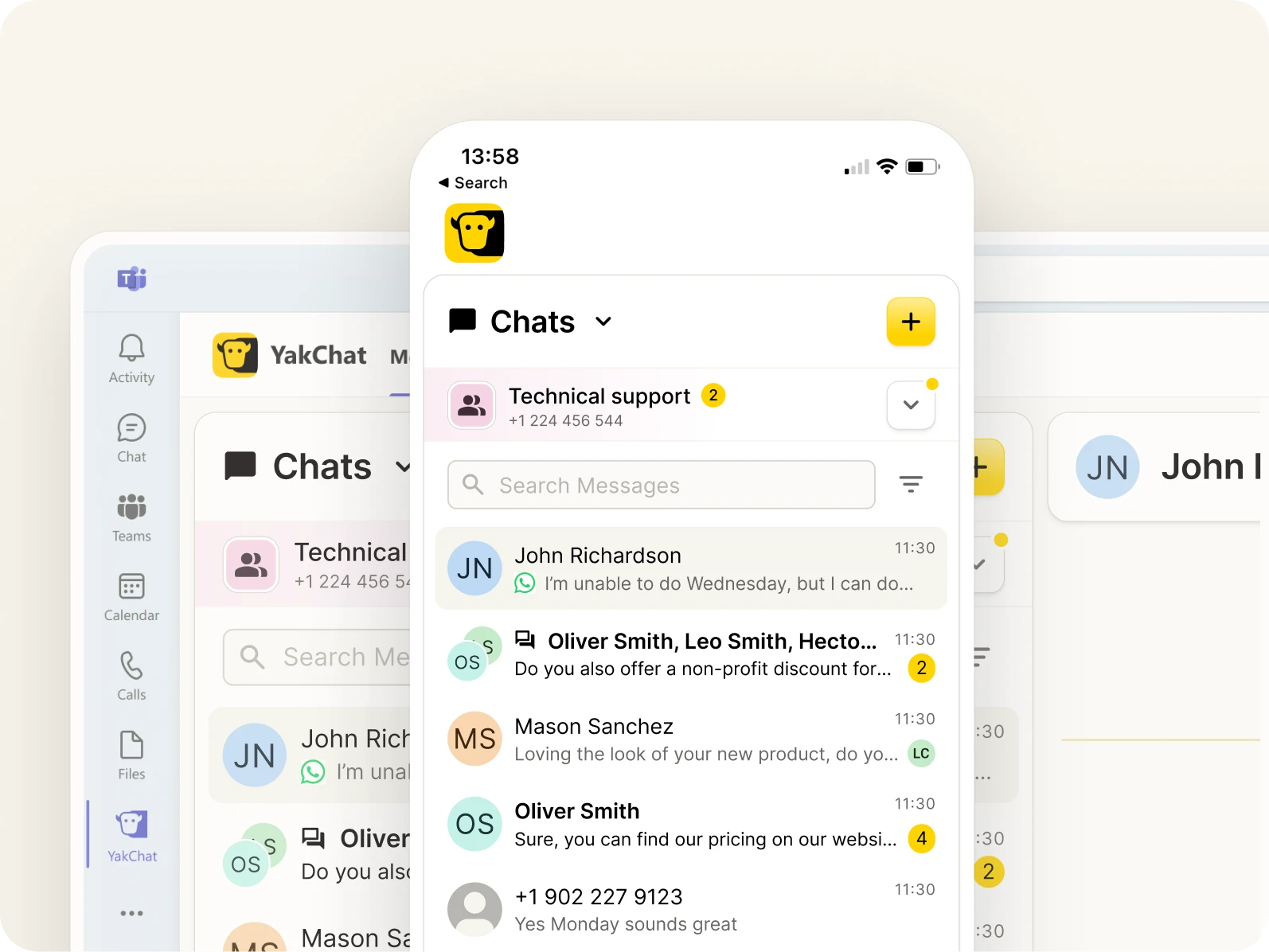
Embedded Messaging App
Use the YakChat app in the Microsoft Teams sidebar to manage active WhatsApp conversations and access a complete set of advanced messaging features.
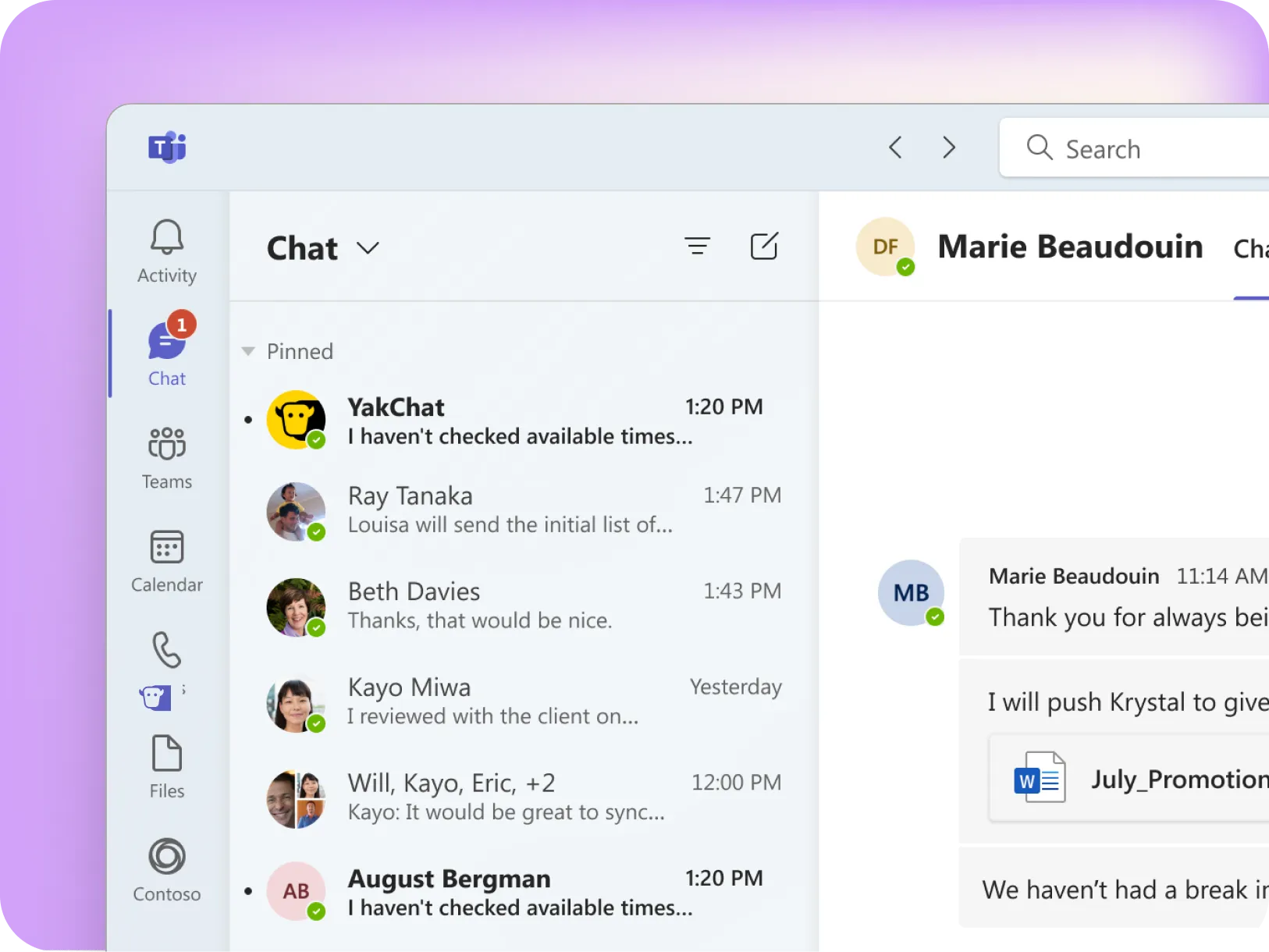
WhatsApp in a Teams Channel
Reply to WhatsApp chats, start new ones, and participate in group discussions using one-on-one chat or channel conversations.
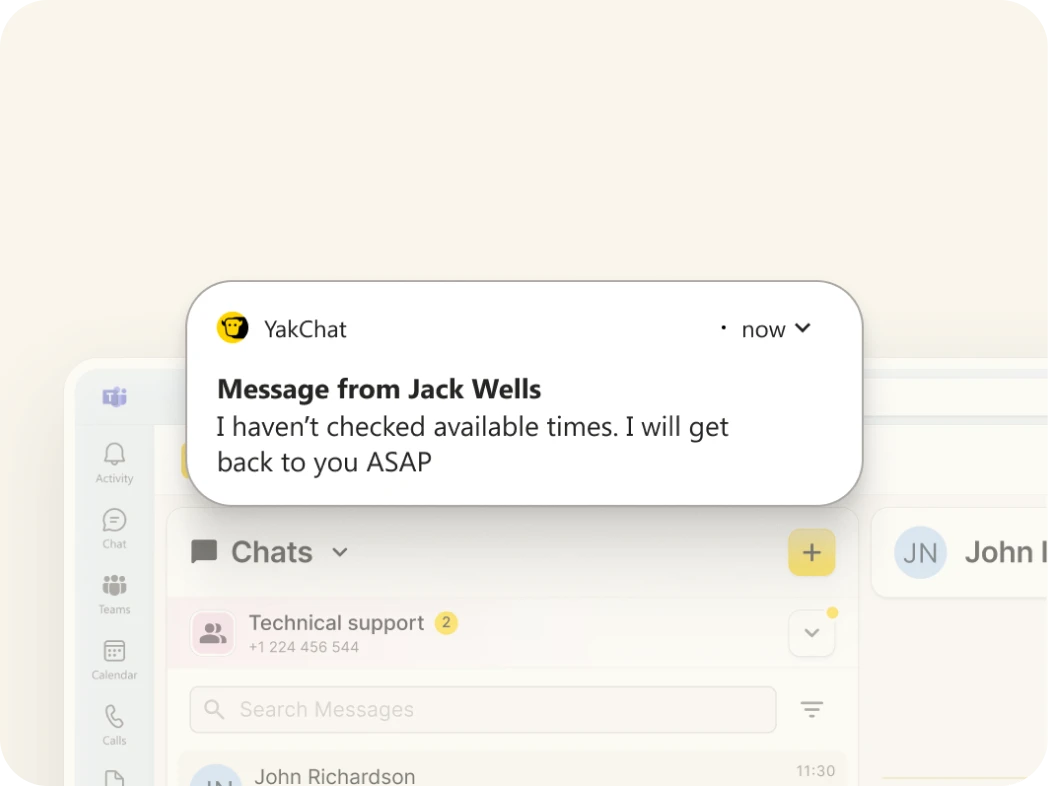
New Message Notifications
Receive pop-up and activity notifications for new WhatsApp messages in Microsoft Teams, just like a standard Teams chat. Click the alert to open the conversation and respond instantly.
Microsoft Teams Numbers
Send and receive WhatsApp from your Microsoft Teams or Operator Connect phone number so recipients instantly know who's contacting them.
Seamless Microsoft Security
Authentication happens behind the scenes using your Microsoft Teams user profile - no additional usernames or passwords to manage.
Desktop and Mobile
Enjoy the same WhatsApp experience across Microsoft Teams desktop and mobile, so teams can pick up conversations wherever they work.
Flexible number options
No Microsoft Phone Plan? No problem.
WhatsApp Business Messaging can be set up on most phone numbers that can receive a call or SMS. After a quick verification, that number is connected to WhatsApp and can be used to send and receive messages directly in Microsoft Teams — no Teams Phone Plan required.
YalChat Number
Grab a new SMS-only number in your local area
Landline/VoIP
Existing PBX, landline, SIP, and VoIP numbers
Compliance built-in
YakChat + WhatsApp: Compliance by Design
WhatsApp Business Messaging on personal phones puts your business at risk of shadow IT. Messages are scattered across individual devices with no central oversight, records, or control.If a message is deleted, it’s gone. Lose an employee, and you lose the entire conversation. CCPA and FCC obligations around data access, retention, consent, and auditability can be breached in an instant.YakChat provides a controlled, auditable way to use WhatsApp in Microsoft Teams. Messages are centrally managed, archived and retained in line with organizational policies - ensuring data protection and compliance.Built-in opt-out handling ensures customer preferences are respected, reinforcing compliant messaging.
One platform. Every channel.
Add More Messaging Channels to Microsoft Teams
Customer engagement is no longer single-channel. WhatsApp enables secure international messaging, RCS is built for trusted, outbound-first customer engagement, and SMS/MMS ensure reach across the US and Canada. YakChat brings SMS, MMS, WhatsApp, and RCS into your existing workflow, creating a single omnichannel messaging workspace that keeps every customer conversation connected, compliant, and secure.