Messaging App
 For Microsoft Teams
 For Webex
 For Salesforce
 In the Browser
 For iOS and Android
 All Features
 SMS
SMS MMS
MMS WhatsApp Business Messaging
 RCS for Business
 Power Automate
 Browser extension
 Tango Extend Integration
 Bring your own SMS provider

WhatsApp for Mobile
Unlock global reach on-the-move without losing local control. YakChat brings WhatsApp Business Messaging to your mobile, connecting you to international customers on their preferred channel, while ensuring every interaction is captured, auditable, and secure.
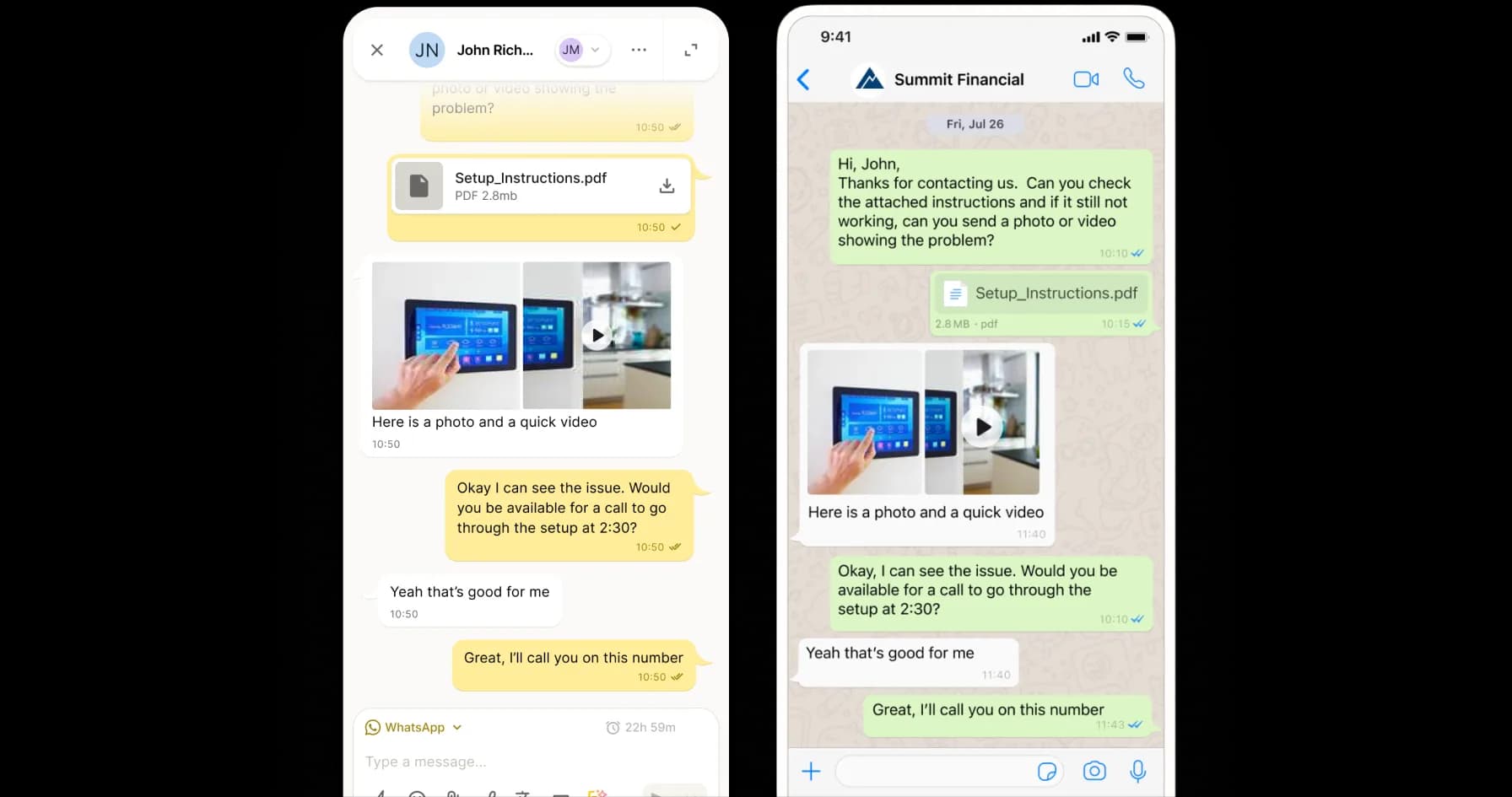
Connect - Collaborate - Comply
Why WhatsApp on Mobile Matters
When WhatsApp lives on personal phones, your business is in the dark. YakChat transforms international mobile messaging into a secure, auditable corporate asset — ensuring total visibility for you; total mobility for your team.
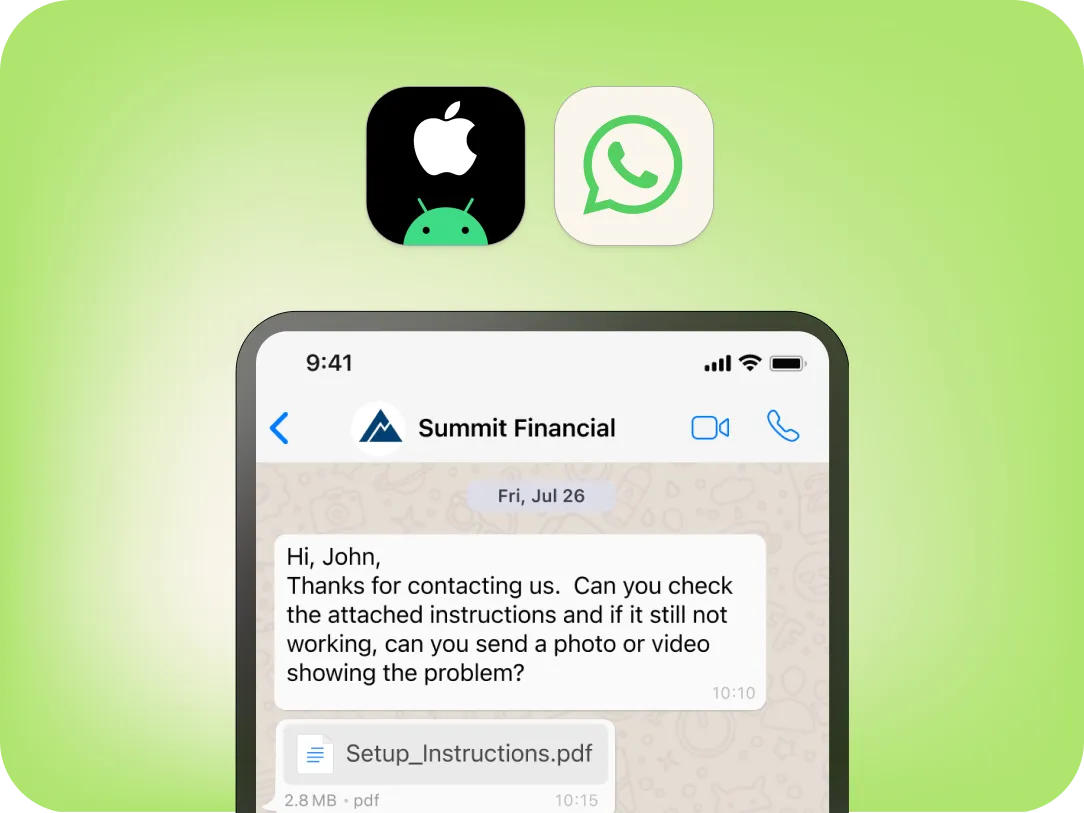
Built for international engagement
WhatsApp on Mobile for instant global reach
Reach your international customers on the channel they already use. With over 3 billion users worldwide, WhatsApp is the default for markets outside North America.YakChat enables WhatsApp Business Messaging on mobile devices, giving your teams a compliant way to engage customers globally without changing how they work. Conversations remain branded, controlled, and auditable—so teams can communicate internationally without sacrificing governance or oversight.
Business messaging redefined
All the Features You Need...
Experience the full functionality of WhatsApp Business messaging optimized for the enterprise. From shared team inboxes to rich media and real-time translation, YakChat provides the tools your team needs with the oversight your business requires.
Individuals & Teams
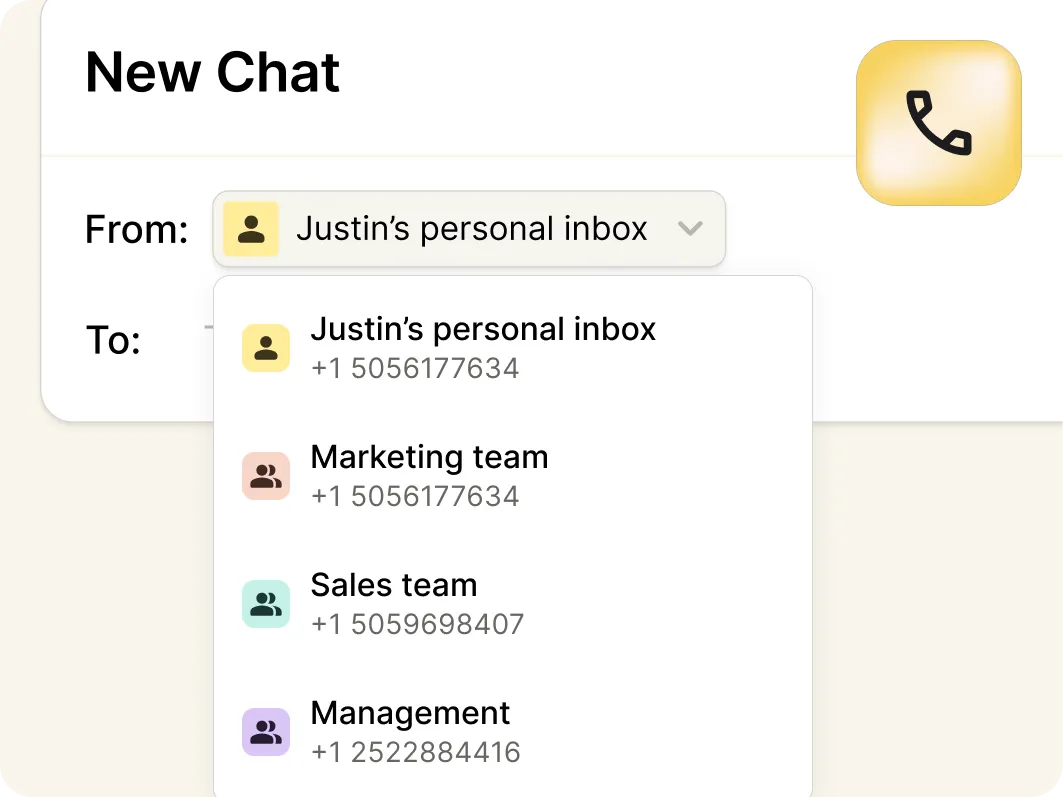
Add WhatsApp to individual user numbers with a personal inbox or your team's group number with a shared inbox so everyone can collaborate using WhatsApp.
Pictures and Files
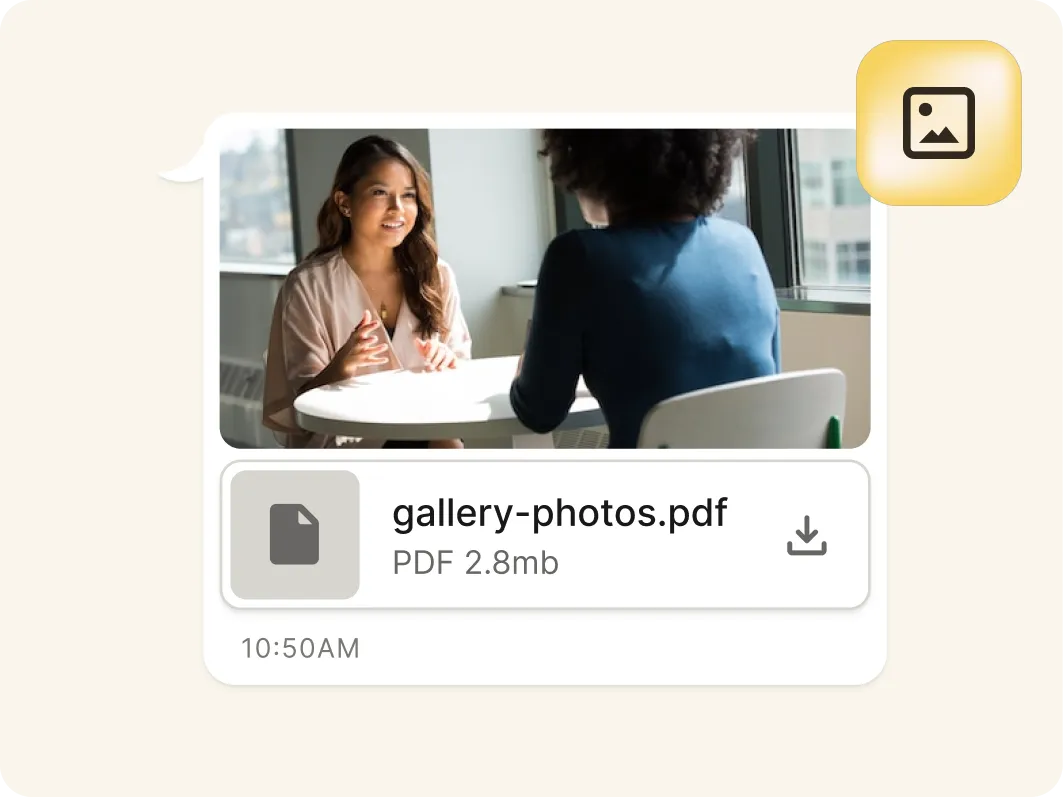
Share images, videos, screenshots, and documents with contacts coutside the USA and Canada (capabilities not supported by international SMS/MMS).
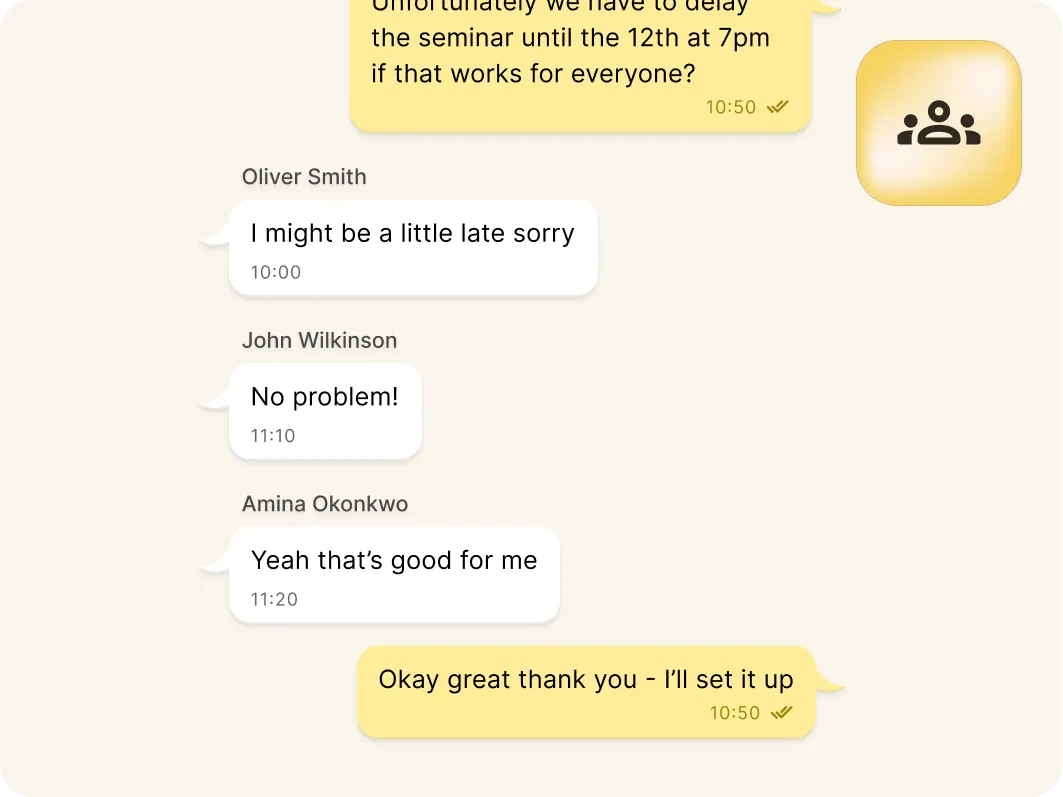
Broadcast Messages
Use Meta-approved WhatsApp templates to broadcast messages at scale. Each message is delivered as private one-on-one conversation with full visibility, control, and compliance.
Sim-free messaging
...and No Mobile SIM Required
Send and receive WhatsApp messages without a SIM, eSIM, or mobile plan – reducing cost and complexity while making BYOD effortless.
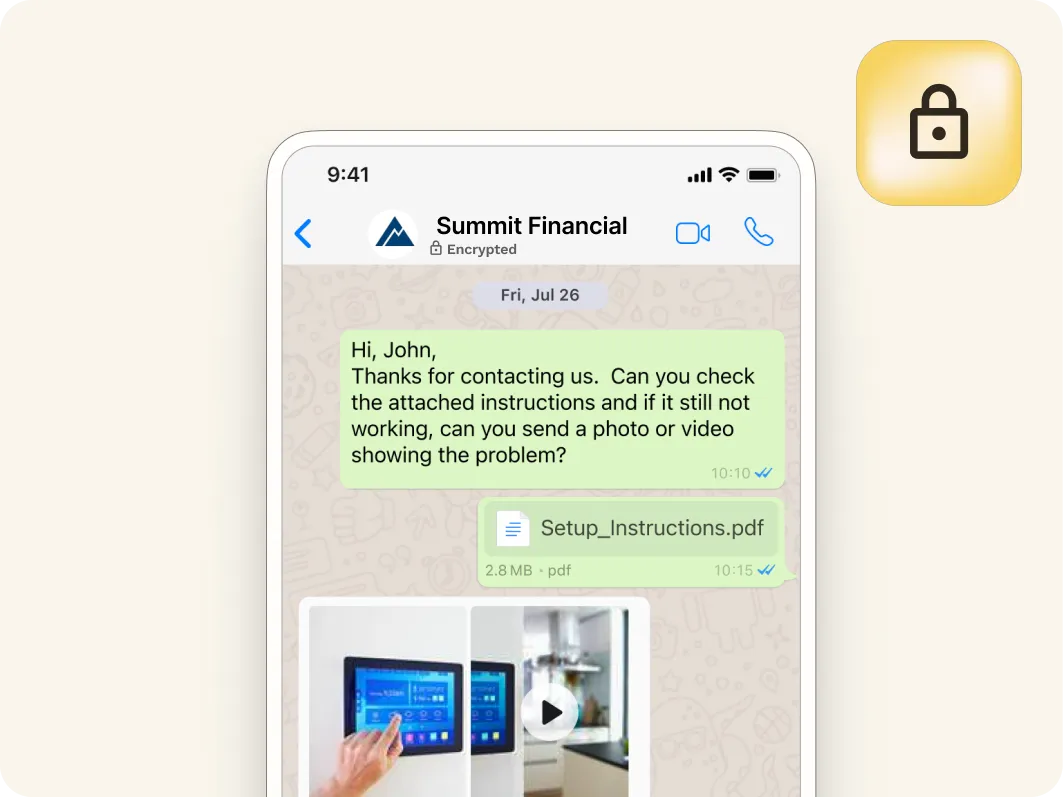
Branded & Encrypted
WhatsApp Business Messaging displays your business name and logo, with encryption in transit — building trust, improving engagement, and ensuring secure communication.

Buttons & Read Receipts
Call-to-action buttons, quick replies, and read receipts drive interaction, improve responsiveness, and deliver faster, more consistent customer outcomes at scale.
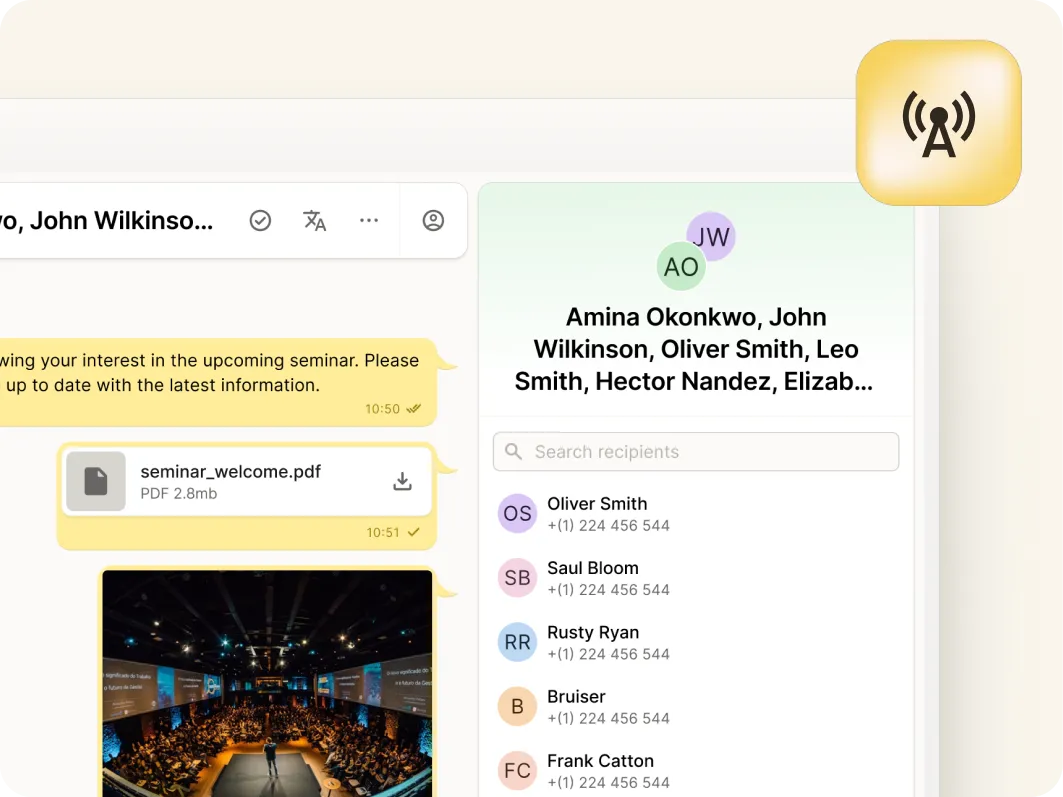
Language Translation
Translate messages automatically in real time to chat effortlessly with international customers and teams, reduce friction, and keep conversations moving smoothly across borders.
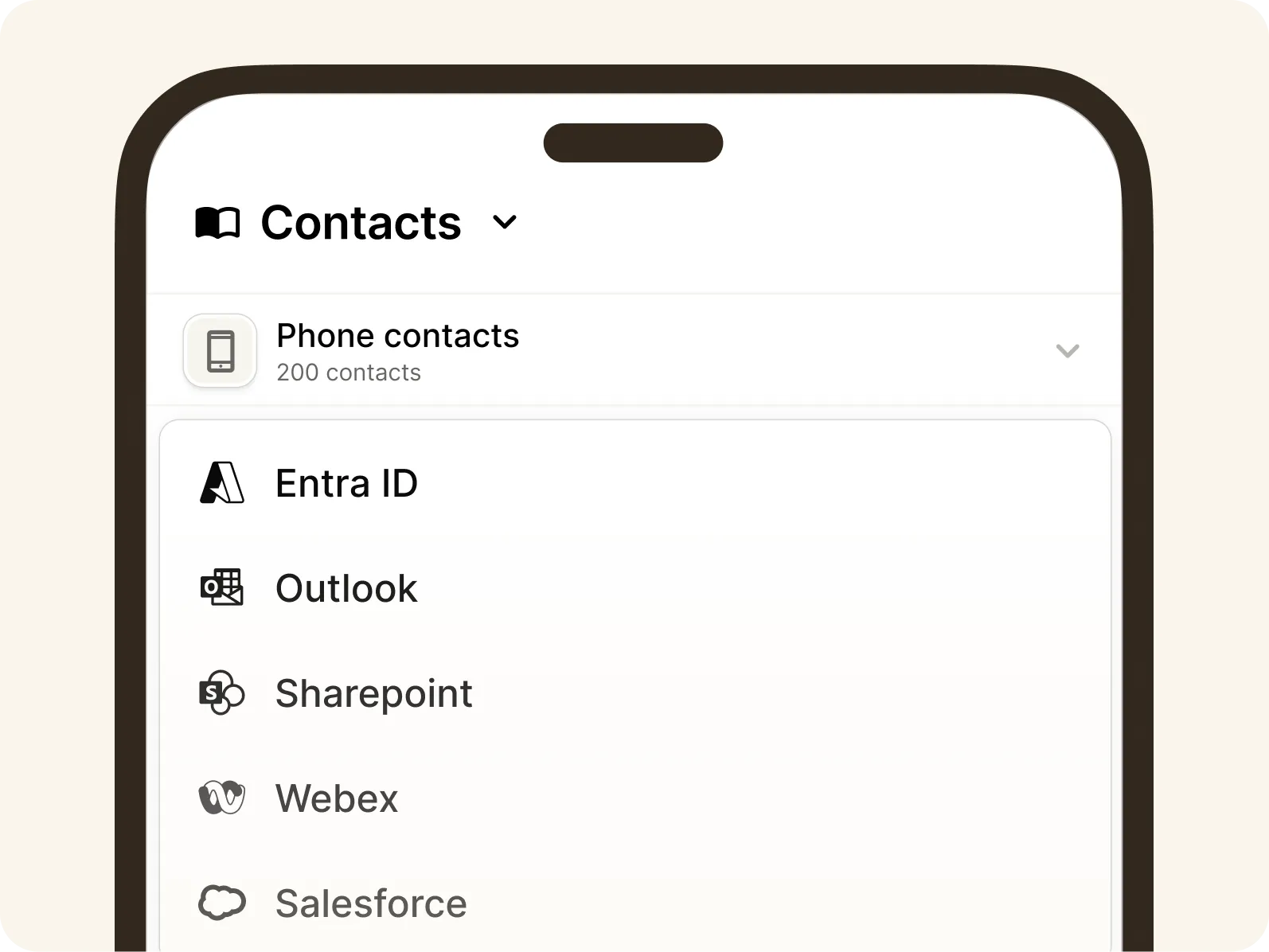
Unified contact hub
Connect With Contacts Wherever They're Saved
Bring together your contacts from your mobile phone, YakChat, Microsoft Outlook, SharePoint, and Entra ID into a single view. Users can quickly find and message the right person without switching apps and can share saved contacts across teams.YakChat adds local mobile phone contact names to sent messages, giving users clearer context when starting conversations.
Flexible number options
WhatsApp on your Business Number
Bring WhatsApp Business Messaging to your existing business number. Most numbers that can receive a call or SMS can be verified and connected to WhatsApp, so your team can message customers from a recognized, trusted number.
An SMS-only number is also available if needed.
YakChat Number
Grab a new SMS-only number in your local area
Landline/VoIP
Existing PBX, landline, SIP, and VoIP numbers
Compliance built-in
YakChat + WhatsApp: Compliance by Design
Personal devices are a compliance black hole, but your business data shouldn't be. YakChat eliminates the risk of shadow IT by archiving every business interaction while keeping personal messaging strictly private. Even on your teams' personal devices, your corporate intelligence remains secure, auditable, and compliant with CCPA and industry retention obligations.
Native mobile app
Dedicated Business Messaging: One Device. Total Control
YakChat’s native app, Text365, brings business messaging to your mobile without mixing it with personal data. It keeps professional conversations secure, centralized, and compliant, while ensuring personal user content remains strictly private.

Purpose Built Mobile App
A dedicated app on your home screen is designed for fast access to WhatsApp Business Messaging without the distraction of other unified communications.
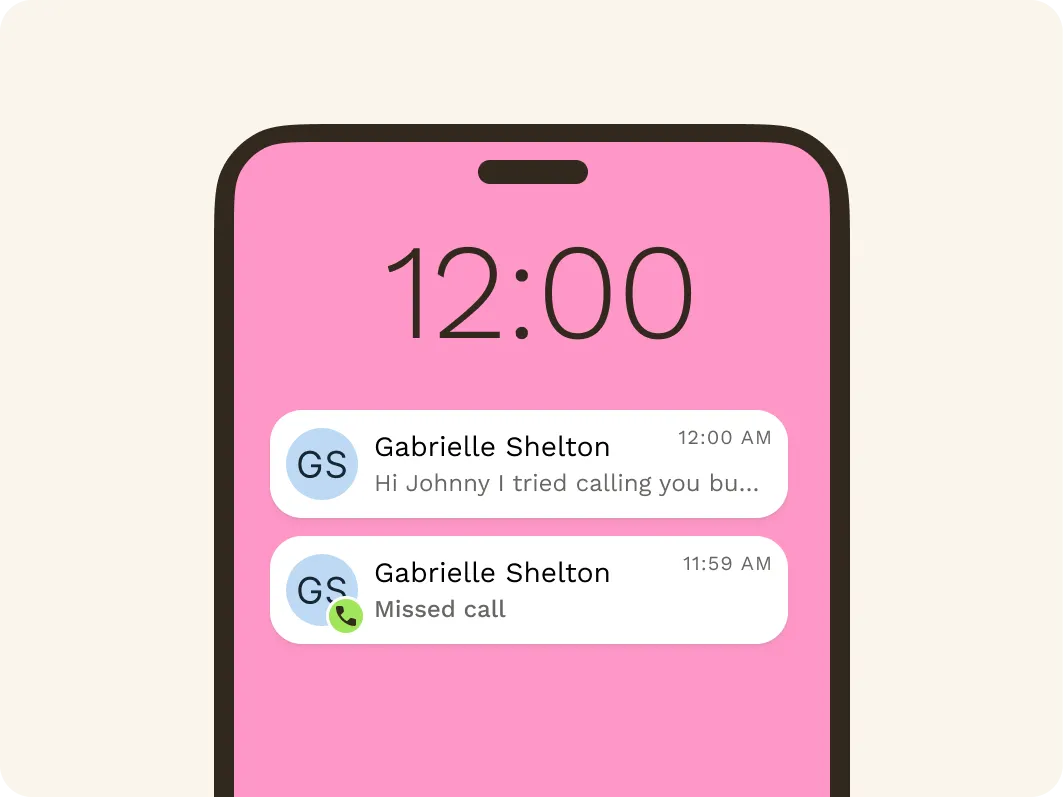
Dedicated Notifications
Receive WhatsApp notifications separately from any other alerts. Messages appear on the lock screen – even when the app isn't running – so you never miss a message.
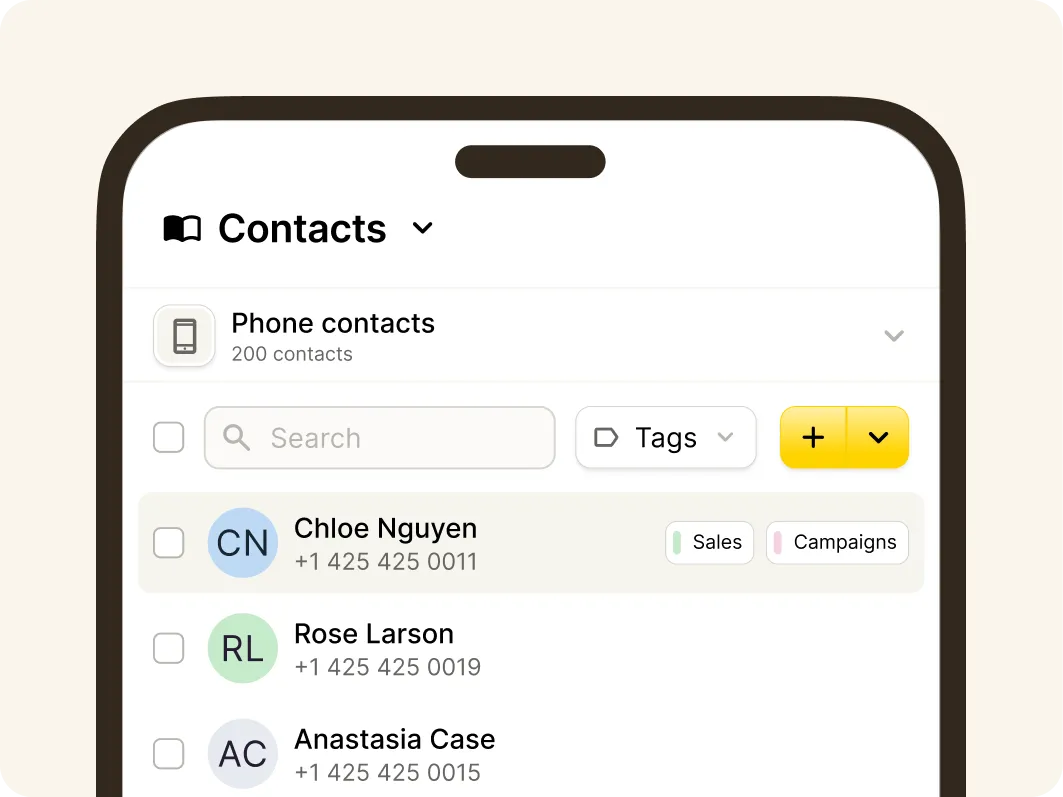
Phone Saved Contacts
Access phone-stored contacts without syncing or importing them into YakChat. This supports BYOD by keeping personal and business data clearly separate on employee-owned phones.
One app. Every channel
Add More Messaging Channels to Your Mobile App
Customer engagement is no longer single-channel. WhatsApp enables secure international messaging, RCS is built for trusted, outbound-first customer engagement, and SMS/MMS ensure universal reach across the US and Canada. YakChat brings SMS, MMS, WhatsApp, and RCS into your existing workflow, creating a single omnichannel messaging workspace that keeps every customer conversation connected, compliant, and secure.