Messaging App
 For Microsoft Teams
 For Webex
 For Salesforce
 In the Browser
 For iOS and Android
 All Features
 SMS
SMS MMS
MMS WhatsApp Business Messaging
 RCS for Business
 Power Automate
 Browser extension
 Tango Extend Integration
 Bring your own SMS provider

SMS for Mobile
Enterprise-grade SMS for iOS and Android — combining the speed of mobile messaging with centralized control, compliance, and full auditability.
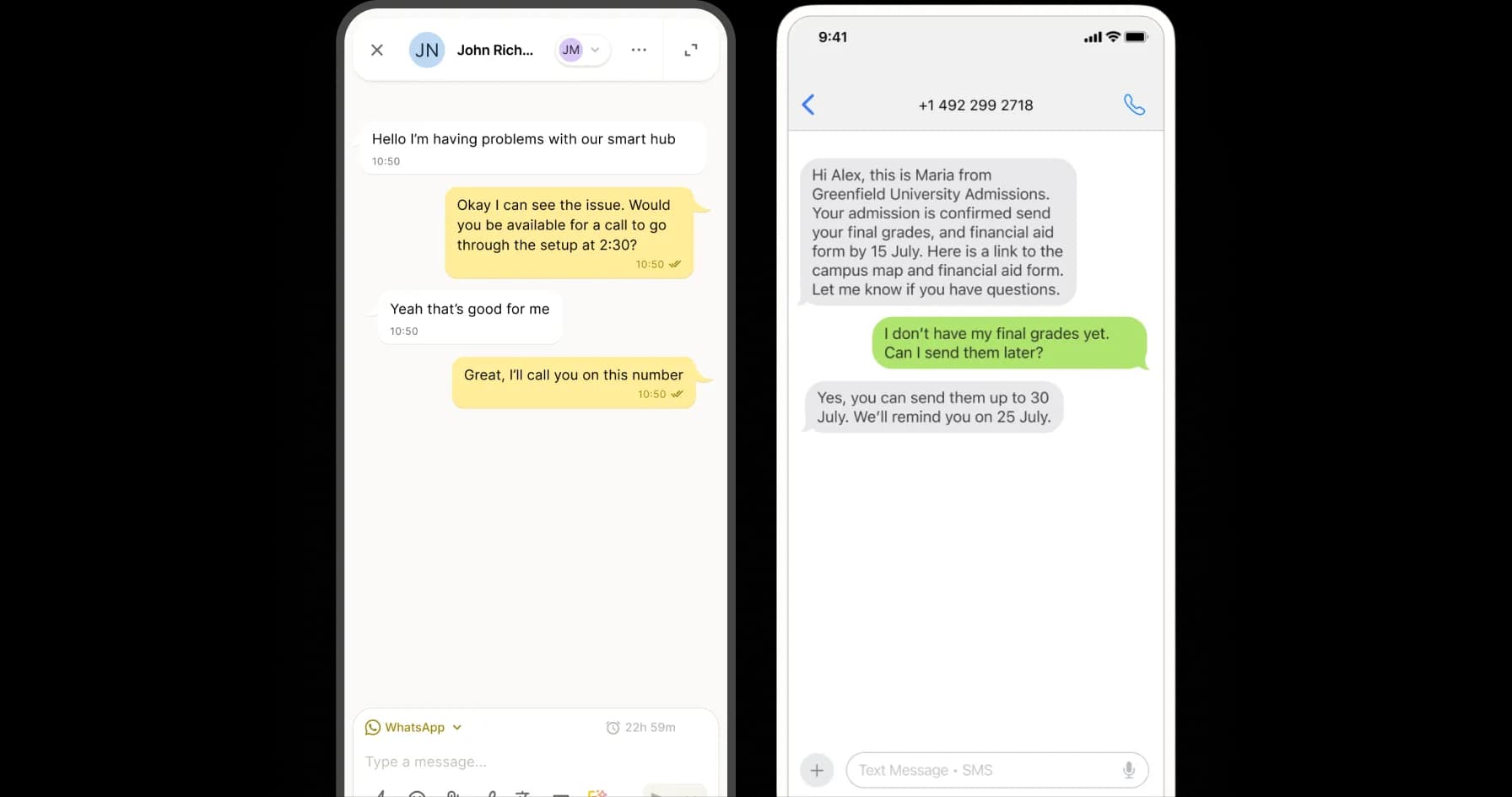
Connect . Collaborate . Comply
Why SMS and MMS on Mobile Matters
YakChat brings compliance and auditability to SMS and MMS on mobile devices, replacing unmanaged personal texting with managed business-grade communication.
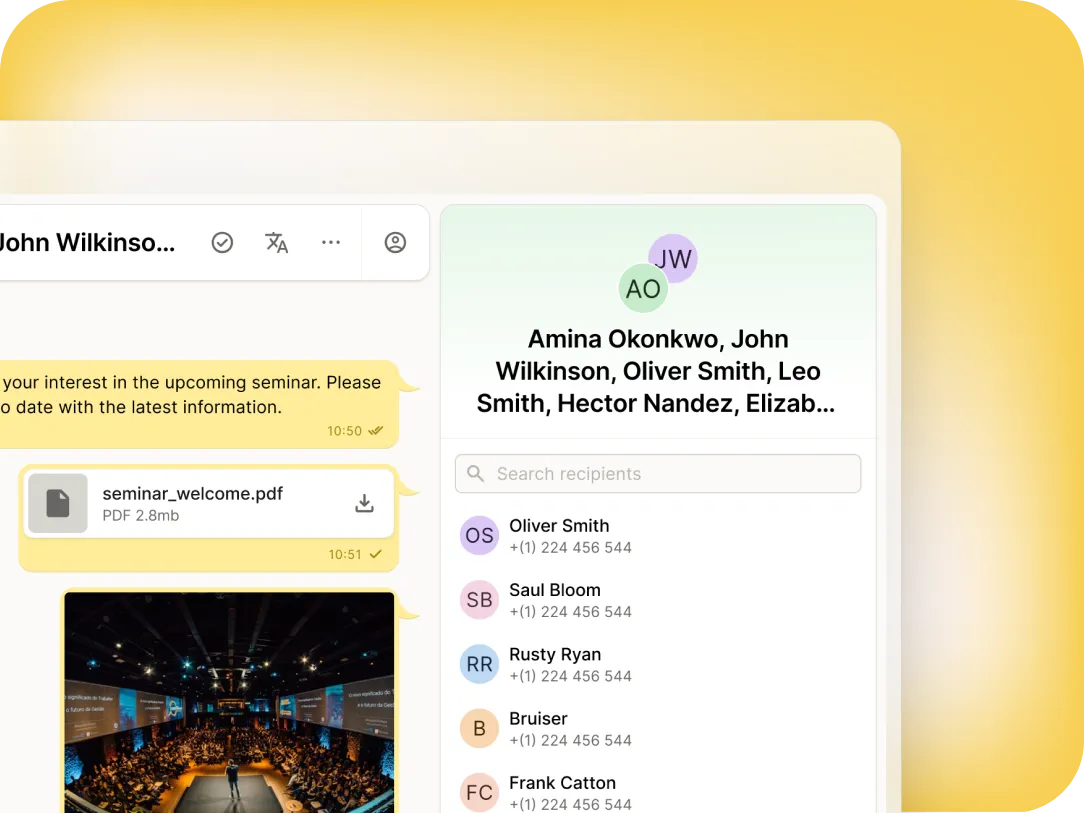
Simplifies BYOD
Business-Grade SMS for Mobile Devices
YakChat’s SMS for Mobile offers fast, business-grade text messaging for individuals and teams on-the-move. Crucially, it brings mobile texting under corporate control. With centralized management and strict access controls, every message remains visible, auditable, and compliant — even on employee-owned devices.
Mobile messaging redefined
Professional Text Messaging that Goes Far Beyond Personal SMS
YakChat’s native app, Text365, brings business messaging to your mobile without mixing it with personal data. It keeps professional conversations secure, centralized, and compliant, while ensuring personal user content remains strictly private.
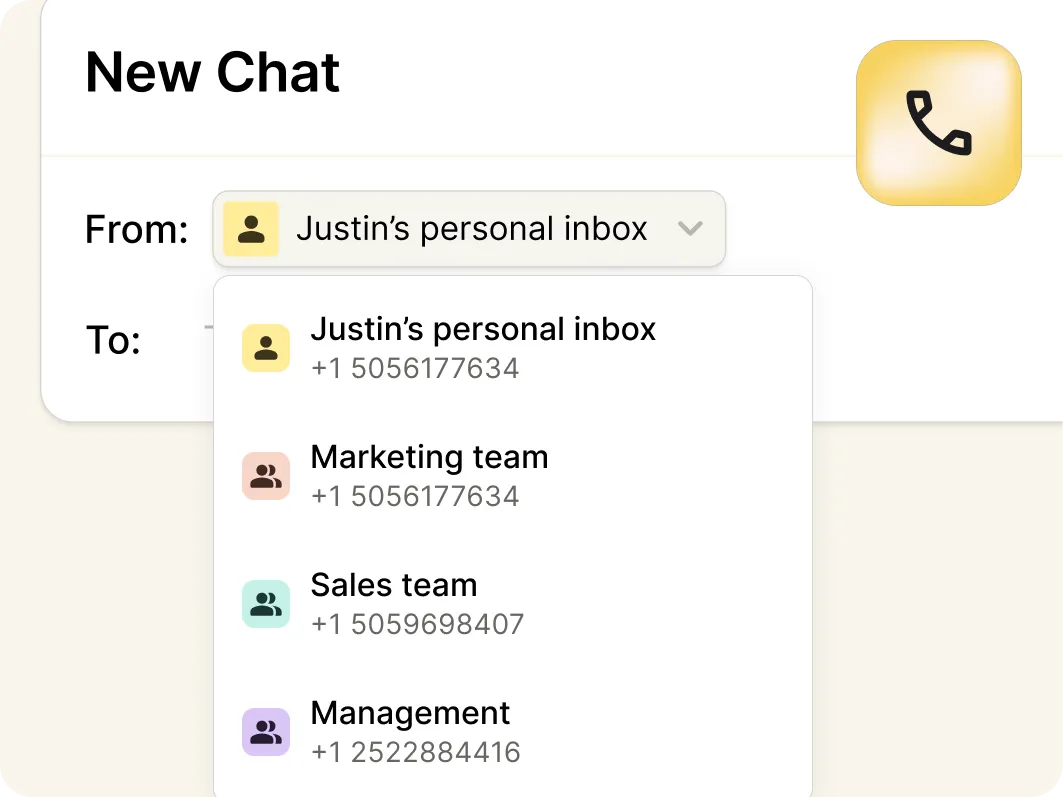
Multiple Numbers
Manage messages across multiple business numbers, with personal numbers for individual users and shared numbers for teams.
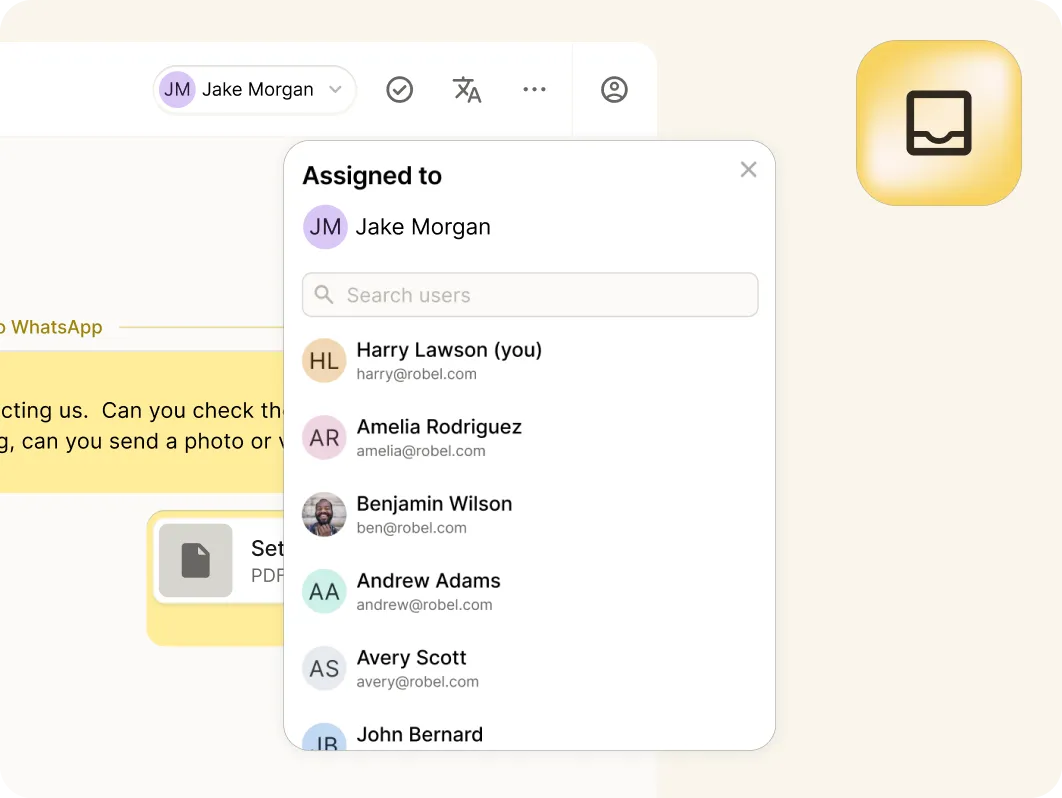
Shared Team Inboxes
Collaborate in real-time from a shared inbox to respond to messages, assign conversations, and manage customer interactions together.
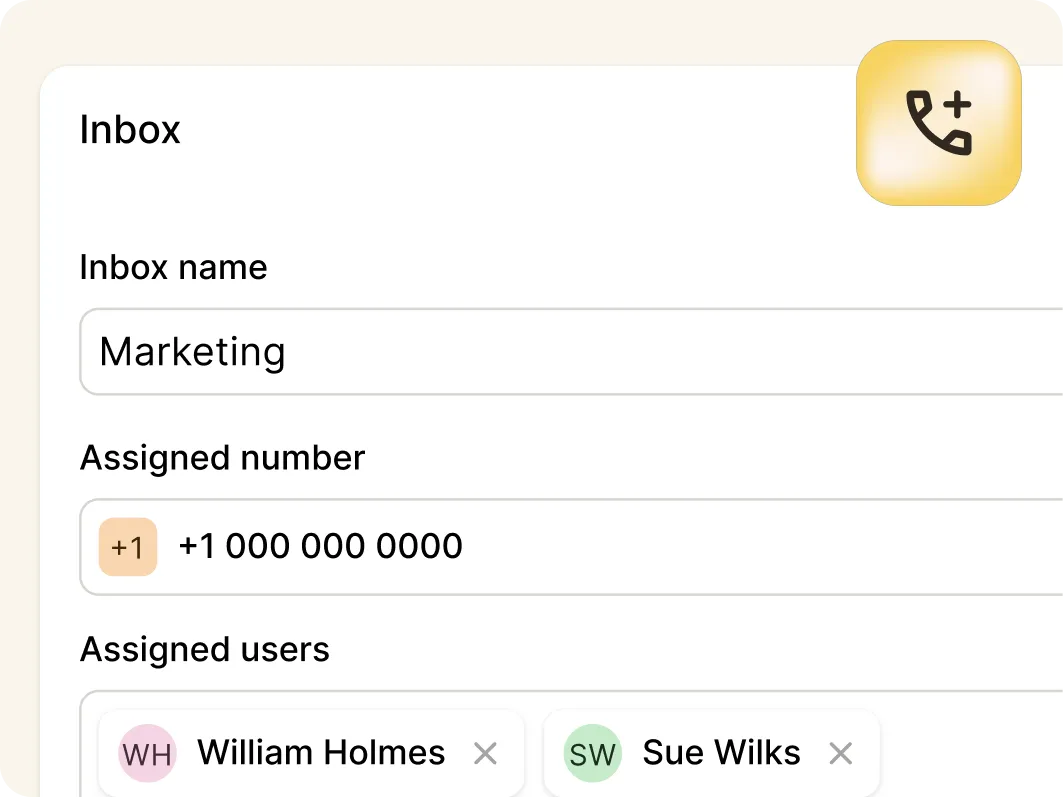
Under Business Control
Keep numbers and messages under company control, so they can be reassigned instantly and conversations continue uninterrupted.
Sim-free messaging
No Mobile SIM Required
Send and receive business SMS without a SIM, eSIM, or mobile plan, reducing cost and complexity while making BYOD effortless.
One Business Number
Connect SMS to your landline or VoIP number, simplifying contact details and ensuring customers know exactly who they're messaging.
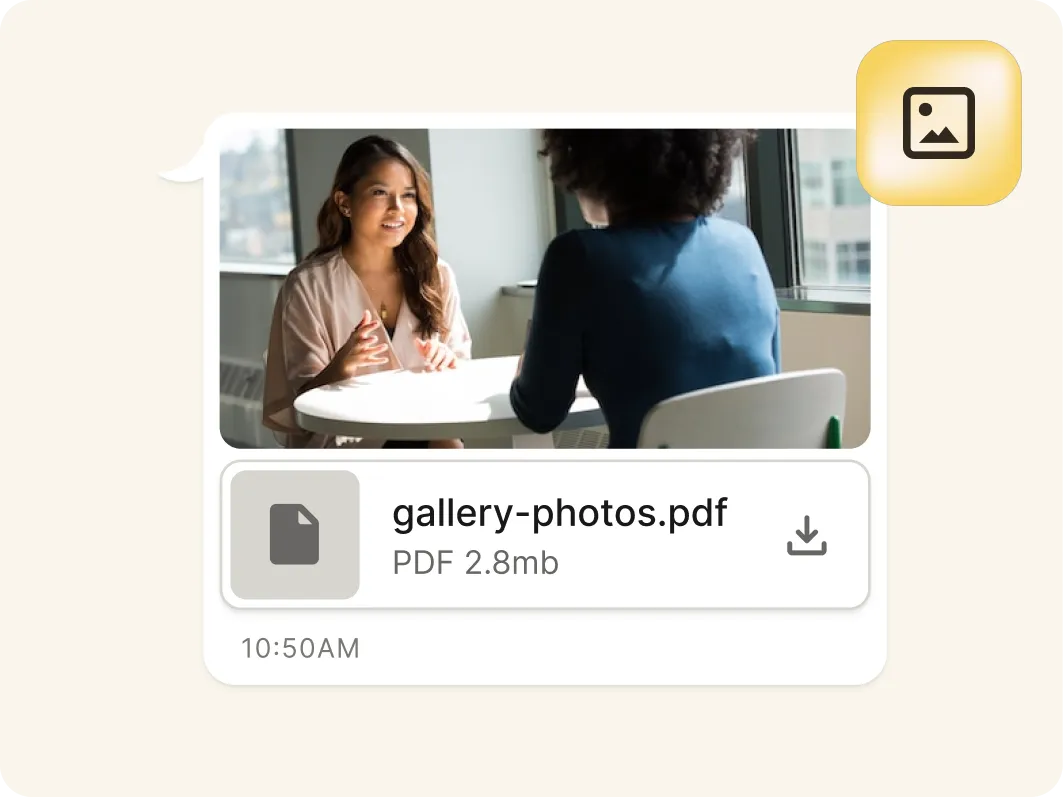
Pictures & Files
Exchange photos, screenshots, and files in the conversation to engage customers and resolve issues faster – without needing MMS included in your mobile phone plan.
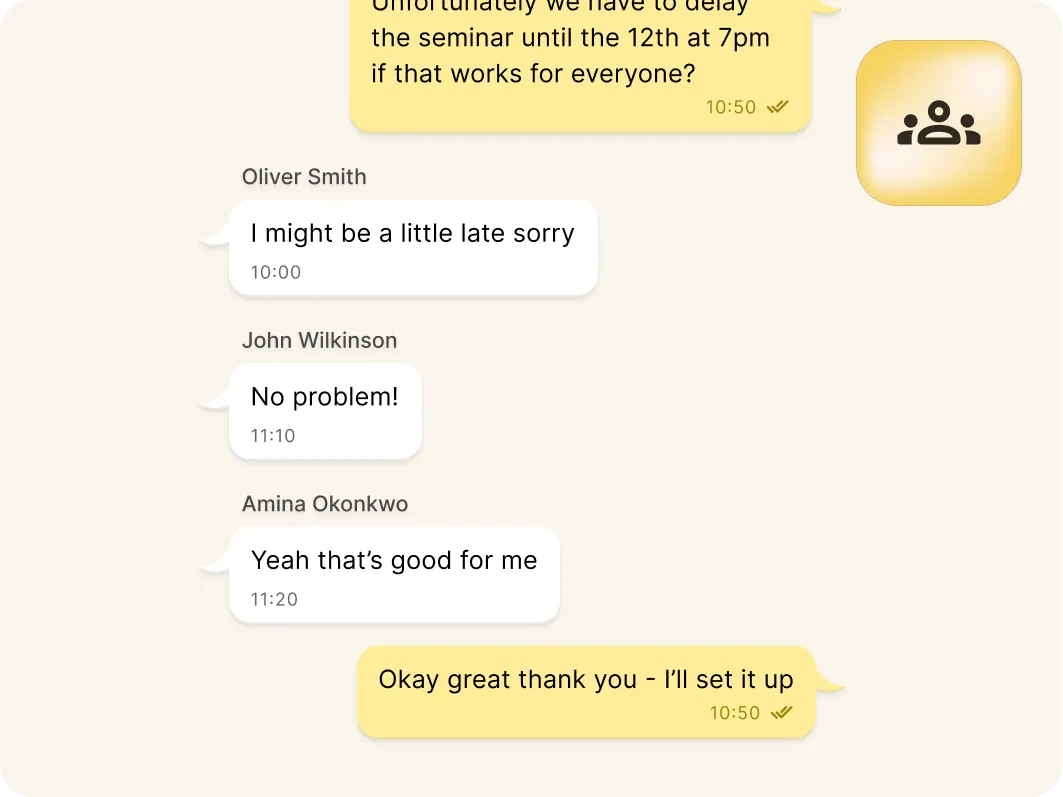
Broadcast & Group Chat
Quickly send a message to many contacts as a private one-to-one conversations, or use MMS group chat to co-ordinate more effectively.
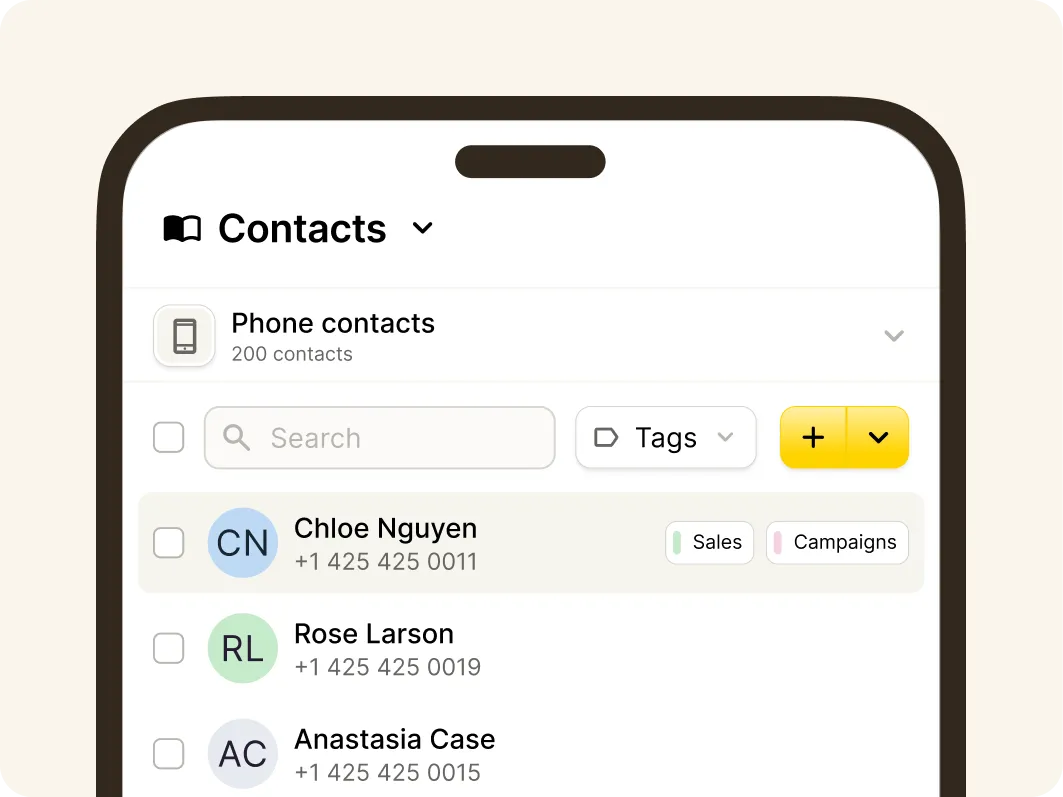
Unified contact hub
Connect With Contacts Wherever They're Saved
Bring together contacts from your mobile phone, YakChat, Microsoft Outlook, SharePoint, and Entra ID into a single, unified view. Users can quickly find and message the right person without switching systems and can share saved contacts across teams.YakChat adds local mobile phone contact names to sent messages, giving users clearer context when starting conversations.
Flexible number options
SMS and MMS on your Business Number
Quickly add a new local text-only number or add SMS to your existing VoIP or landline numbers or bring your own SMS carrier. YakChat provides hands-on 10DLC Campaign registration support.
YakChat Number
Grab a new SMS-only number in your local area
Landline/VoIP
Existing PBX, landline, SIP, and VoIP numbers
BYOC
Integrate your own CPaaS service provider
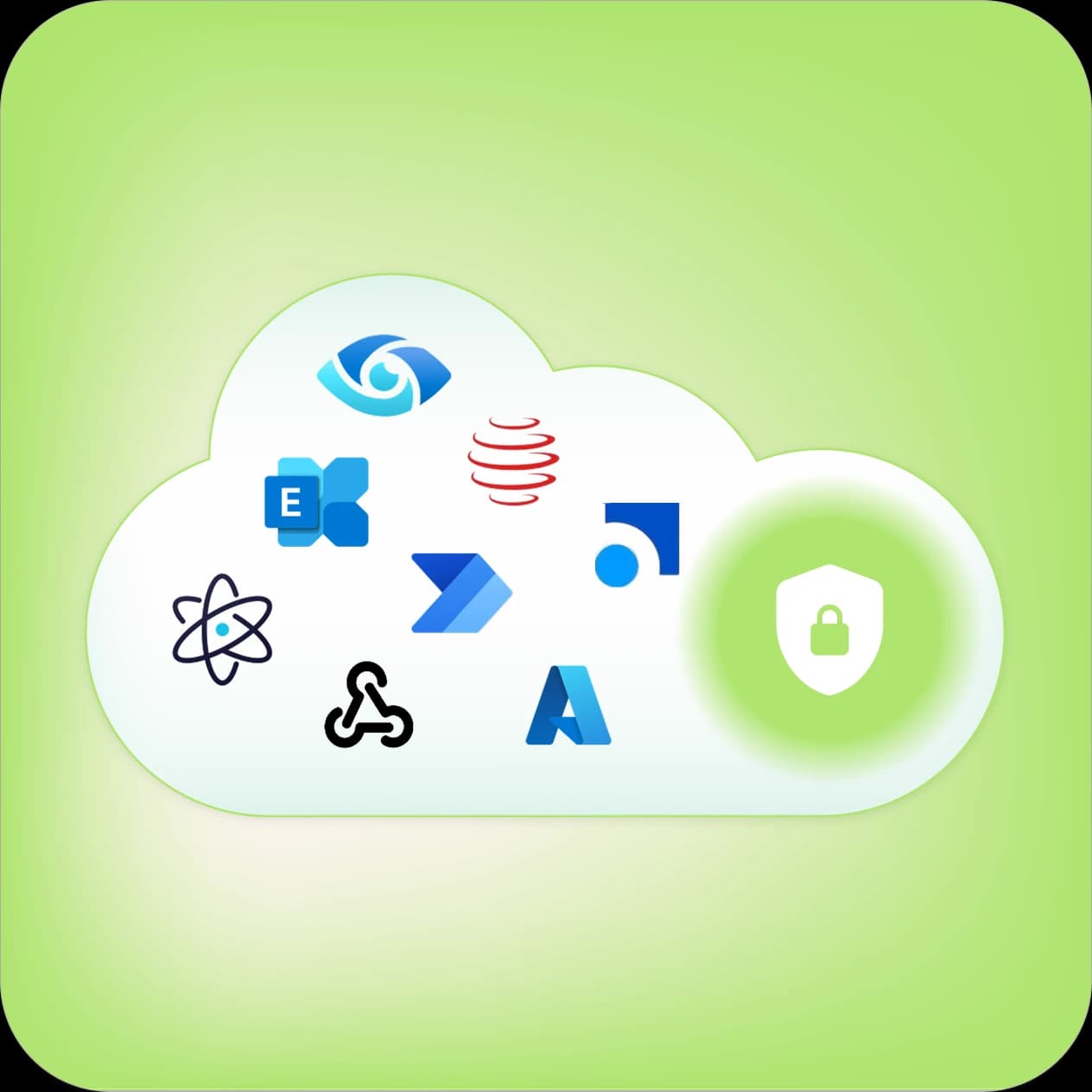
Compliance built in
YakChat + SMS: Compliance by Design
Personal devices are a compliance black hole, but your business data shouldn't be. YakChat eliminates the risk of shadow IT by archiving every business interaction and keeping personal messaging strictly private. Even on your teams' personal devices, your corporate intelligence remains secure, auditable, and compliant with industry retention obligations.
Native mobile app
Separate Business Messaging. One Device. Full Control
YakChat’s native app, Text365, brings business-grade messaging to your mobile without mixing it with personal data. It keeps professional conversations secure, centralized, and compliant, while ensuring private user content remains strictly private.

Purpose Built Mobile App
A dedicated business messaging app on your home screen, designed for fast access to SMS and MMS without the distraction of other unified communications.
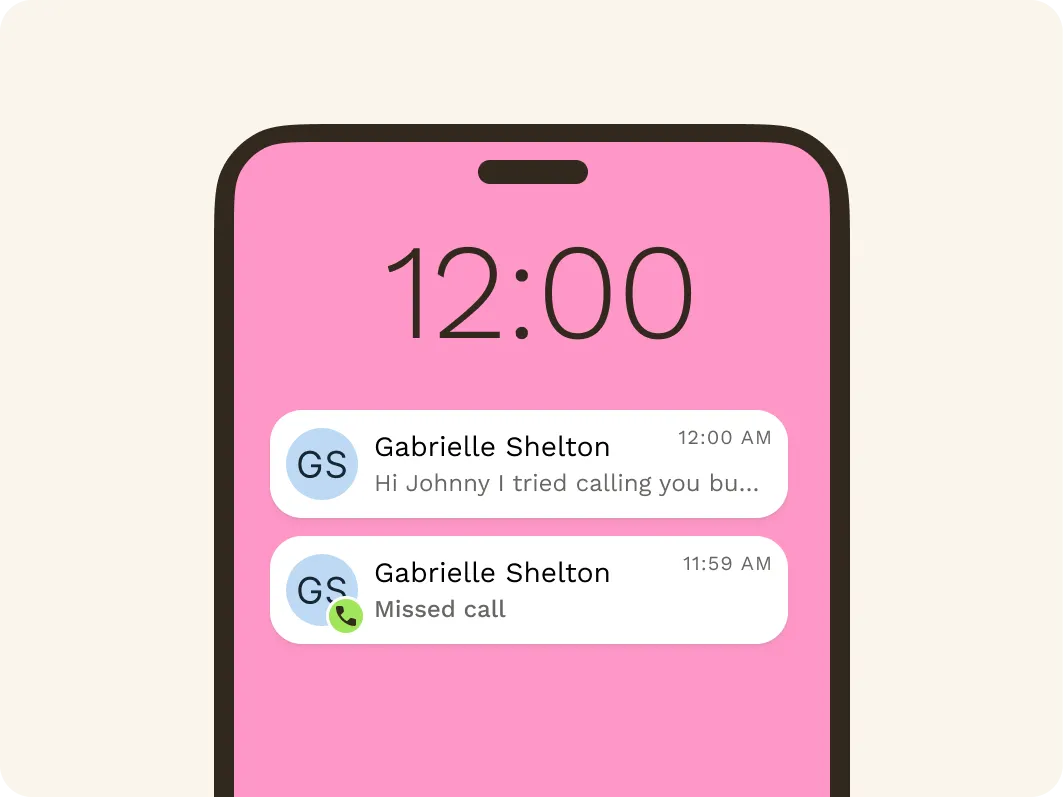
Dedicated Notifications
Receive SMS notifications separately from Microsoft Teams or Webex alerts. Messages appear on the lock screen – even when the app isn't running – so you never miss a message.
Phone Saved Contacts
Access phone-stored contacts without syncing or importing them into YakChat. This supports BYOD by keeping personal and business data clearly separate on employee-owned phones.
What comes after SMS?
Add More Messaging Channels to Your Mobile App
Start with SMS, then expand to WhatsApp for secure global messaging and RCS for rich, interactive conversations as your customers' preferences evolve.YakChat brings SMS, MMS, WhatsApp, and RCS into your existing workflow, creating a single omnichannel messaging workspace that keeps every customer conversation connected, compliant, and secure.