 Messaging App
 For Microsoft Teams
 For Webex
 For Salesforce
 In the Browser
 For iOS and Android
 All Features
 SMS
 MMS
 WhatsApp Business Messaging
 RCS for Business
 Power Automate
 Browser extension
 Tango Extend Integration
 Bring your own SMS provider
Business Messaging for Education
Reach prospective and current students on the messaging channels they actually use — from the applications your teams already work in. From first inquiry to student support, YakChat makes education text messaging simple, helping teams get faster responses while keeping conversations connected, compliant, and under your institution's control.
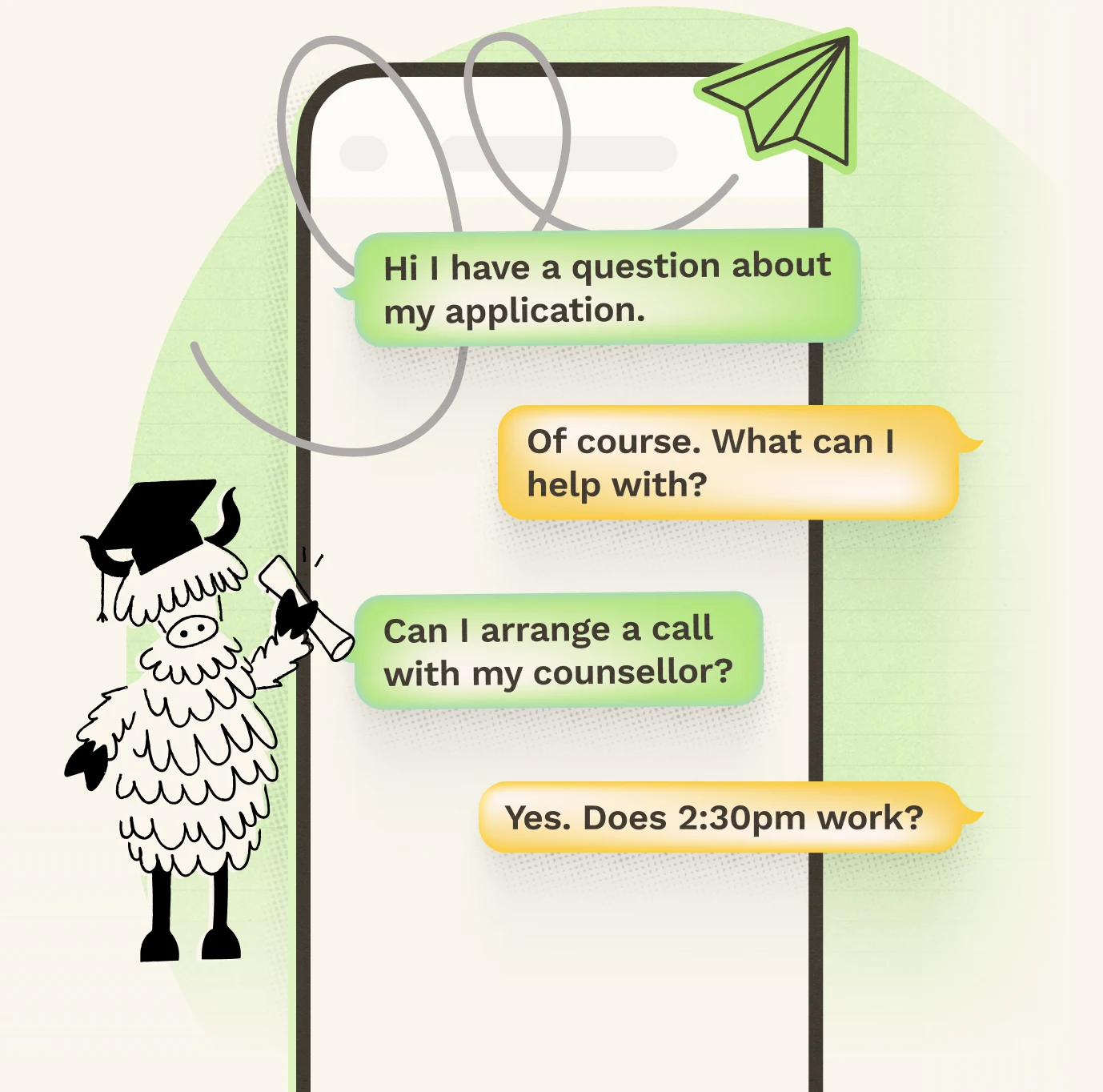
Students Don't Pick Up Calls. They Answer Texts.

Prospective students may not have an institutional email address, portal access, or Microsoft Teams account yet. But they do have their phone.
SMS gives recruitment and admissions teams a fast, direct way to start a conversation and stay connected from first contact to campus arrival.
Keep Prospective Students Moving Toward Enrollment
A prospective student shows interest. What happens next matters. Text messaging makes it easier to keep the conversation going and help students take the next step.
- Inquiry, Recruitment: Turn Inquiries into Conversations. Follow up, answer questions, promote campus visits, and reconnect with prospects.
- Application, Admissions: Keep Applications Moving. Send deadline reminders, request missing information, share updates, and confirm interviews.
- Financial Aid, Financial Aid: Simplify the Financial Steps. Prompt action on FAFSA, documentation, scholarships, deposits, and payments.
- Appointment, Counseling & Advising: Make Appointments Easier. Schedule, confirm, remind, reschedule, and continue the conversation by text.
- Enrollment, Enrollment: Turn Acceptance into Enrollment. Help students complete deposits, registration, orientation, and final onboarding steps.









1 · Inquiry
Turn Inquiries into Conversations
Follow up, answer questions, promote campus visits, and reconnect with prospects.
2 · Application
Keep Applications Moving
Send deadline reminders, request missing information, share updates, and confirm interviews.
3 · Financial Aid
Simplify the Financial Steps
Prompt action on FAFSA, documentation, scholarships, deposits, and payments.
4 · Appointment
Make Appointments Easier
Schedule, confirm, remind, reschedule, and continue the conversation by text.
5 · Enrollment
Turn Acceptance into Enrollment
Help students complete deposits, registration, orientation, and final onboarding steps.




Once They're Enrolled, Make Important Messages Hard to Miss
Enrolled students now have email, portals, Teams, and other ways to stay connected. But important messages can still get missed. Use SMS when something needs immediate attention — and give students an easy way to respond.
Stay Where You Work
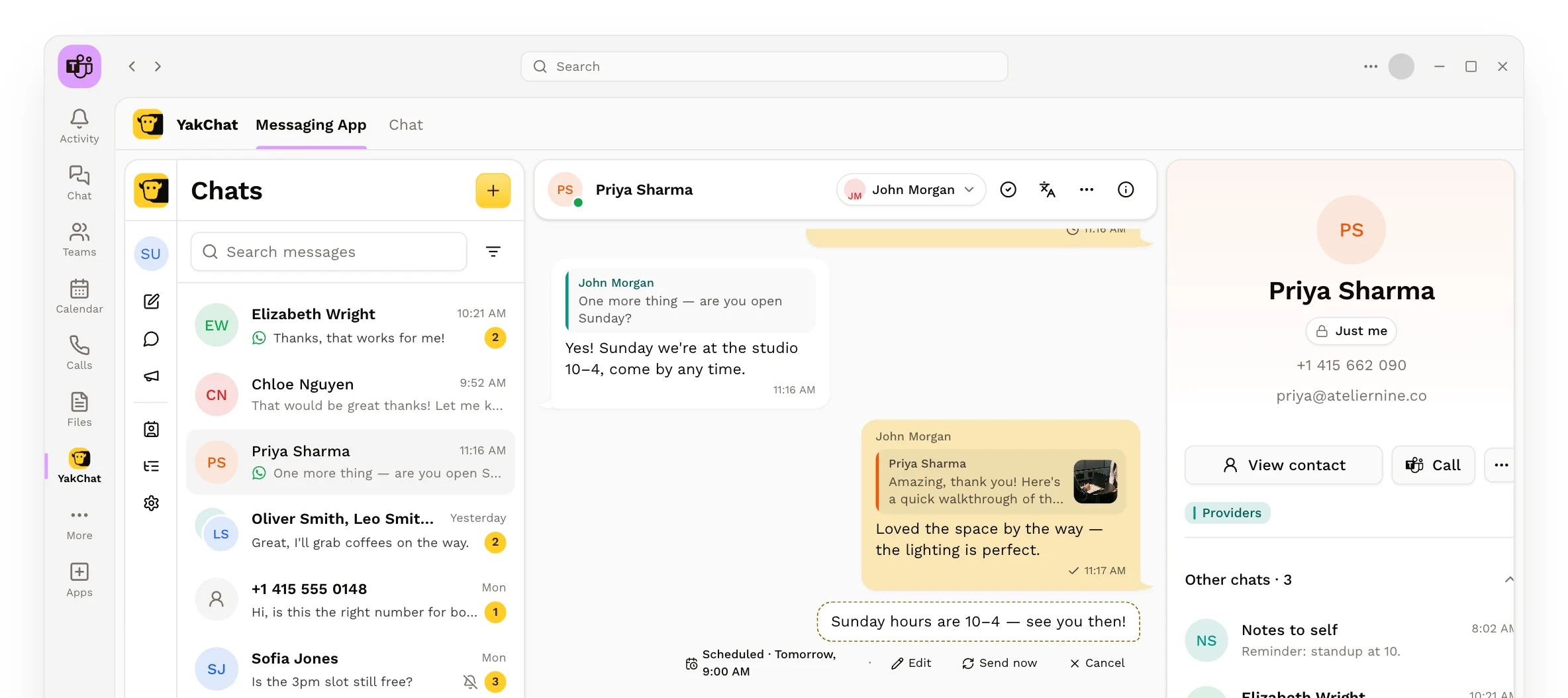
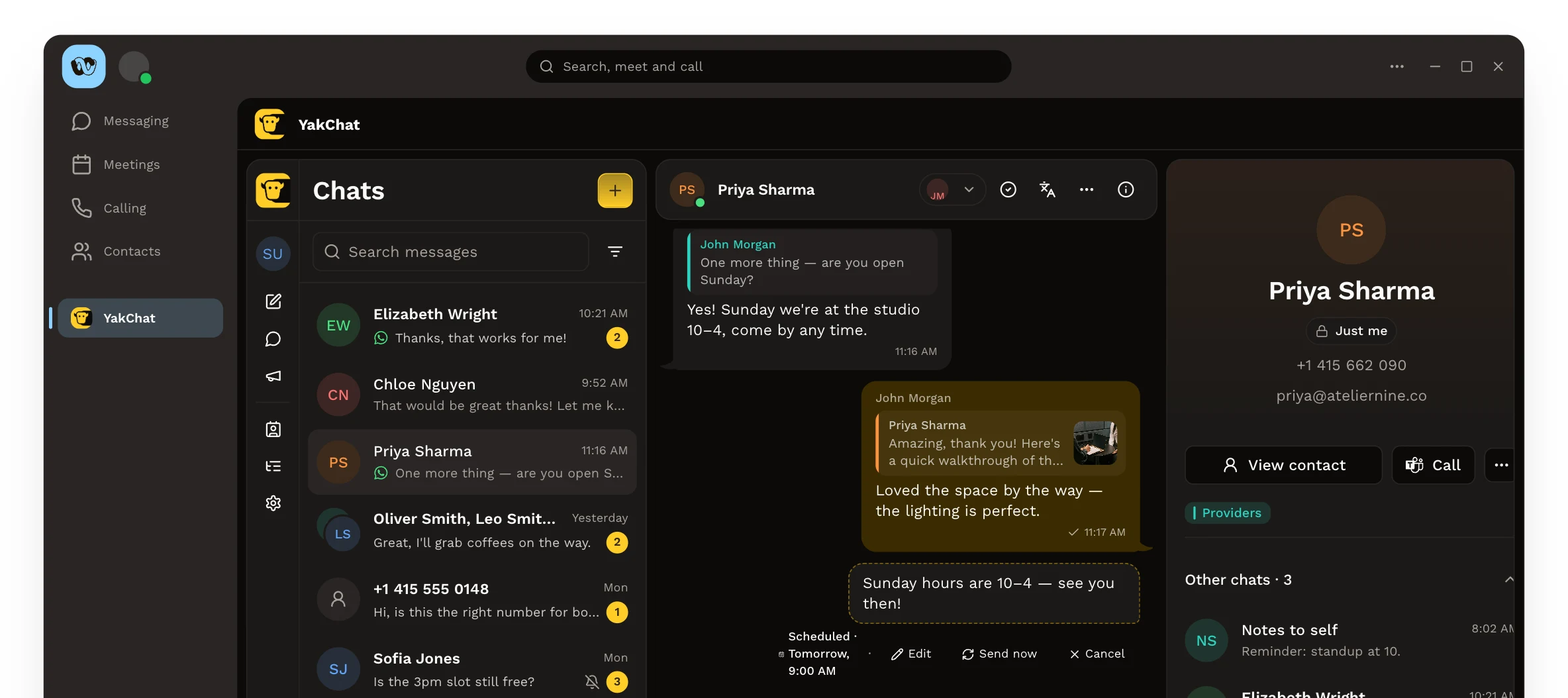
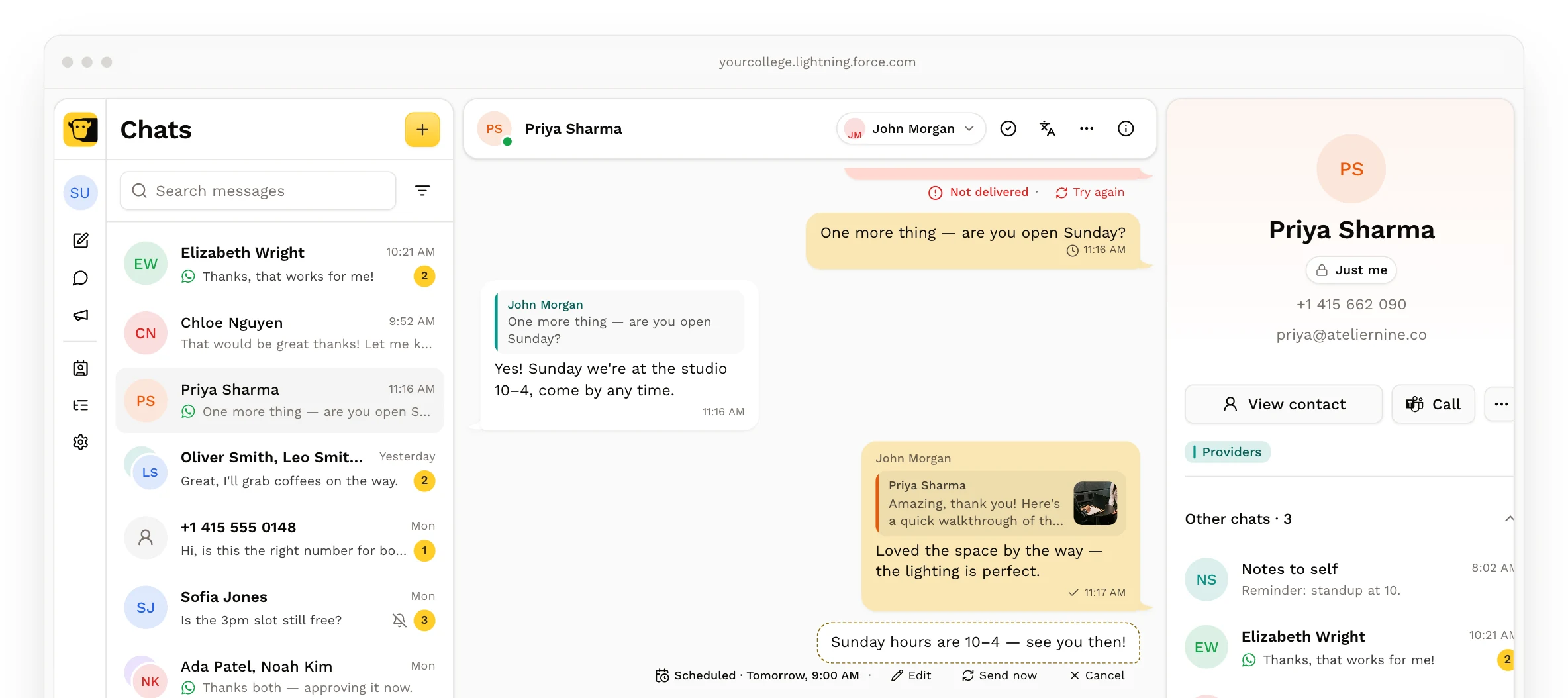
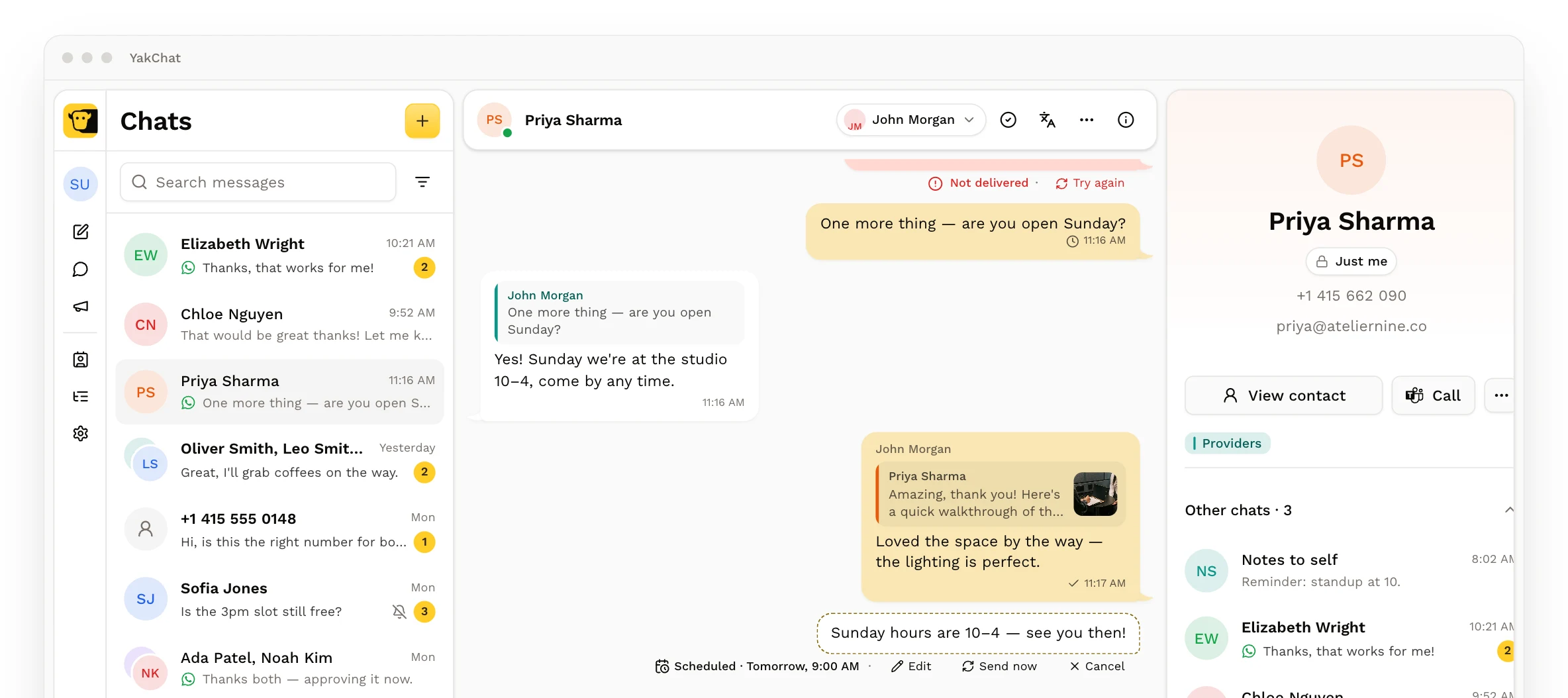
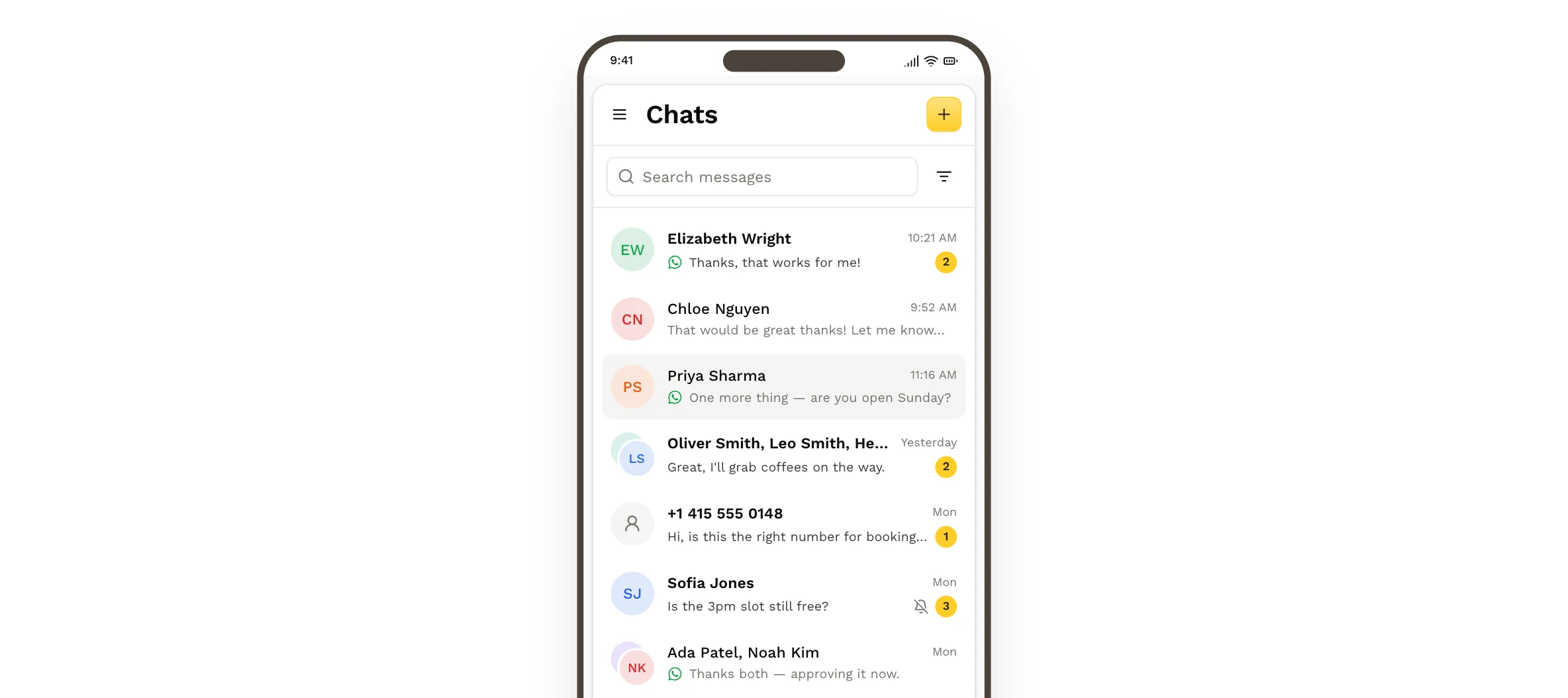
Send and receive student messages from inside Microsoft Teams, Webex, Salesforce, or a browser — at your desk or on the go.

Recruit Globally. Connect on WhatsApp.
WhatsApp is the go-to messaging channel across Europe, India, Latin America, and beyond. With 3+ billion users worldwide, it's where international students already connect. Forget expensive cross-border SMS, carrier restrictions, and unreliable delivery. Reach prospective students on WhatsApp, directly from the applications your teams already use.
No International SMS Fees
Connect with students worldwide through WhatsApp, using Wi-Fi or mobile data, without international SMS charges for their replies.
Sent. Delivered. Read.
Track message delivery and available read receipts, giving admissions teams greater visibility into student communications.
One-Tap Responses
Let students respond to inquiries, confirm interest, and take action through interactive WhatsApp buttons.
One Connected Platform
Switch between SMS and WhatsApp without switching applications. Manage student conversations in one place, from first inquiry to enrollment.



WhatsApp users: monthly, as reported by Meta, Q1 2025 earnings call.
One-to-One or Shared by the Team
Give staff an individual inbox for direct student conversations, or a shared inbox when admissions, financial aid, or student services need to manage messages together.
Sam Carter
Your inbox
- Maya Johnson9:41Thanks! See you at the campus tour.
- Noah Brooks9:12Is the open day still on Saturday?1 unread
- Zoe Kim8:40Can I bring a parent to the interview?
- Jordan LeeYesterdayGot it, I'll call this afternoon.
Individual Inbox
One-to-One Conversations
Give staff a dedicated business inbox for direct conversations with prospective or current students.
Admissions
Shared inbox · 3 staff
- Maya Johnson9:41Thanks! See you at the campus tour.
- Ethan Clarke9:38Can I send my transcript by email?1 unread
- Lucía Ortega9:20Is housing included in the deposit?2 unread
- Noah Brooks9:12Is the open day still on Saturday?1 unread
Shared Inbox
Managed by the Team
Let departments manage student conversations together, so replies don't depend on one person being available.
Keep Student Messaging Under Your Institution's Control
When official channels don't get a response, staff can turn to personal phones and messaging apps. It solves an immediate problem — but creates another: shadow IT, with conversations happening outside the institution's visibility and control.
Ethan Clarke
Which building is admissions in?
Maya Johnson
Did you get my transcript?
Sam's phone
Personal phone numbersMaya Johnson
I'll just email instead
Ethan Clarke
Running late for my campus tour, sorry!
Priya's phone
Unmanaged conversationsMaya Johnson
Hello? Did anyone see my message?
Lucía Ortega
Is my deposit due this week?
A personal WhatsApp
History can leave with staffAdmissions
Shared inbox · 3 staff
- Maya Johnson9:41I'll just email instead3 unread
- Ethan Clarke9:38Which building is admissions in?2 unread
- Lucía Ortega9:12Is my deposit due this week?1 unread
- Business numbers
- Shared visibility
- Archived conversation history
YakChat keeps student messaging on business numbers, with conversation history and contacts retained by the institution — even when staff members leave.
Staff get the convenience of texting. Your institution keeps the visibility and control it needs.
See How Keiser University Uses YakChat
Keiser University brought student text messaging into Microsoft Teams, giving admissions staff a faster way to make first contact while keeping conversations inside the university's communication environment.

We started a pilot with our Admissions department. They immediately started making a lot more connections — a lot faster.



Make It Easier for Students to Respond
Meet prospective and current students on the messaging channels they actually use — while your teams continue working from the applications they already use.