 Messaging App
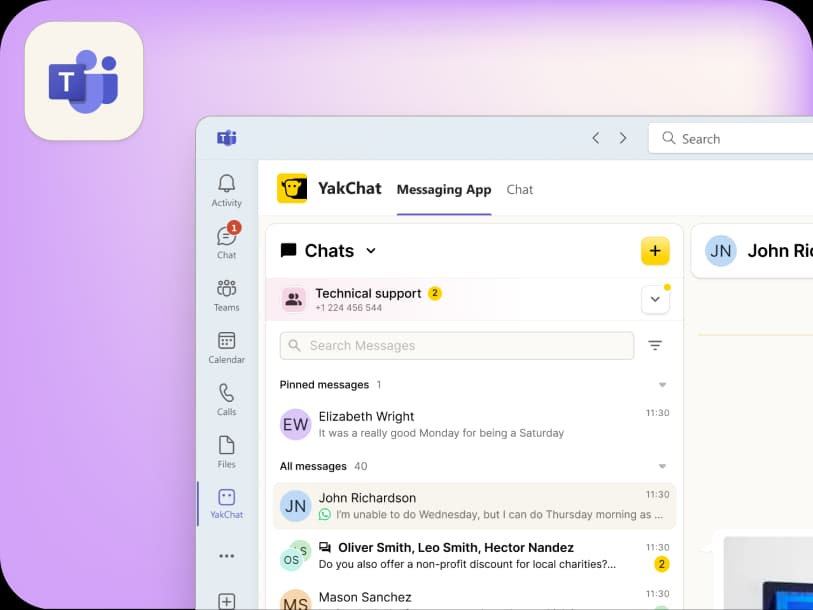
 For Microsoft Teams
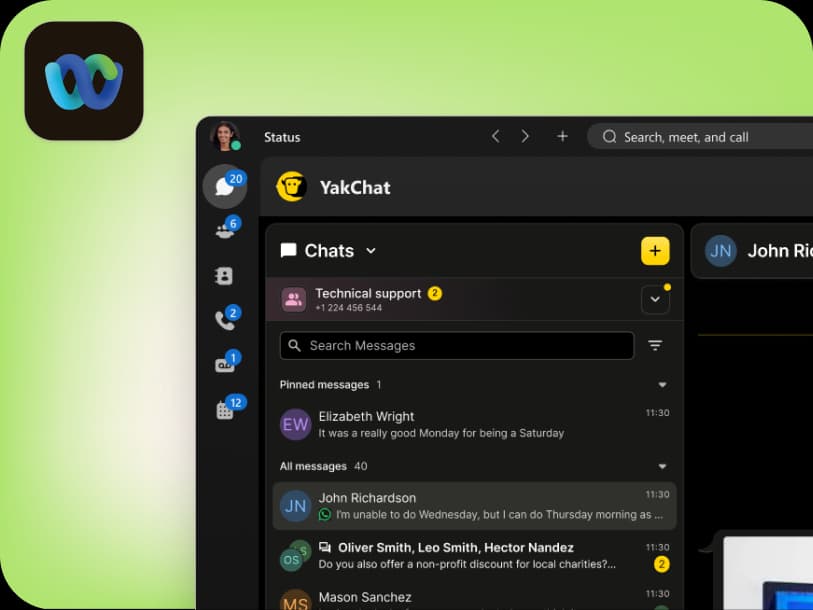
 For Webex
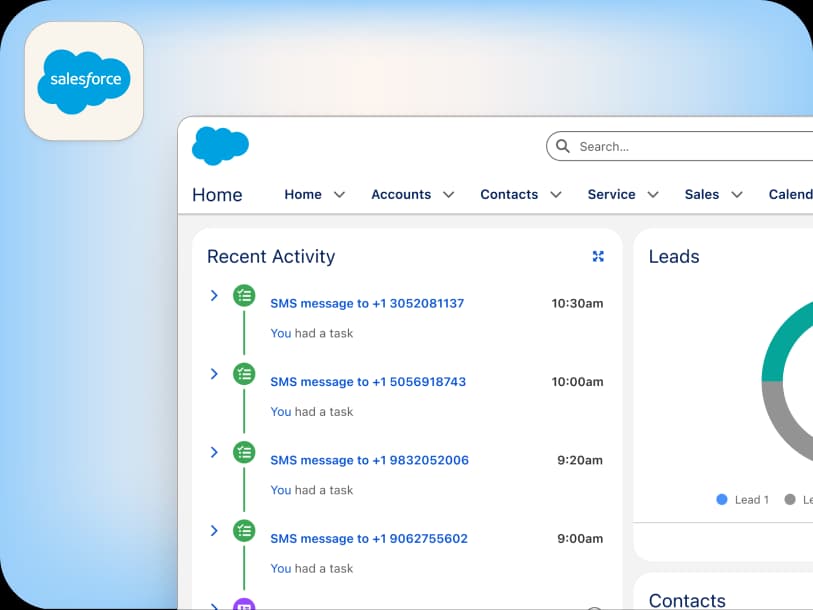
 For Salesforce
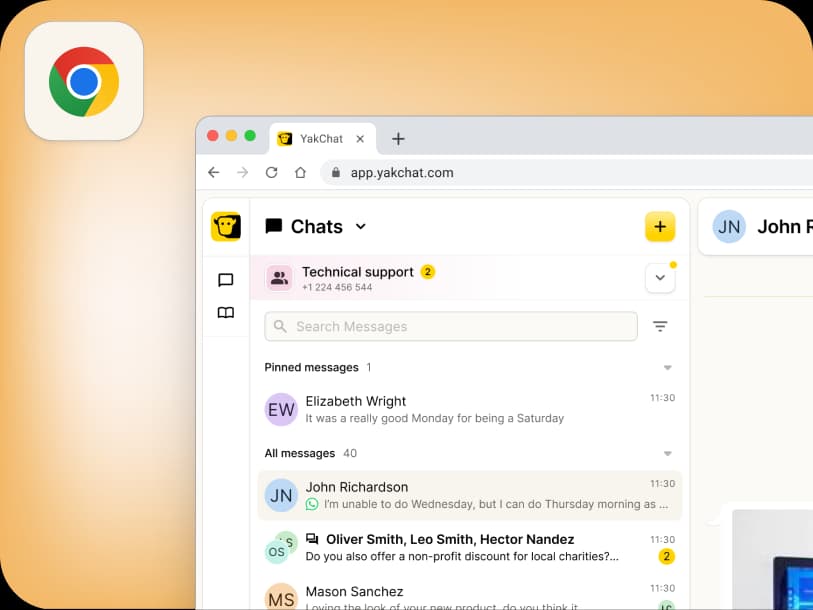
 In the Browser
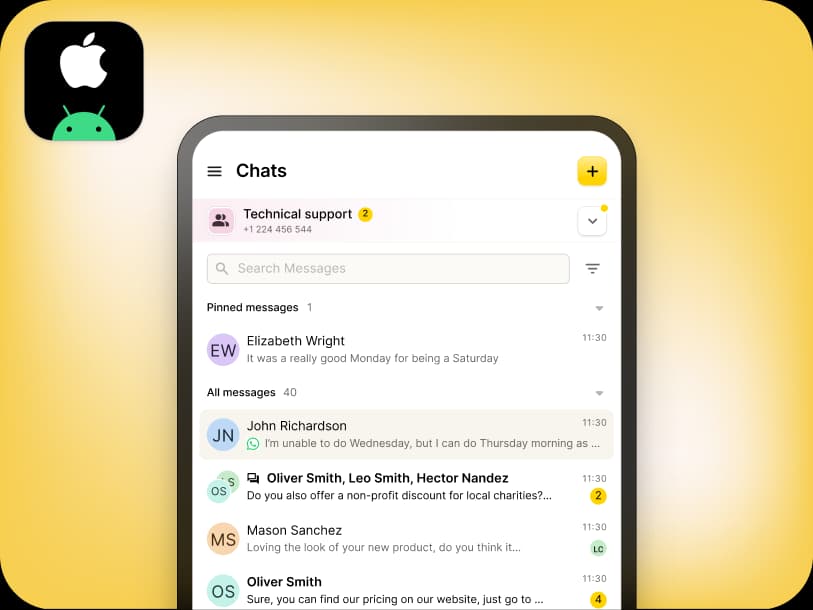
 For iOS and Android
 All Features
 SMS
SMS MMS
MMS WhatsApp Business Messaging
 RCS for Business
 Power Automate
 Browser extension
 Tango Extend Integration
 Bring your own SMS provider
Install YakChat
Use YakChat wherever you work
One account. One connected messaging experience. Choose your primary workspace to get started
Choose your workspace
YakChat works across the platforms your team already uses
This website uses cookies to enhance your experience, analyze site usage, and offer tailored interactions with our chat service. By continuing to use this site, you agree to our use of cookies. You can choose to manage your cookie preferences by clicking below