Messaging App
 For Microsoft Teams
 For Webex
 For Salesforce
 In the Browser
 For iOS and Android
 All Features
 SMS
SMS MMS
MMS WhatsApp Business Messaging
 RCS for Business
 Power Automate
 Browser extension
 Tango Extend Integration
 Bring your own SMS provider

SMS for Salesforce
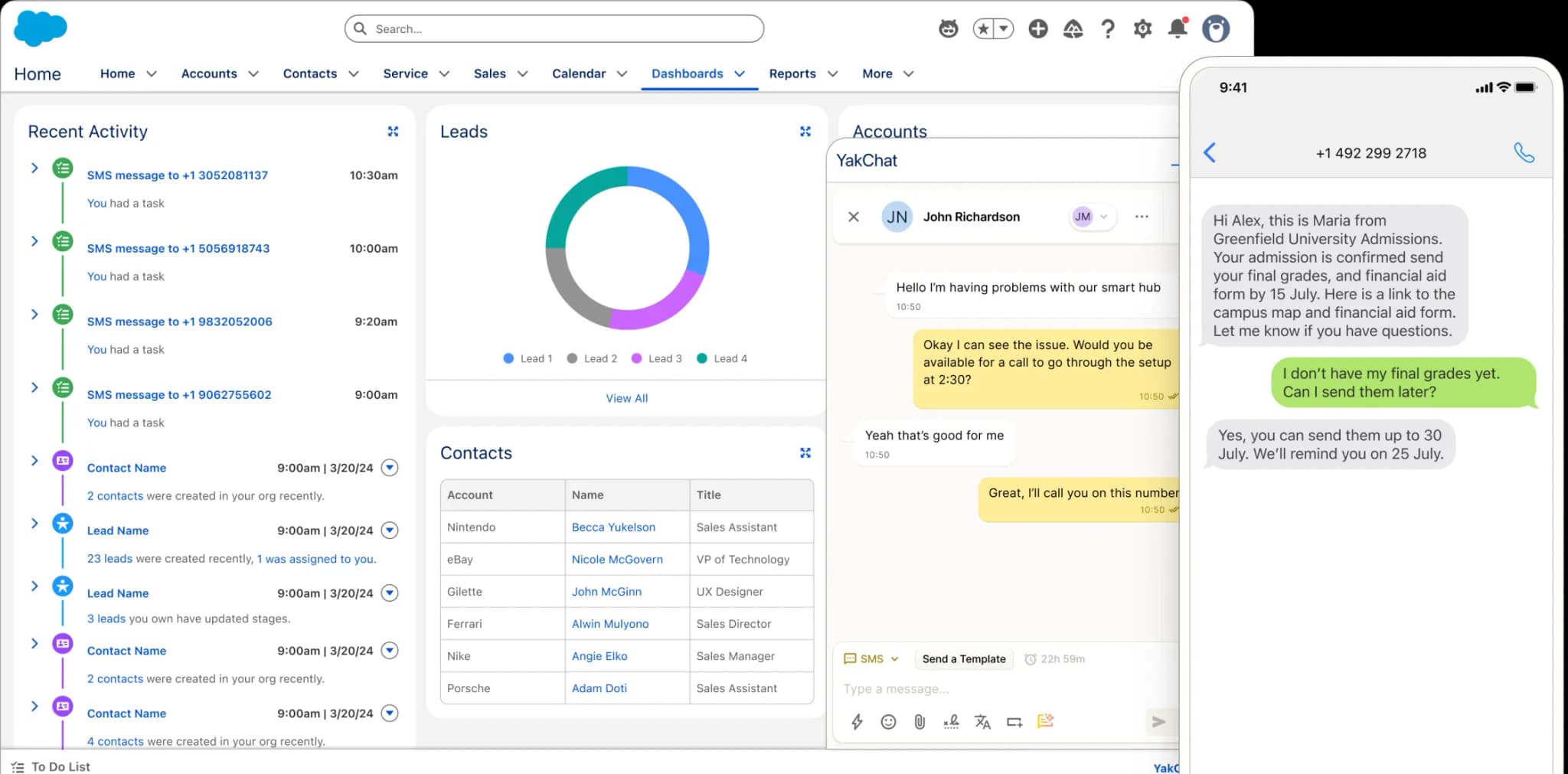
Bring compliant business-grade SMS directly into Salesforce, so teams can text customers, track conversations, and collaborate in real-time without switching tools.
Connect . Collaborate . Comply
Why SMS and MMS in Salesforce Matter
Compliant, professional SMS built directly into Salesforce replaces unmanaged personal texting with controlled, auditable customer communication. Your teams can respond faster, collaborate more effectively, and ensure every message is automatically logged to your customer record — making your SMS outreach governed, visible, and accountable.
Simple to deploy, easy to use
Give Salesforce SMS Superpowers
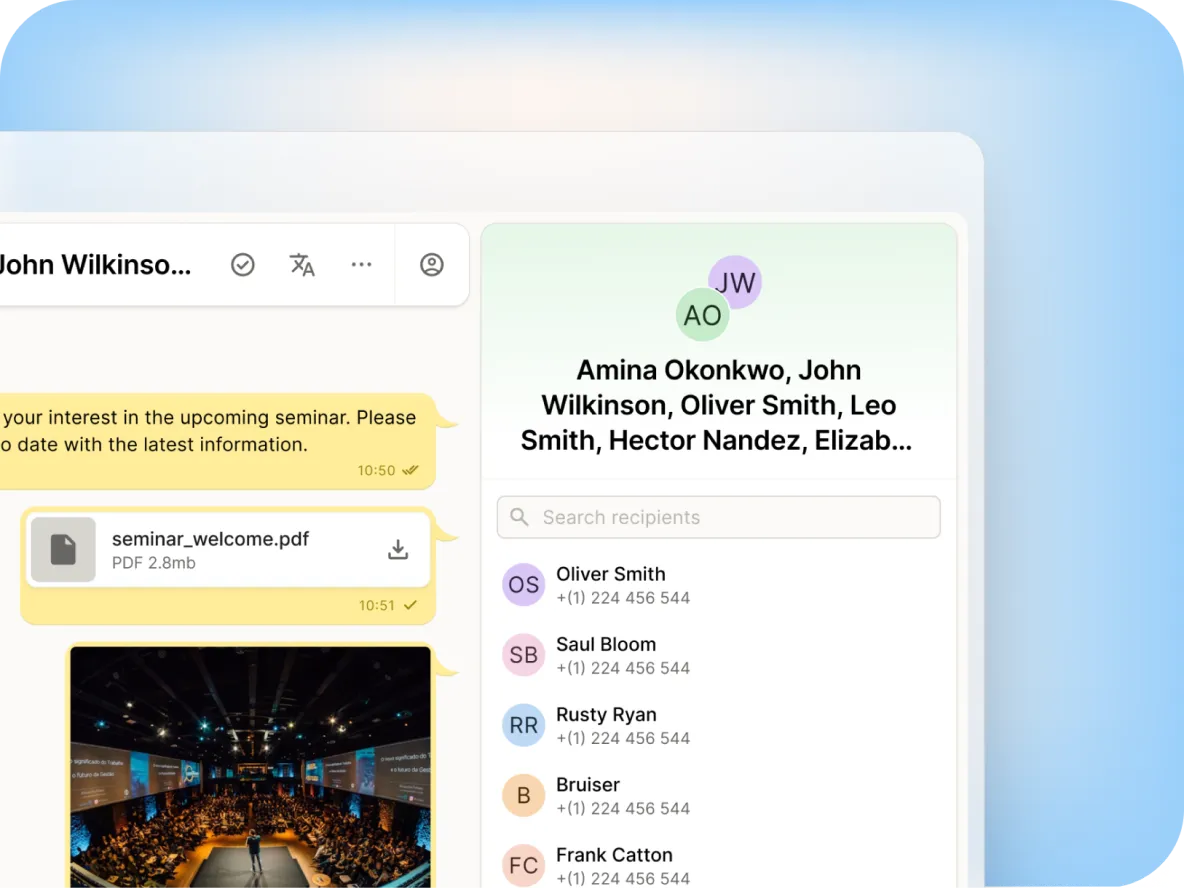
YakChat’s SMS for Salesforce delivers fast, business-grade messaging directly into the Salesforce workspace, allowing users to engage customers within the CRM they use every day. It goes far beyond basic one-on-one texting.Designed for both individuals and teams, YakChat enables users to message one or multiple contacts directly from Salesforce. You can review messaging history alongside all other customer interactions and access YakChat instantly from the Salesforce utility bar—eliminating application switching and fragmented communication.From a single interface, teams can collaborate through group chats and share images or files in real time, keeping every conversation synchronized and visible.
Go beyond basic one-on-one SMS
All the Features You Need...
Extend Salesforce with powerful SMS and MMS features built for real-time customer engagement, collaboration, compliance, and scale.
Individuals & Teams
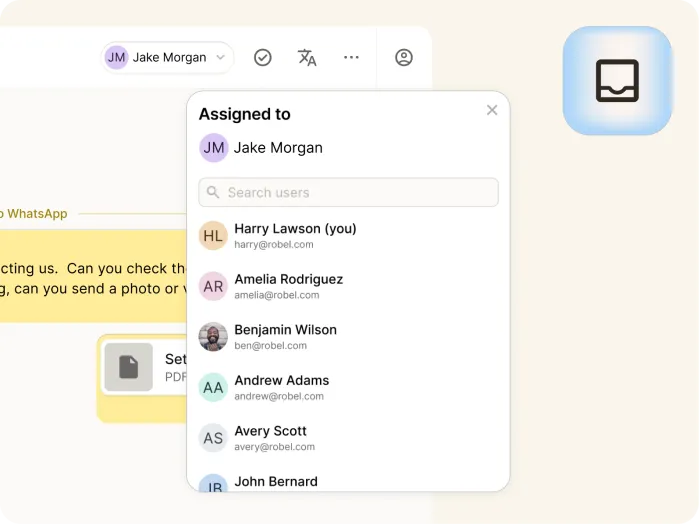
Add SMS to individual user numbers with a personal inbox. For teams, use a shared inbox linked to a group number so everyone can respond from a single number.
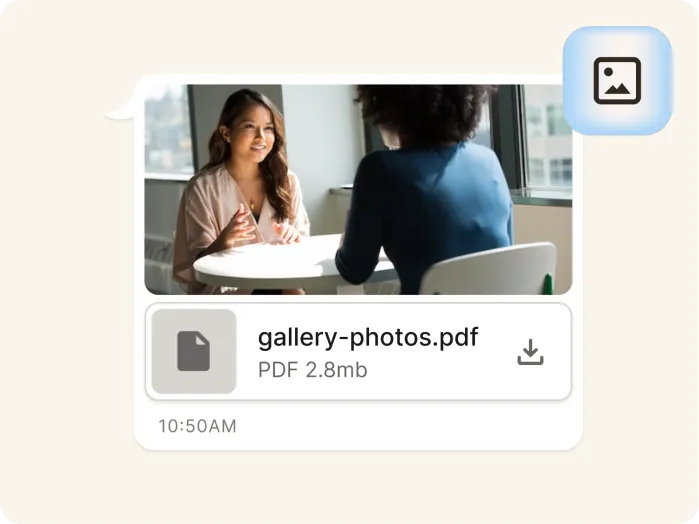
Pictures & Files
Send and receive pictures, paste screenshots, or attach files in the Salesforce embedded Lightning app.
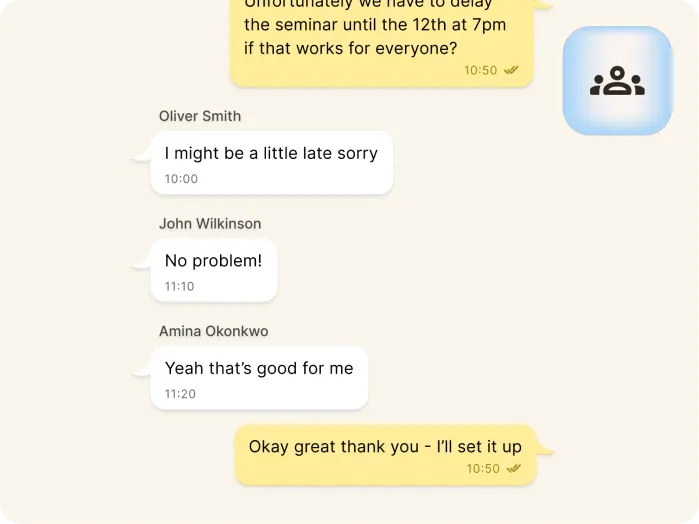
Broadcast & Group Chat
Quickly send a message to multiple contacts as a private one-to-one conversation. Alternatively, use group chat to co-ordinate more effectively across your team.
...and All the Features You Could Wish For
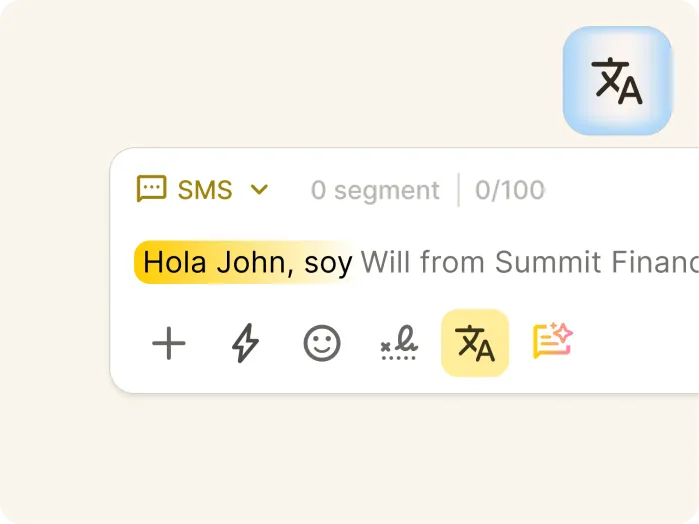
Language Translation
Translate inbound and outbound SMS messages in real time, so it's easier to chat with contacts across regions and languages.
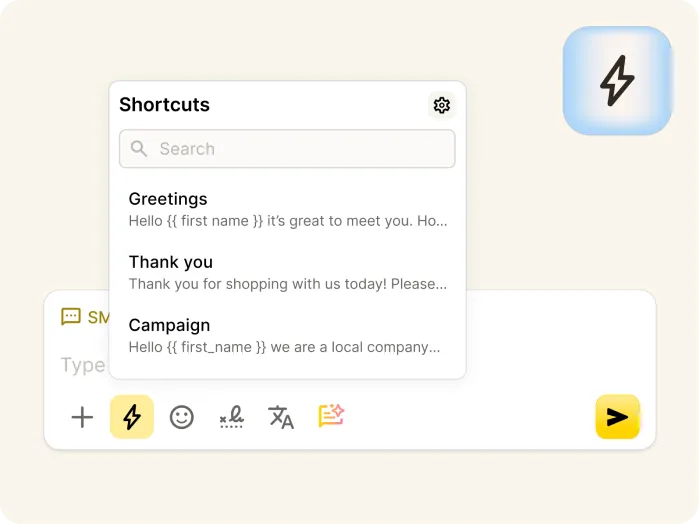
Message Templates
Create and reuse approved message templates to respond faster while keeping communication consistent and compliant.
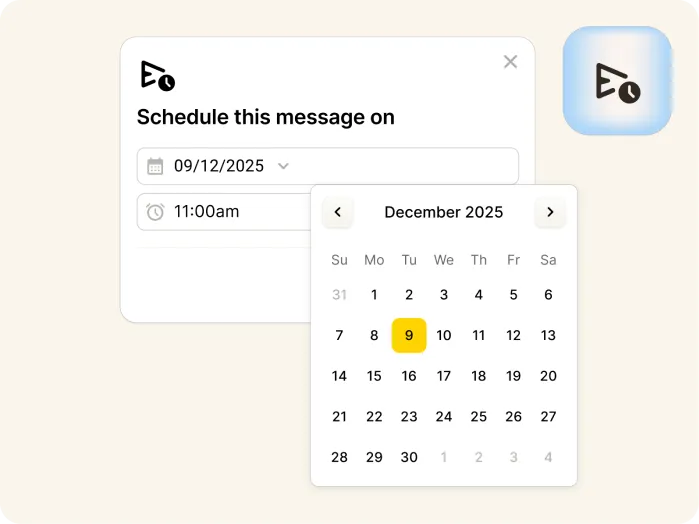
Scheduled Messages
Schedule SMS messages up to 30 days in advance to ensure timely communication without time-consuming, manual follow-ups.
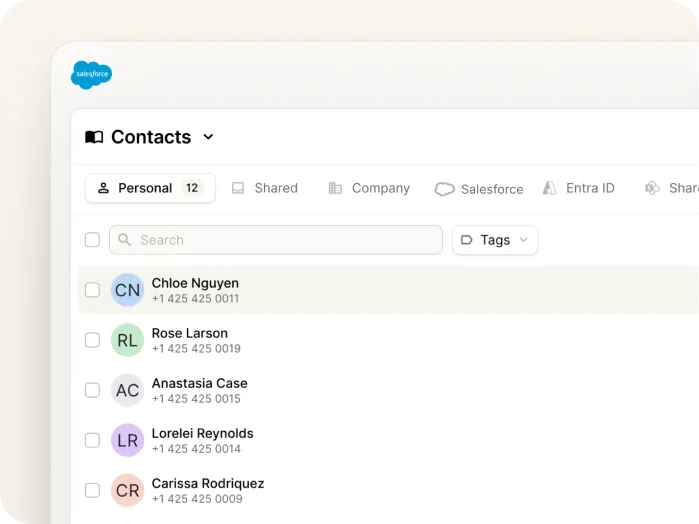
Unified contact hub
Connect with Contacts Wherever They're Saved
Bring together contacts from Salesforce, YakChat, Microsoft Outlook, SharePoint, and Entra ID into a single view inside YakChat.By accessing Salesforce contacts directly instead of synchronizing them, YakChat eliminates duplicate records and keeps your customer data secure inside your CRM.Salesforce contacts are available wherever users message — in Salesforce, Microsoft Teams, Webex, the browser app, or mobile — so teams can find, message and share contacts without switching systems.YakChat automatically matches phone numbers to contacts and displays names instead of just numbers, giving instant context and making conversations easier to manage.
Download YakChat from the Salesforce AgentExchange
Seamless SMS Integration with Salesforce
Benefit from the most integrated professional SMS solution for Salesforce.
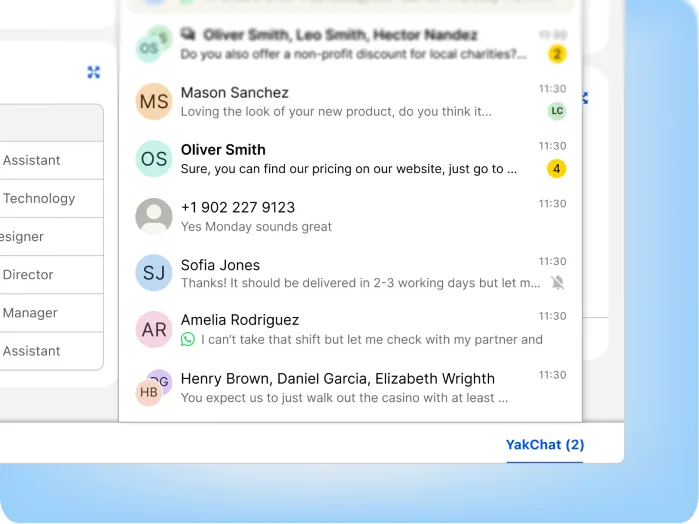
YakChat Salesforce Lightning App
Access SMS and MMS from the YakChat Lightning app in the Salesforce utility bar, making advanced messaging features, and full conversation management instantly available.
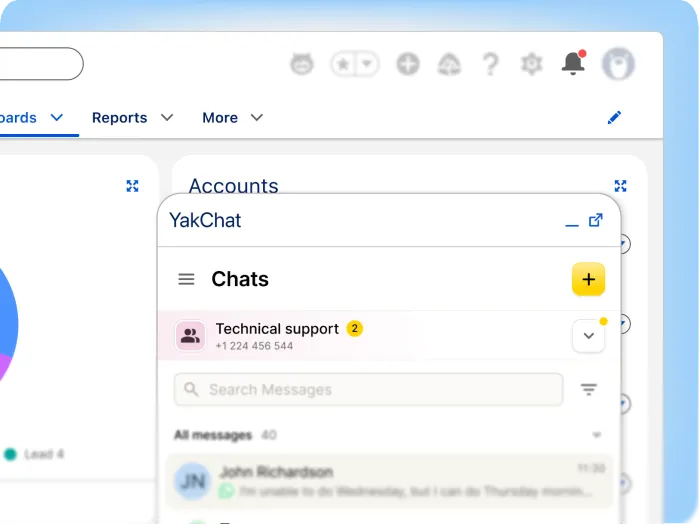
New Message Notifications
Get instant alerts in Salesforce the moment new SMS messages arrive. With a message counter in the Salesforce utility bar and a badge on the notification bell, your team can respond instantly to incoming conversations.
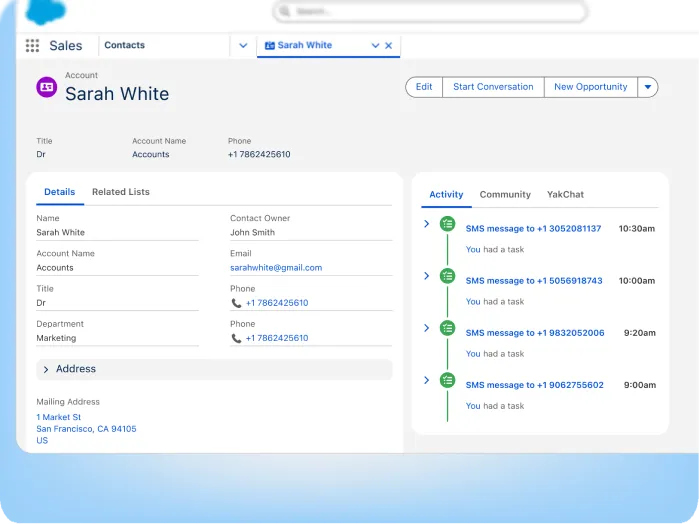
Messages Saved in Salesforce
Automatically save SMS messages and media to the Salesforce Activity History. Create a single, searchable messaging timeline alongside emails, calls and other customer interactions to maintain full visibility and compliance.
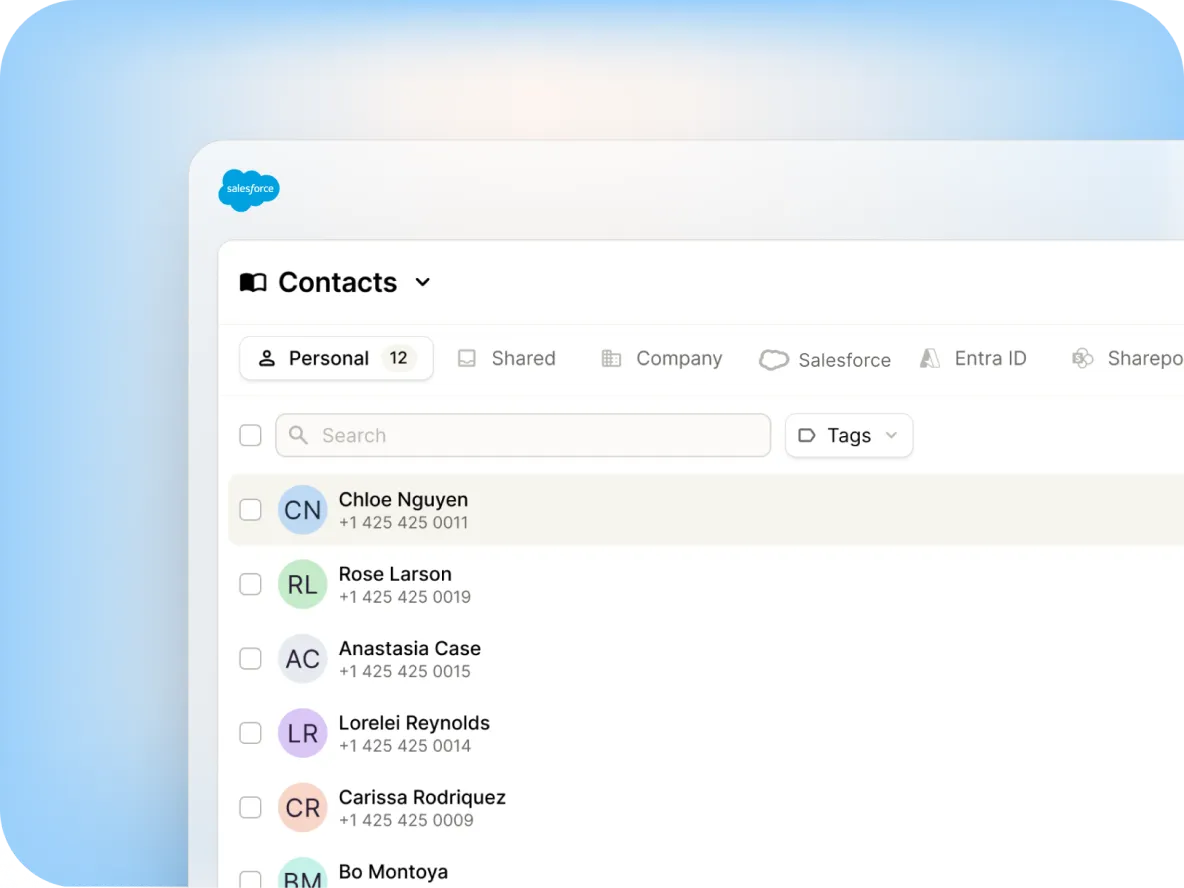
Salesforce Contacts
View and message Salesforce contacts seamlessly alongside contacts from your other business systems, without requiring full synchronization.
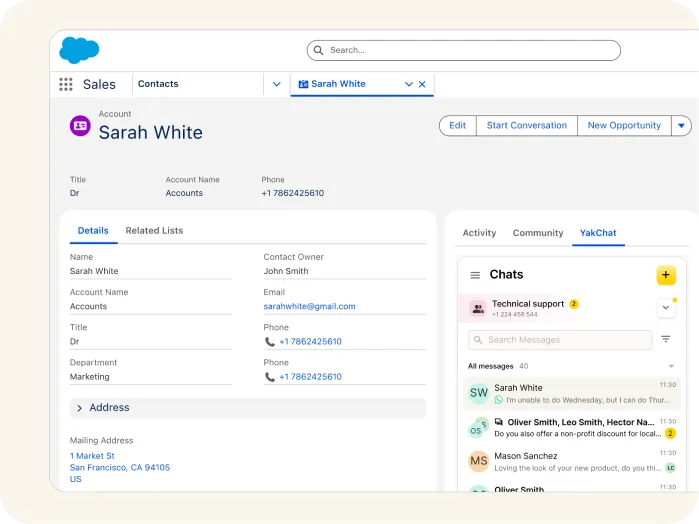
Contact Matching
Match incoming SMS/MMS messages to Salesforce contacts, displaying the contact name and linking the conversation to the Salesforce customer record.

Salesforce Authentication
Access YakChat using your Salesforce identity – no additional usernames or passwords required.
Flexible number options
SMS and MMS on your Business Number
Quickly add a new local text-only number or add SMS to your existing VoIP or landline numbers or bring your own SMS carrier. YakChat provides hands-on 10DLC Campaign registration support.
YakChat Number
Grab a new SMS-only number in your local area
Landline/VoIP
Existing PBX, landline, SIP, and VoIP numbers
BYOC
Integrate your own CPaaS service provider
Compliance built-in
YakChat + SMS: Compliance by Design
Using SMS on personal phones puts your business at risk of shadow IT. Messages are scattered across individual devices with no central oversight, records, or control.If a message is deleted, it’s gone. Lose an employee, and you lose the entire conversation. CCPA and FCC obligations around data access, retention, consent, and auditability can be breached in an instant.YakChat provides a controlled, auditable way to use SMS in Salesforce. Messages are centrally managed, archived, and retained in line with organizational policies — ensuring data protection and compliance.Built-in opt-out handling ensures customer preferences are respected, reinforcing compliant messaging.
What comes after SMS?
Add More Messaging Channels to Salesforce
Start with SMS for Salesforce, then expand to WhatsApp for secure global messaging and RCS for rich, interactive conversations as your customers' preferences evolve.YakChat brings SMS, MMS, WhatsApp, and RCS into your existing workflow, creating a single omnichannel messaging workspace that keeps every customer conversation connected, compliant, and secure.