Messaging App
 For Microsoft Teams
 For Webex
 For Salesforce
 In the Browser
 For iOS and Android
 All Features
 SMS
SMS MMS
MMS WhatsApp Business Messaging
 RCS for Business
 Power Automate
 Browser extension
 Tango Extend Integration
 Bring your own SMS provider
Omnichannel Messaging for Salesforce
Enterprise-grade unified messaging right inside Salesforce. Manage SMS, MMS, WhatsApp, and RCS within your secure CRM for compliant customer engagement.
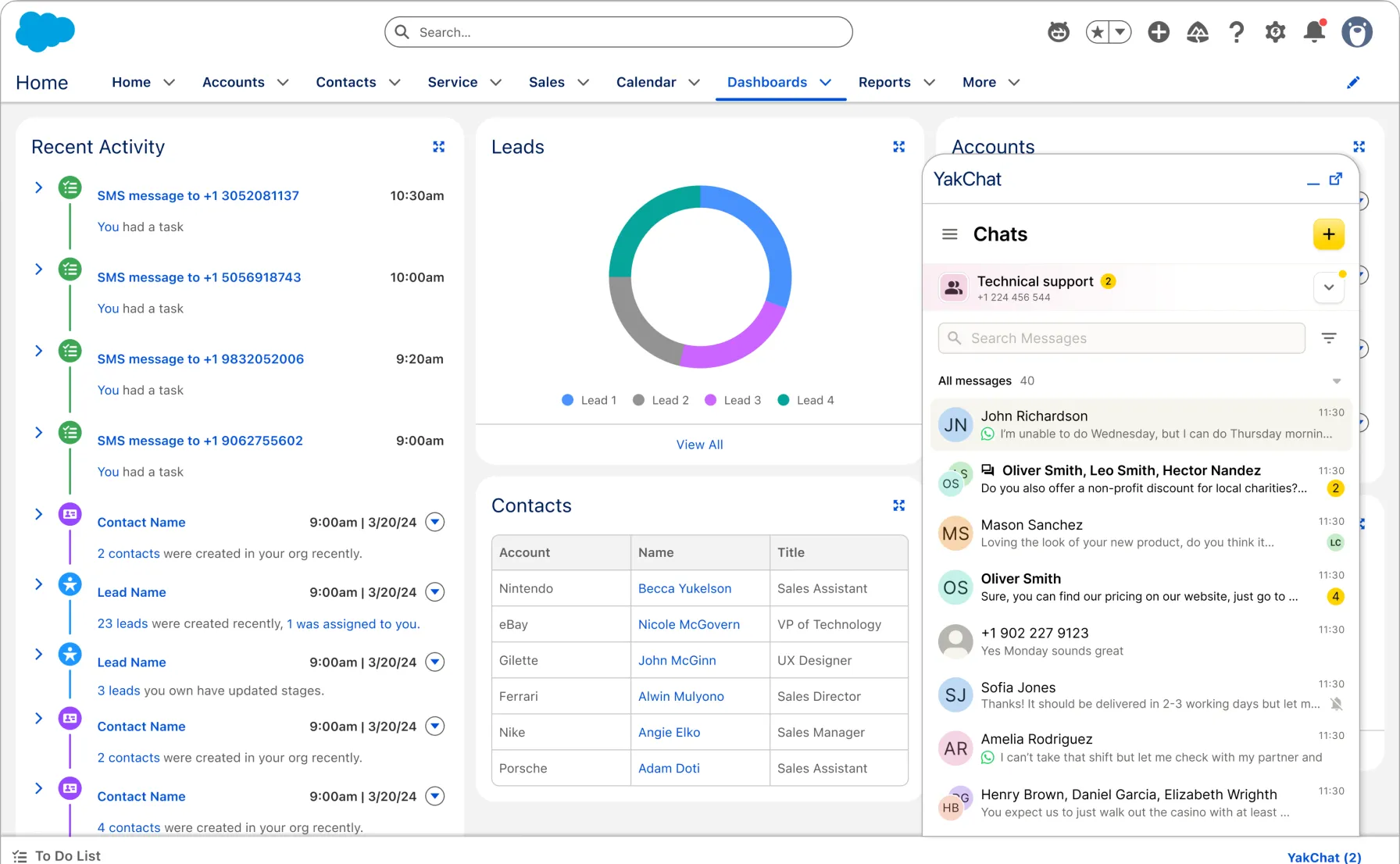
Connect • Collaborate • Comply
Choose Your Messaging Channel
Whether customers prefer SMS, MMS, WhatsApp, or RCS, your team can manage every conversation directly within Salesforce – switching channels mid-thread without losing context, visibility, or control.
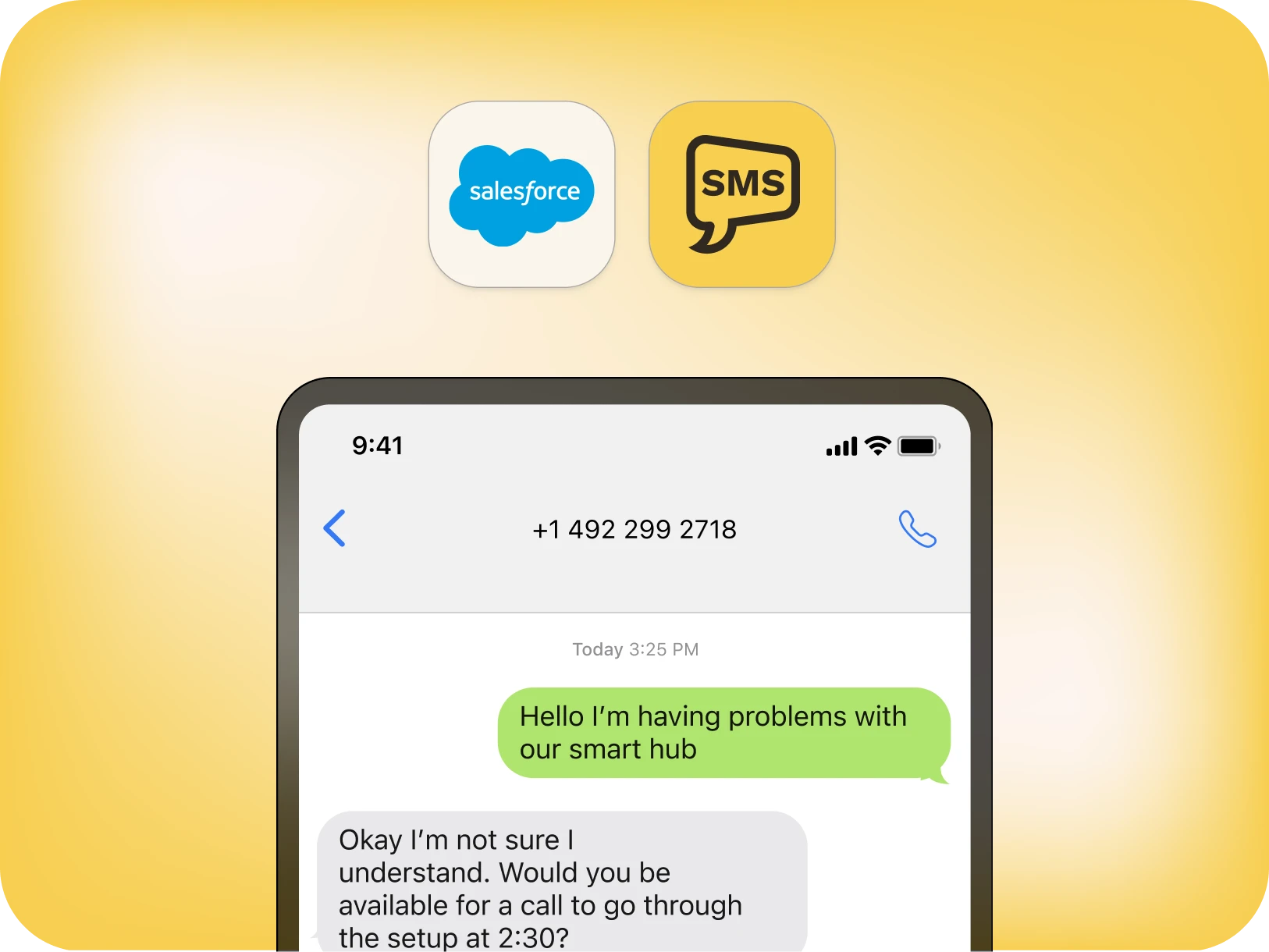
SMS/MMS
Enterprise-grade SMS and MMS messaging for instant, compliant communication with universal reach.
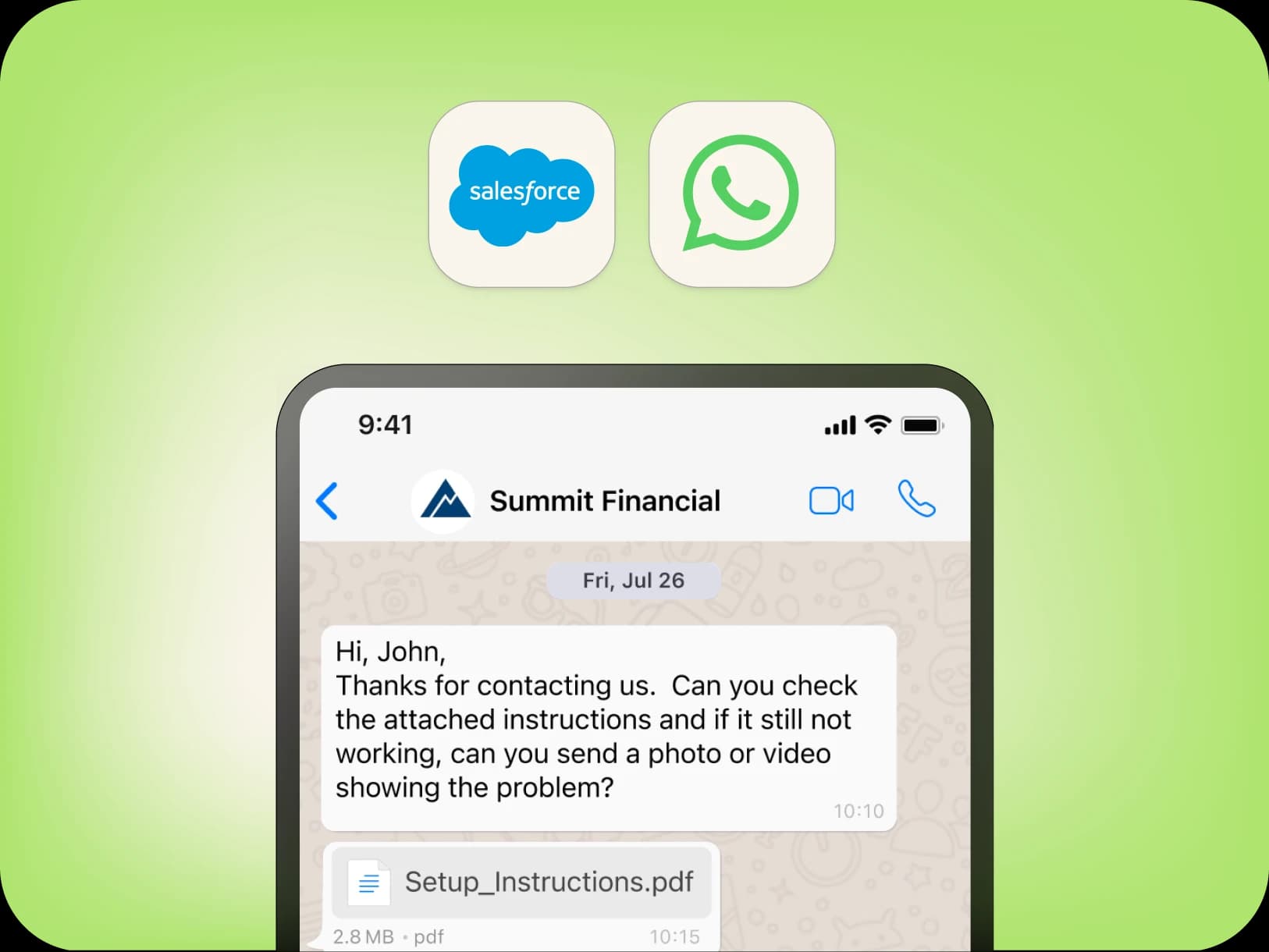
WhatsApp Business Messaging for secure international engagement and global customer reach.
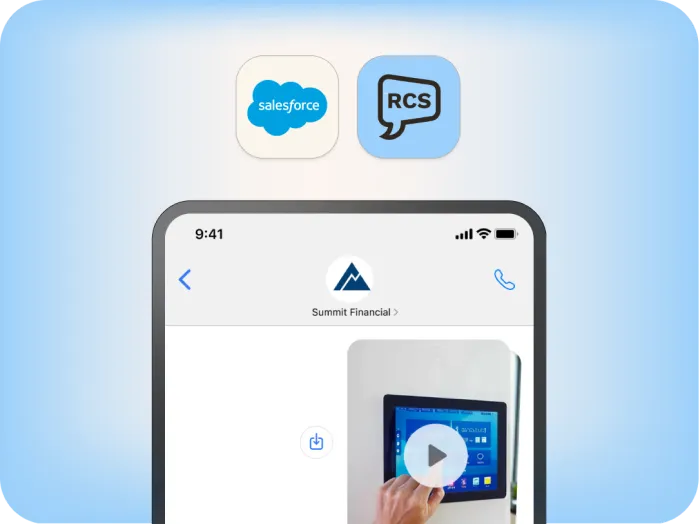
RCS
RCS for Business enables rich media, branded layouts, and tap-to-reply actions that drive deeper engagement.
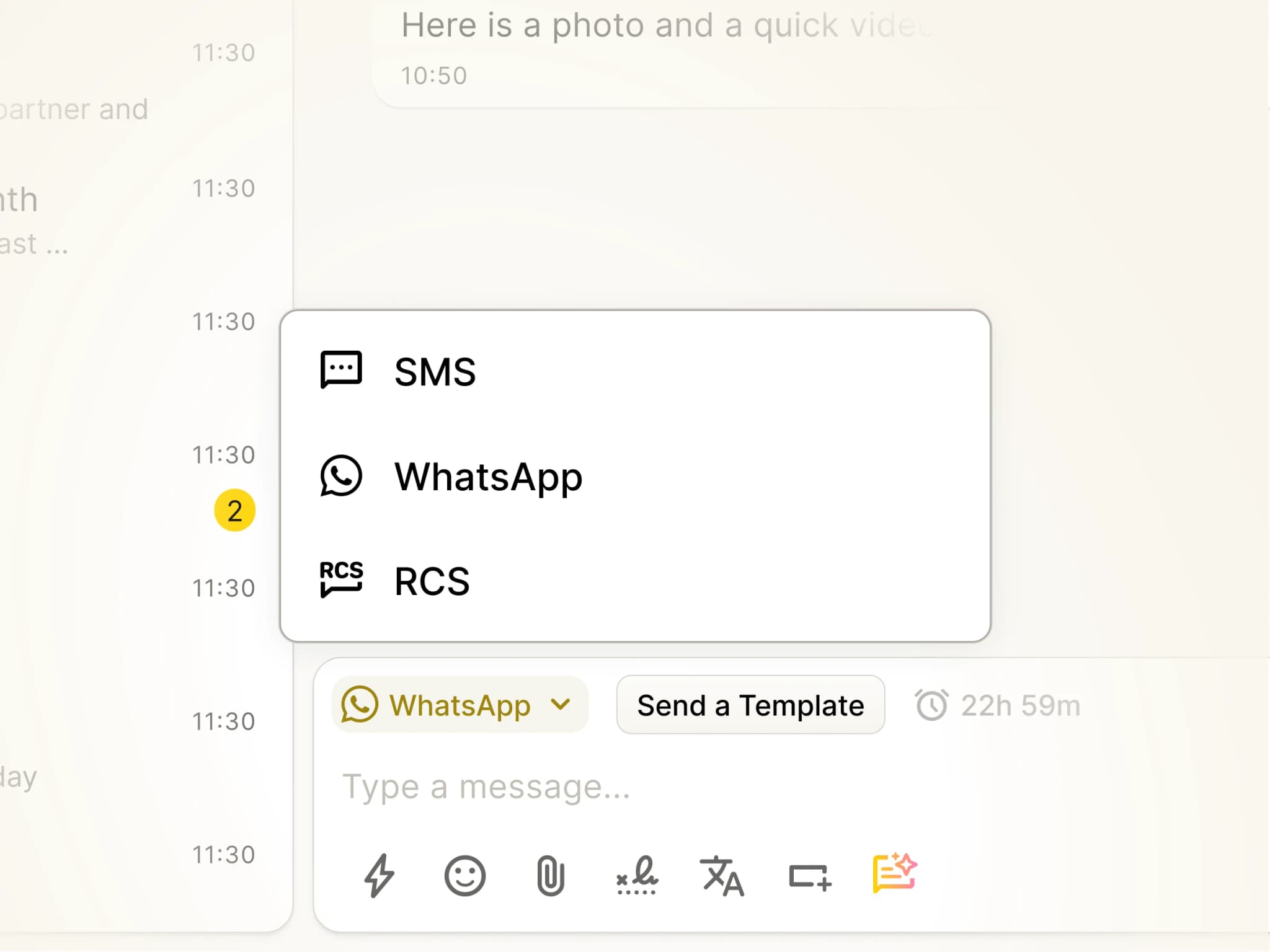
Why Omnichannel Messaging in Salesforce Matters
Most domestic business messaging still happens over SMS. But a single channel isn't enough to reach everyone, everywhere.True customer connection requires flexibility: SMS and MMS for universal reach, WhatsApp to effortlessly engage international clients, and RCS for rich, interactive conversations.YakChat's Omnichannel Messaging for Salesforce unifies SMS, MMS, WhatsApp, and RCS directly inside your CRM. Conversations can switch between channels instantly based on student, patient, or customer preference as needed, while every interaction stays in a single, compliant thread with full history.Reach your customers on the channel they prefer, entirely managed from Salesforce.
Add YakChat from the Salesforce AgentExchange
Omnichannel Messaging Unified in Salesforce
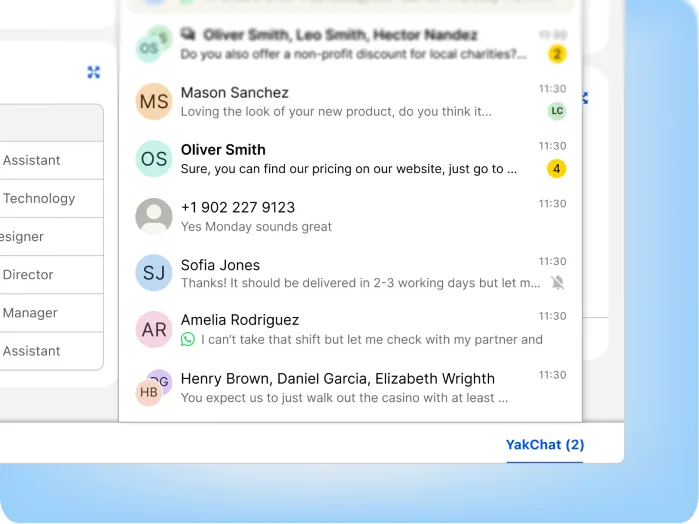
YakChat Salesforce Lightning App
Access SMS, MMS, WhatsApp, and RCS from the YakChat Lightning app in the Salesforce utility bar, making advanced messaging features, and full conversation management instantly available.
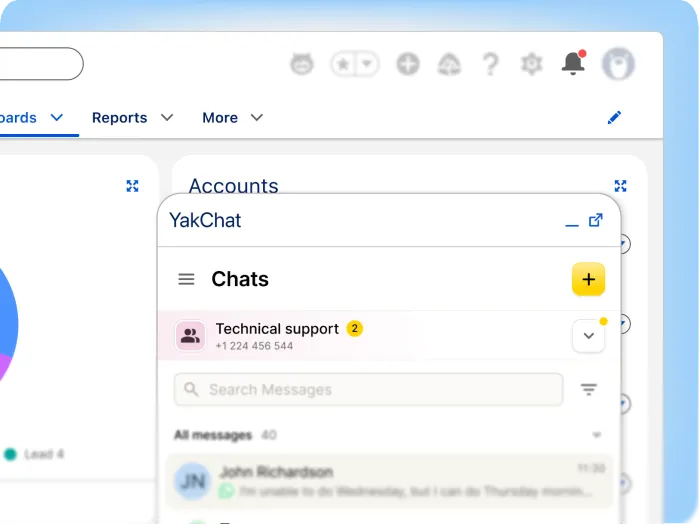
New Message Notifications
Get instant alerts the moment new messages arrive. With a message counter in the Salesforce utility bar and a badge on your notification bell, your team can respond instantly to incoming conversations.
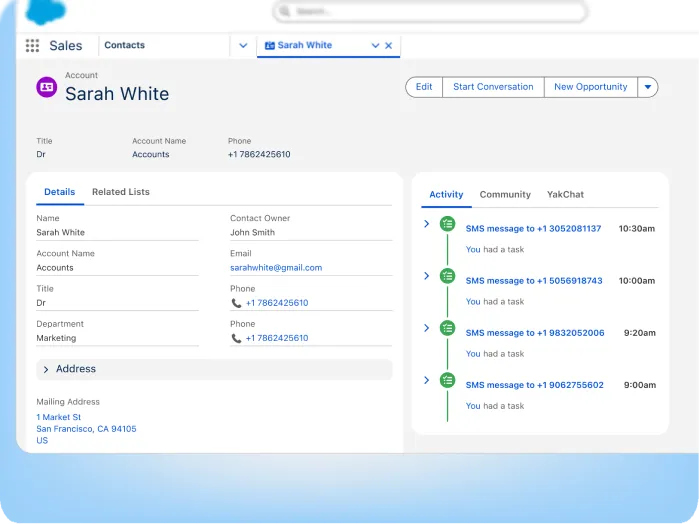
Messages Saved in Salesforce
Automatically save messages and media to the Salesforce Activity history. Create a single, searchable messaging timeline alongside emails, calls, and other customer interactions to maintain full visibility and compliance.
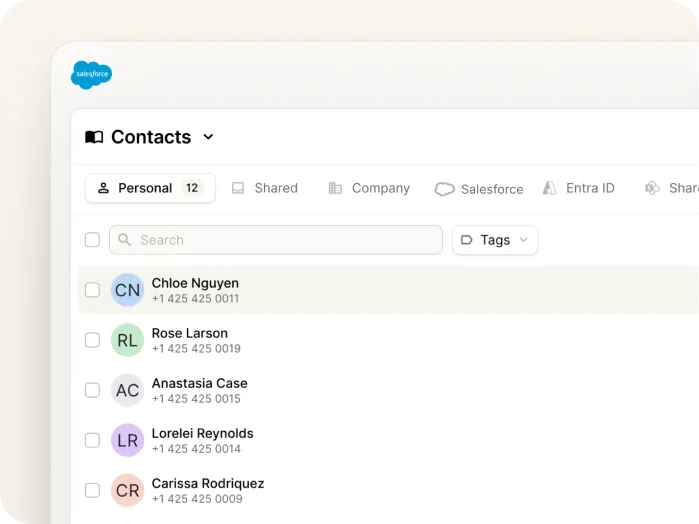
Salesforce Contacts
View and message Salesforce contacts seamlessly alongside contacts from your other business systems, without requiring full synchronization.
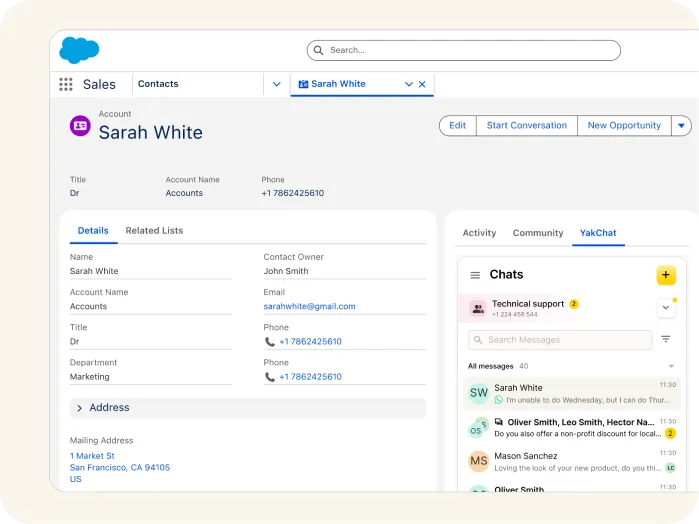
Contact Matching
Match incoming messages to Salesforce contacts, displaying the contact name and linking the conversation to the customer record.

Salesforce Authentication
Access YakChat using your Salesforce identity – no additional usernames or passwords required.
One experience. Any platform
See YakChat on Other Platforms
The same omnichannel messaging experience — wherever your team works.