Messaging App
 For Microsoft Teams
 For Webex
 For Salesforce
 In the Browser
 For iOS and Android
 All Features
 SMS
SMS MMS
MMS WhatsApp Business Messaging
 RCS for Business
 Power Automate
 Browser extension
 Tango Extend Integration
 Bring your own SMS provider
Omnichannel Messaging for Mobile
Enterprise-grade unified messaging for mobile. Manage WhatsApp, SMS and RCS in one secure mobile app for compliant customer engagement.
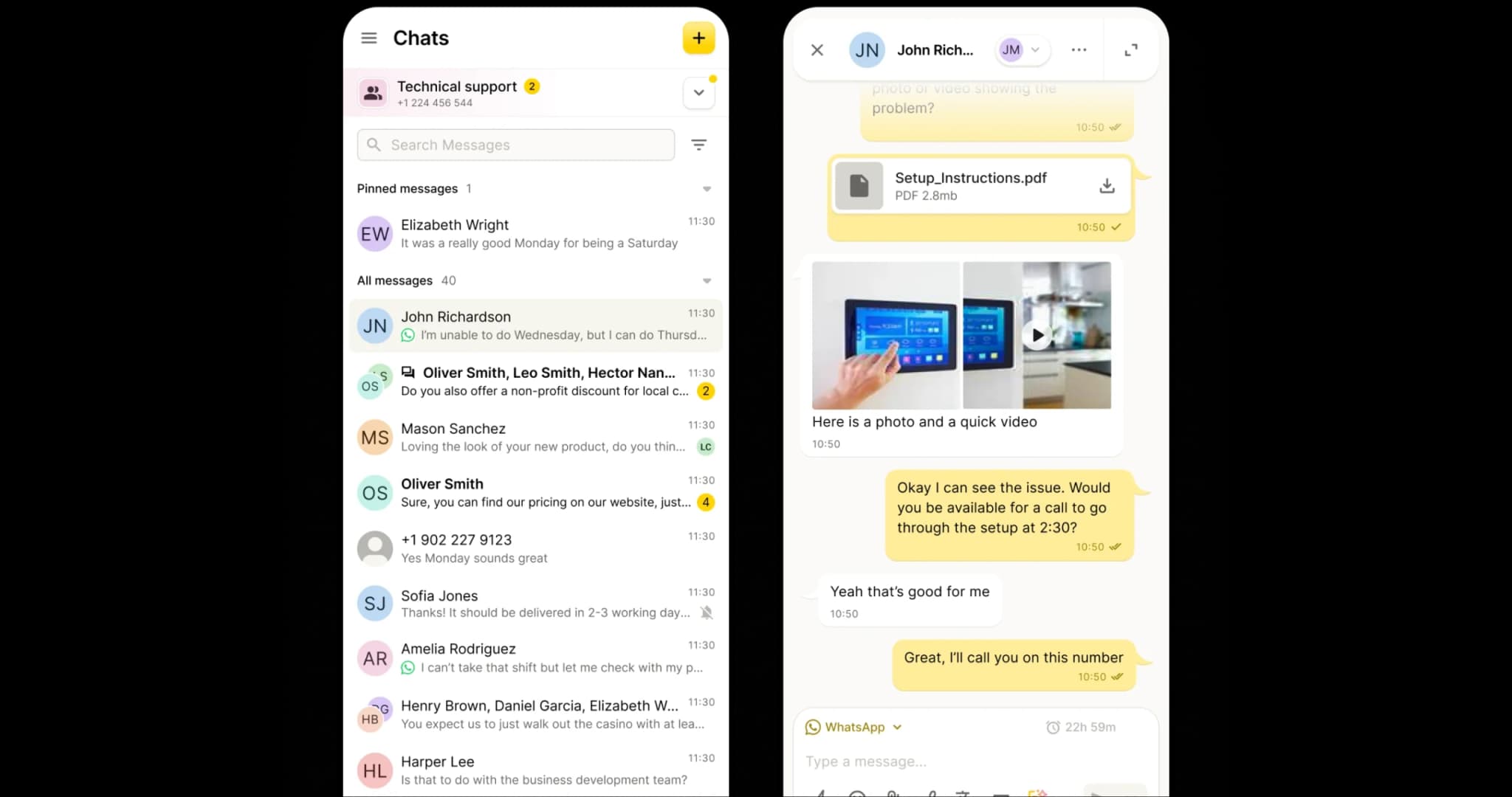
Connect • Collaborate • Comply
Choose Your Messaging Channel
Whether customers prefer WhatsApp, SMS or RCS, your team can manage every conversation in a single mobile app – switching channels mid-thread without losing context, visibility or control.
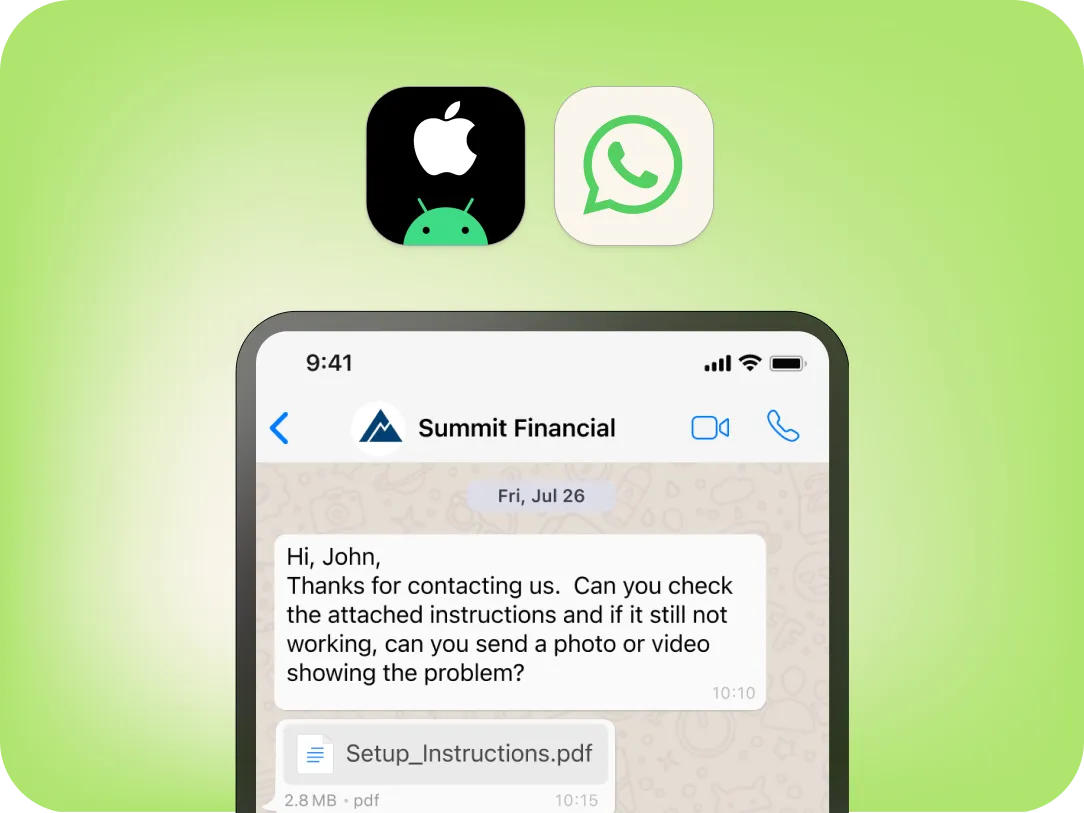
WhatsApp Business Messaging to meet customers on today's most widely used messaging platform.
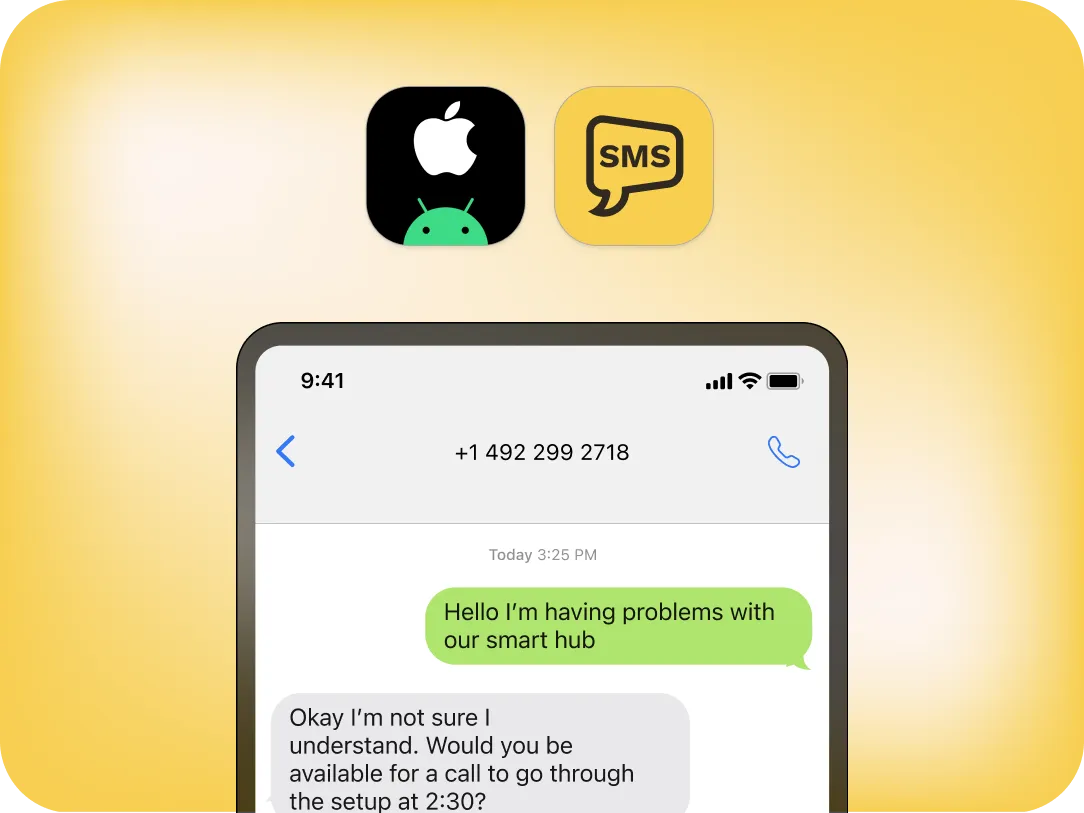
SMS
Enterprise-grade SMS for instant, compliant communication and universal reach - even when other channels aren't available.
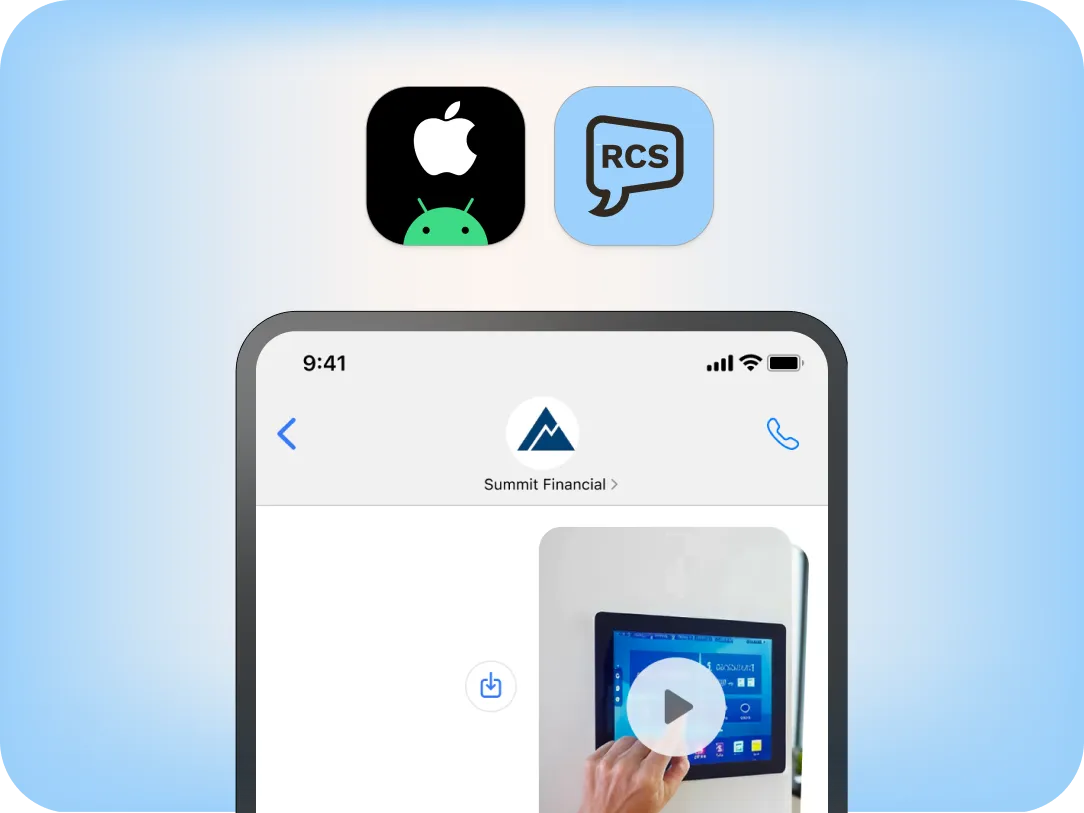
RCS
RCS for Business enables rich media, branded layouts, and tap-to-reply actions that drive deeper engagement.
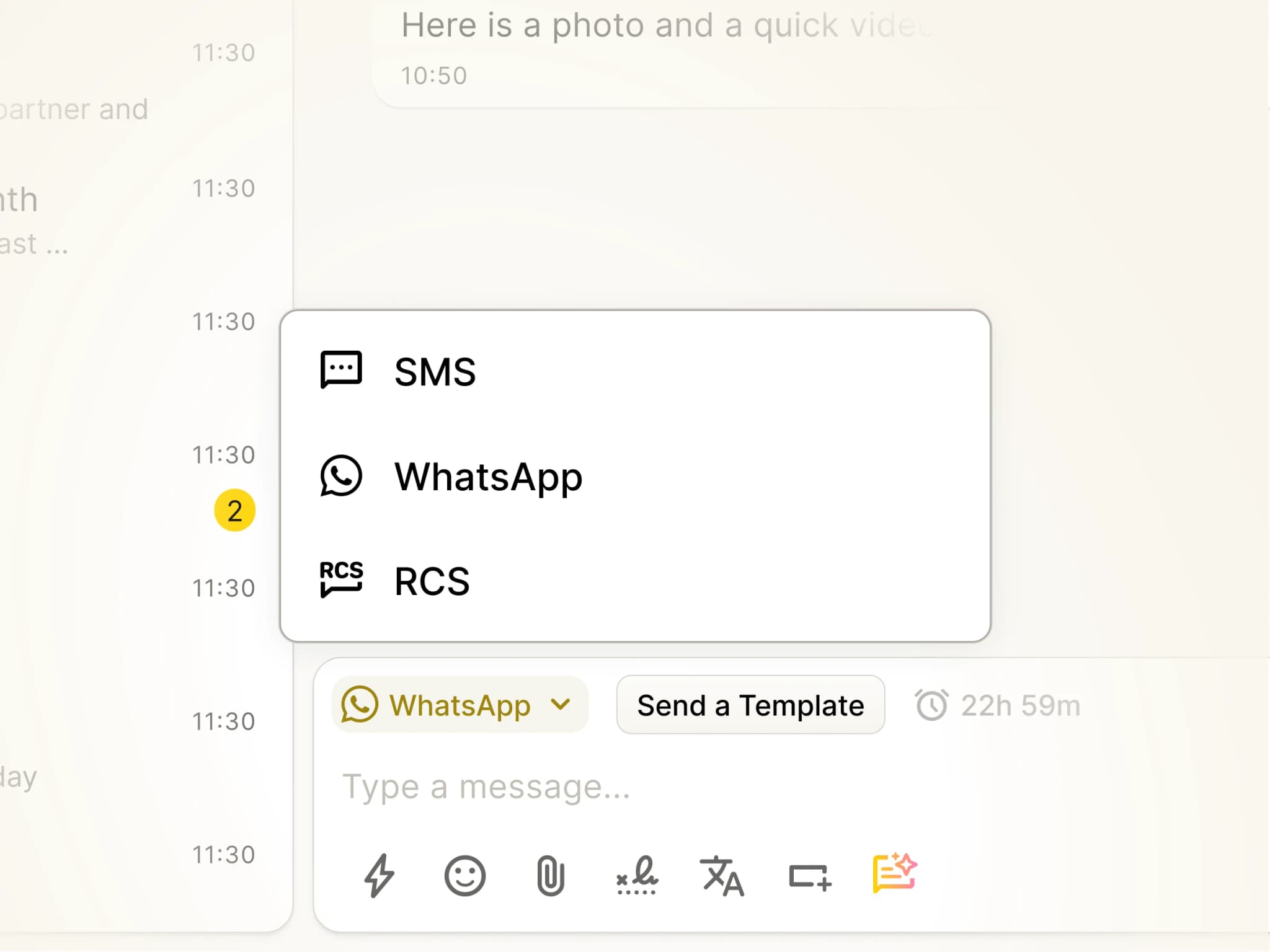
Why Omnichannel Messaging for Mobile Matters
Many customers prefer to communicate on WhatsApp. But not everyone can be reached there.Omnichannel Messaging for Mobile brings WhatsApp, SMS and RCS together in a single mobile app. WhatsApp supports real-time conversational messaging, SMS ensures universal reach when WhatsApp isn't available and RCS enables proactive, branded engagement.Channels can shift mid-conversation, with every interaction maintained in a single thread, complete with full history and compliance.
Native mobile app
Why YakChat?
YakChat's native mobile app (Text365) is specifically designed for business messaging on-the-move. It separates business messaging from personal data on the same device, and keeps every conversation under central business control.
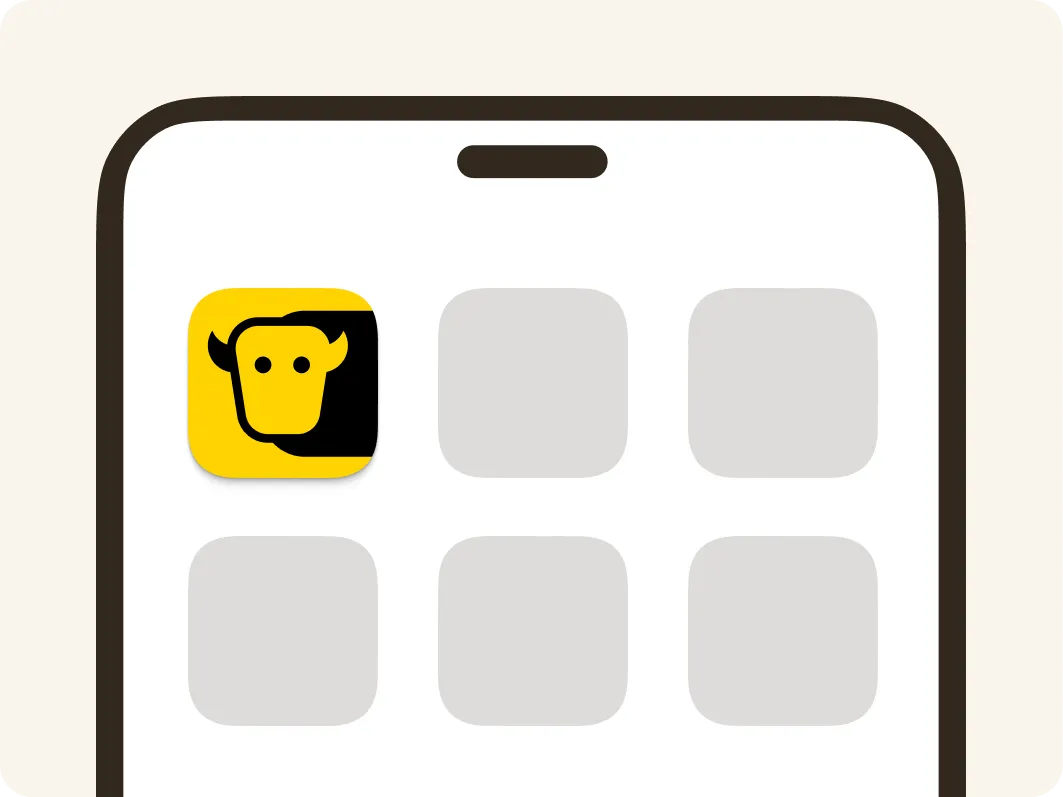
Purpose-Built Mobile App
A dedicated business messaging app on your home screen, designed for fast access to messages on any channel without the distraction of other unified communications.
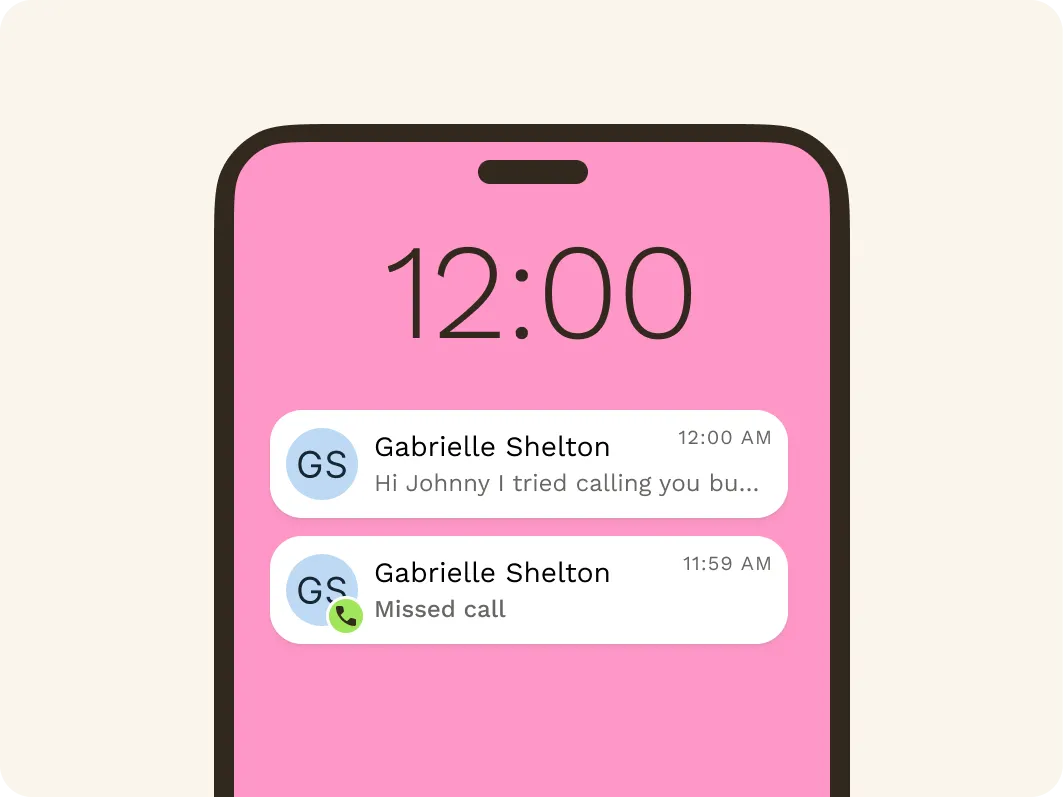
Dedicated Notifications
Receive message notifications separately from Microsoft Teams or Webex alerts. Messages appear on the lock screen – even when the app isn't running – so you never miss a message.
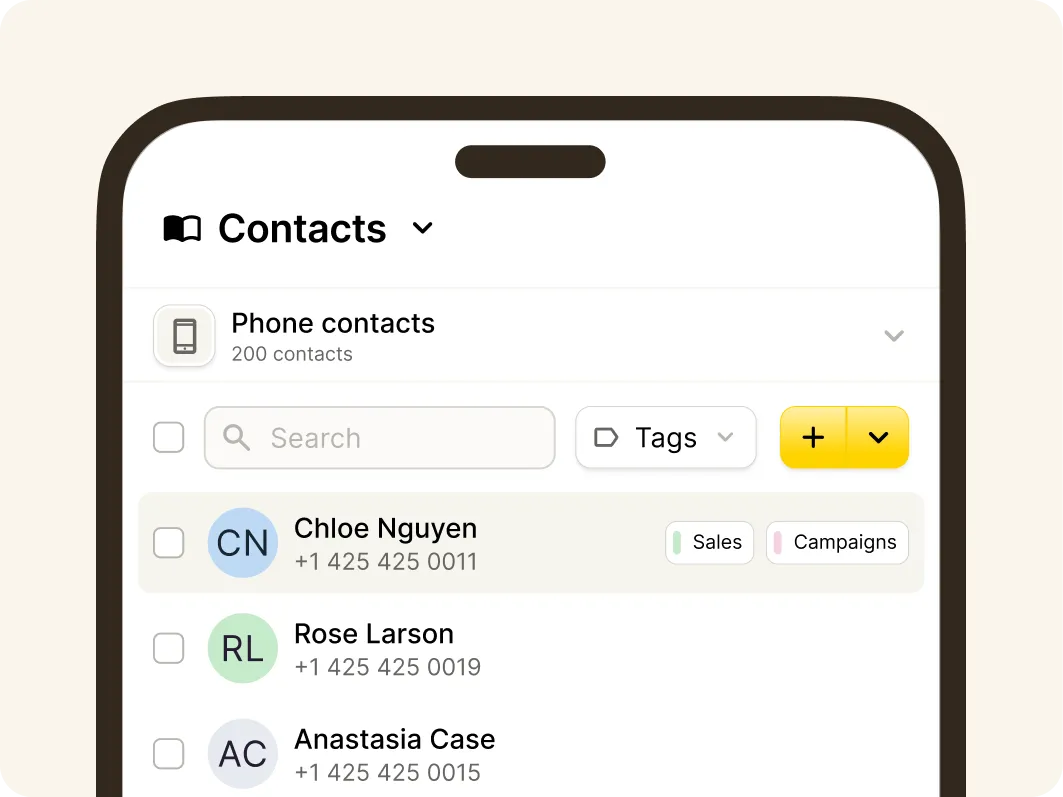
Phone-Saved Contacts
Access phone-stored contacts without syncing or importing them into YakChat. This supports BYOD by keeping personal and business data clearly separate on employee-owned phones.
One experience. Any platform
See YakChat on Other Platforms
The same omnichannel messaging experience — wherever your team works.