Messaging App
 For Microsoft Teams
 For Webex
 For Salesforce
 In the Browser
 For iOS and Android
 All Features
 SMS
SMS MMS
MMS WhatsApp Business Messaging
 RCS for Business
 Power Automate
 Browser extension
 Tango Extend Integration
 Bring your own SMS provider
RCS Business Messaging for Mobile
Branded, app-like engagement meets centralised business control. YakChat powers compliant RCS conversations across iOS and Android, keeping your mobile outreach secure and professional.
Connect - Collaborate - Comply
Why Compliant RCS on Mobile Matters
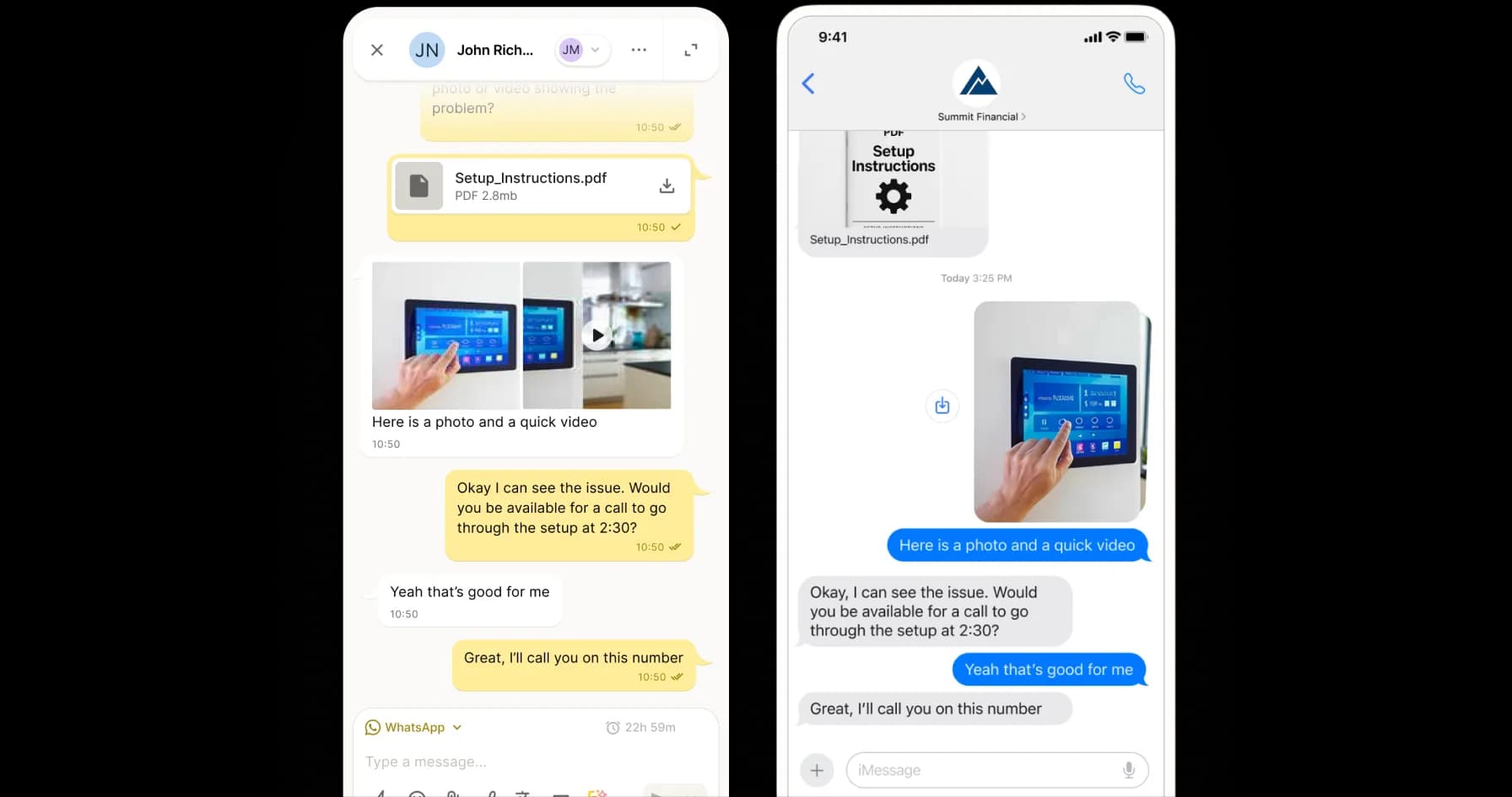
While standard SMS is unverified, RCS lets your brand lead with trust. YakChat empowers your teams to initiate branded, interactive customer conversations on-the-go via a secure and compliant mobile interface.
Proactive customer engagement on-the-go
RCS Business Messaging
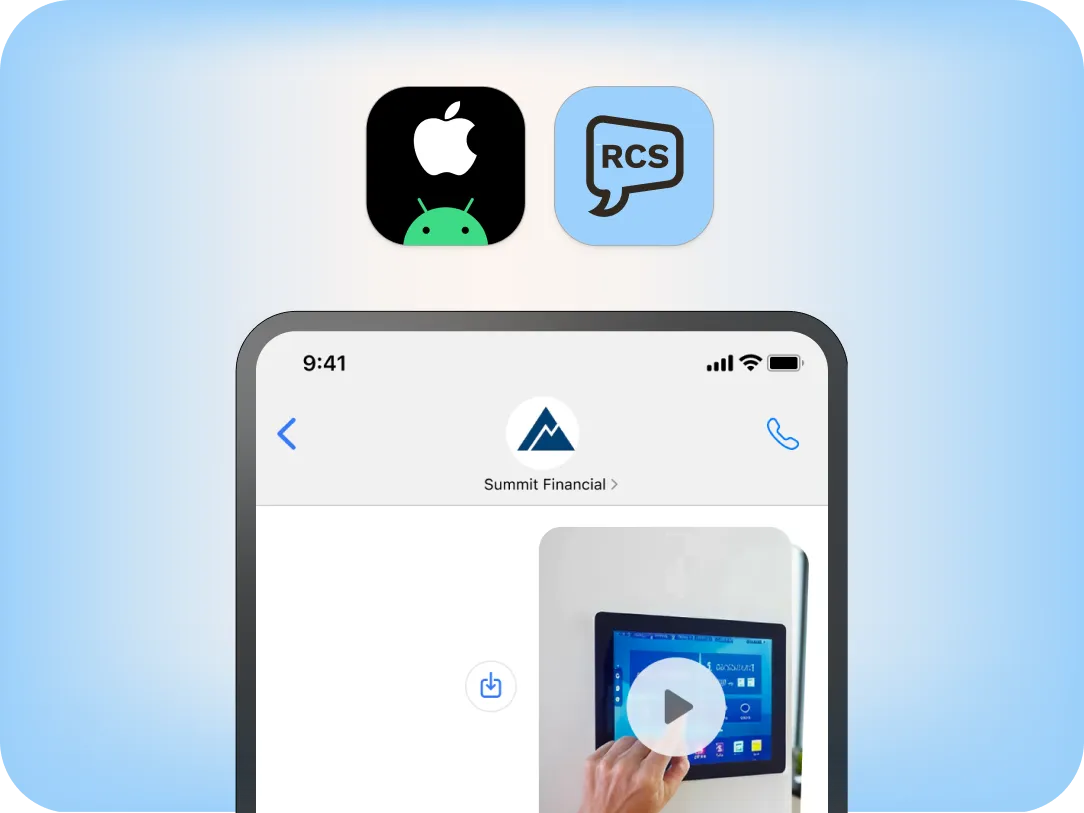
RCS for Business is a secure, outbound-first, interactive messaging channel designed for modern engagement. YakChat enables encrypted conversations from a trusted, verified brand. Compared to SMS, which is limited to short text-only messages and per-segment pricing, RCS supports longer messages, high-quality images and files, and interactive buttons. Together, RCS and YakChat enable teams to deliver faster, more engaging customer conversations on-the-go.
The evolution of SMS
RCS: Turn Every Message into a Branded Experience
RCS evolves your mobile reach with verified branding and rich message insights. YakChat brings this interactive experience to iOS and Android, keeping every conversation secure and auditable.
Branded Messages
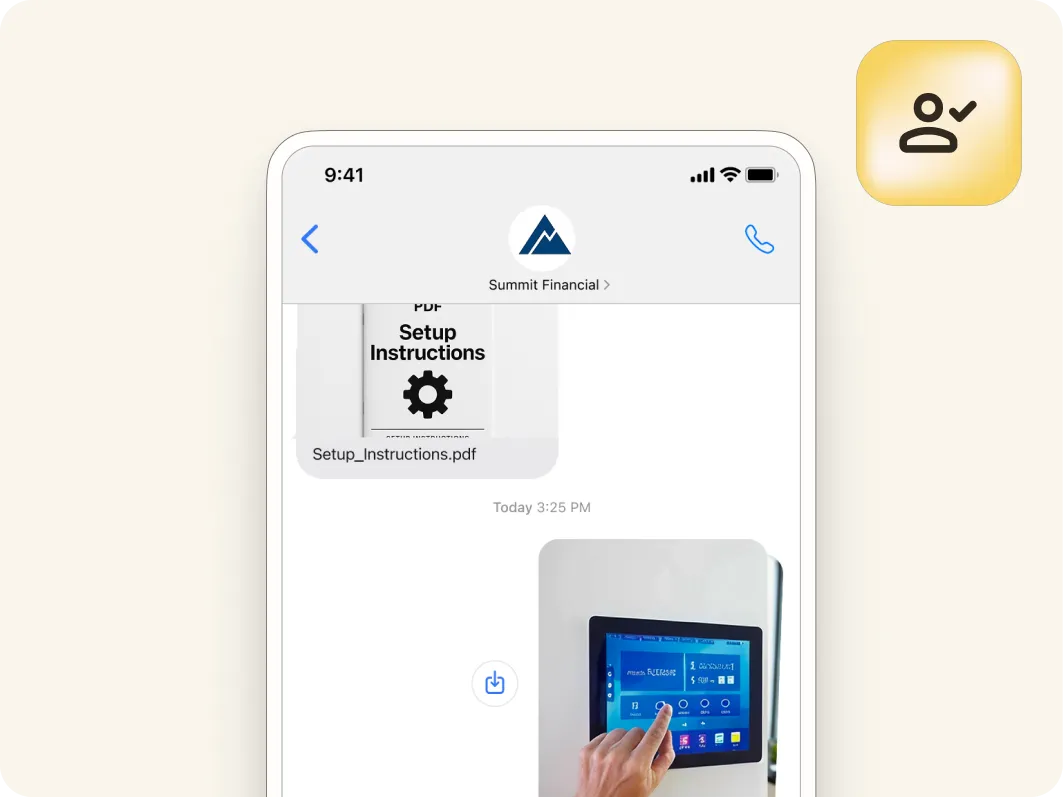
Messages display your Google verified business name and logo instead of a number so customers recognize and trust who the message is from.
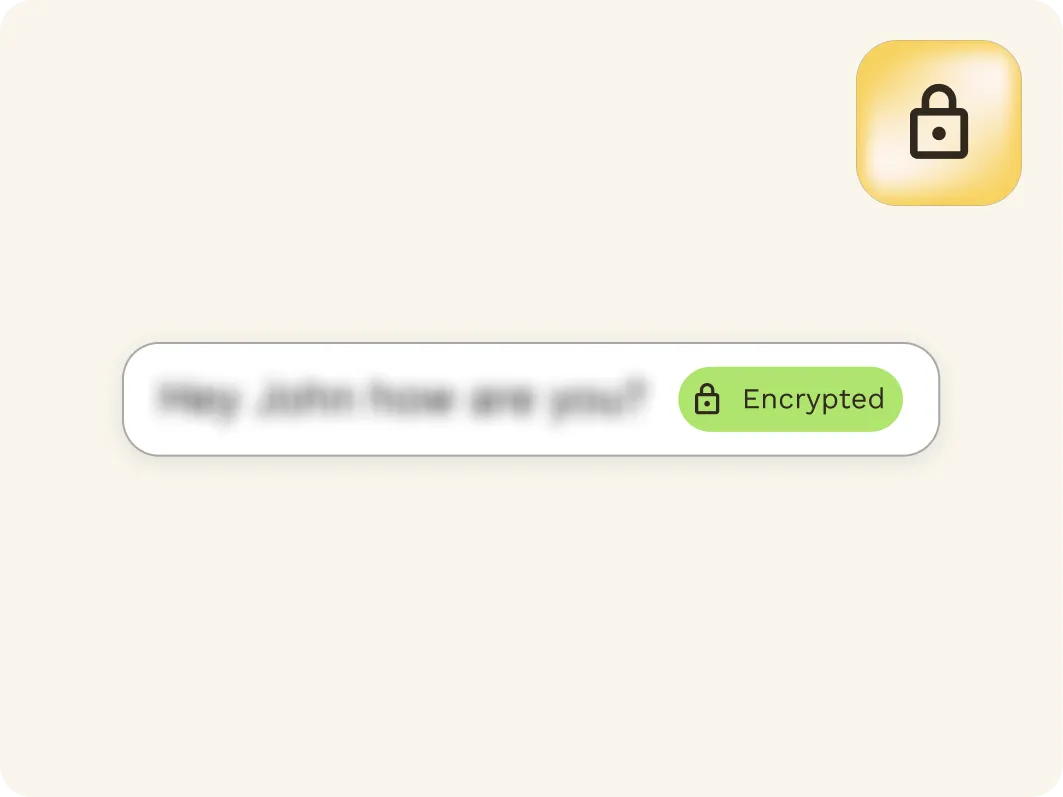
Encrypted Delivery
Messages are encrypted in transit to help protect communications. This adds a layer of data security not available with traditional SMS.
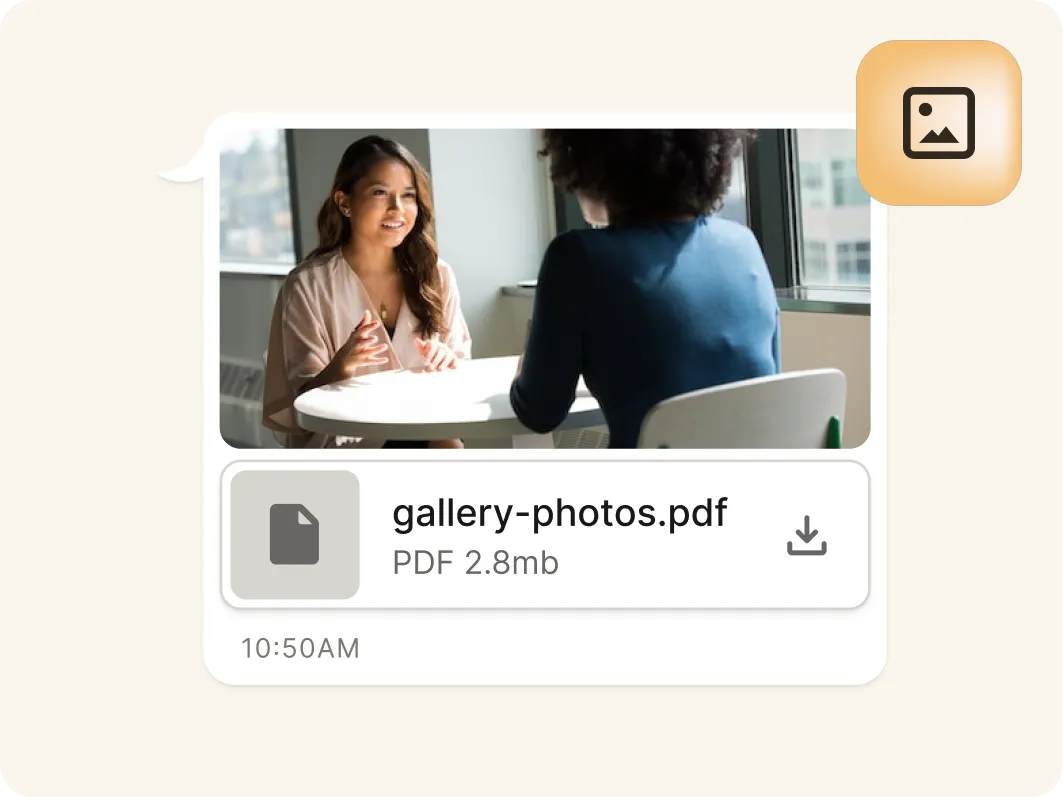
Pictures and Files
Share videos, pictures, screenshots, and files in RCS messages directly from mobile devices to add context, engage customers, and resolve issues faster.
Proactive messaging
Designed for Proactive Brand Engagement
Brand-Initiated Engagement
RCS is built for outbound-first engagement, allowing organisations to proactively start customer conversations using verified sender identities customers can trust.
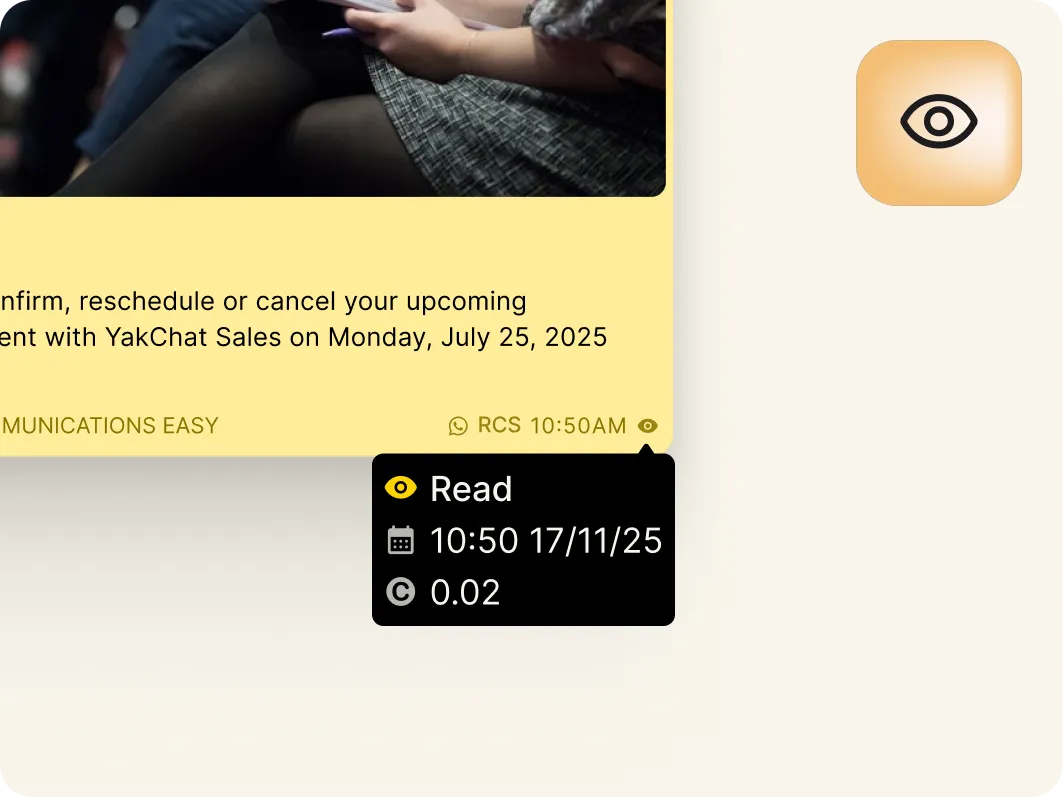
Read Receipts
See when messages are opened to better understand customer engagement. Use this insight to time follow-ups and next steps more effectively.
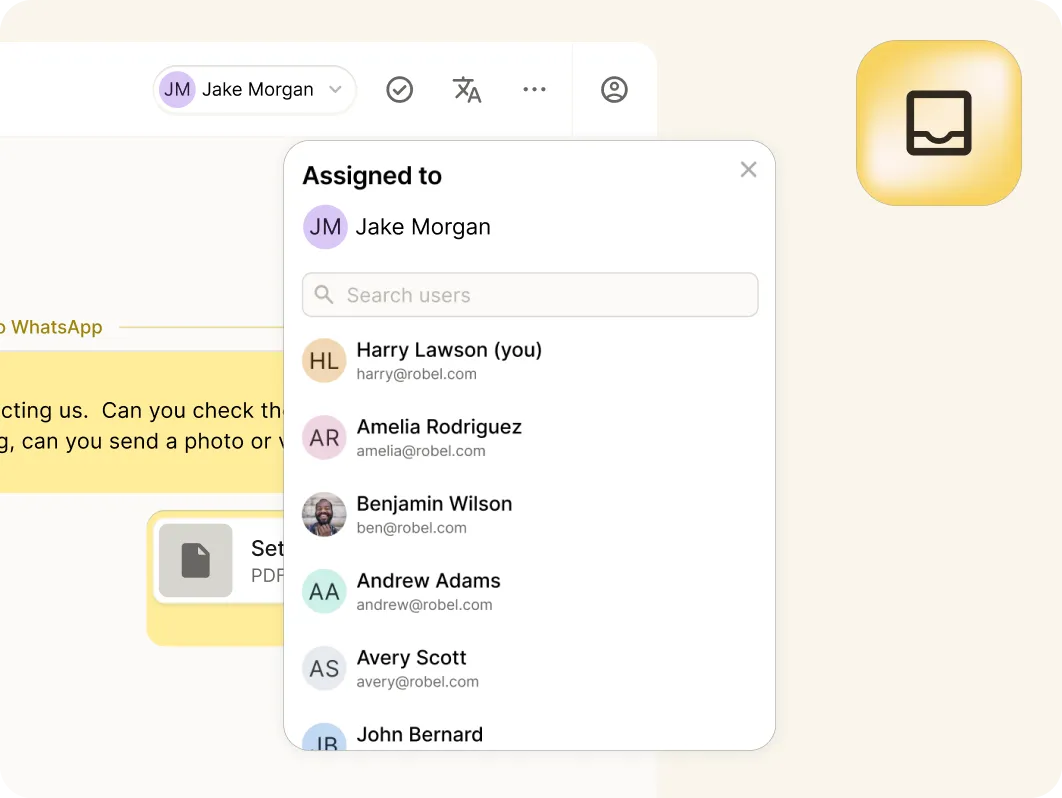
Team Inboxes
RCS conversations start from a shared Team Inbox using a single verified brand identity, making RCS ideal for team-based customer engagement.
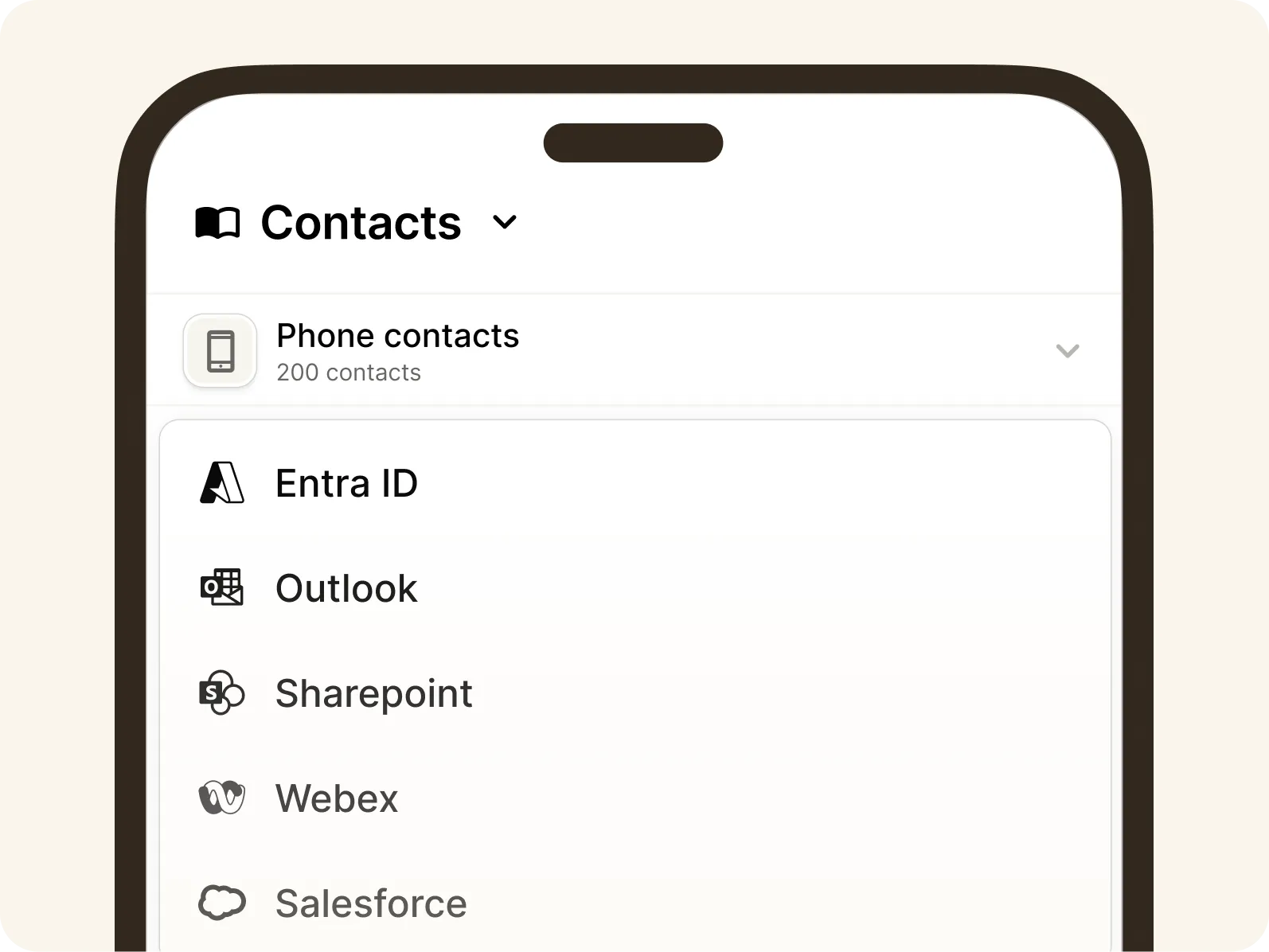
Unified contact hub
Connect With Contacts Wherever They're Saved
Bring together contacts from your mobile phone, YakChat, Microsoft Outlook, SharePoint, and Entra ID into a single view. Users can quickly find and message the right person without switching apps and can share saved contacts across teams.YakChat adds local mobile phone contact names to sent messages, giving users clearer context when starting conversations.
Native Mobile App
Separate Business Messaging. Single Device. Full Control.
YakChat’s native app, Text365, brings business messaging to your mobile without mixing it with personal data. It keeps professional conversations secure, centralised and compliant, while ensuring personal user content remains strictly private.

Purpose Built Mobile App
A dedicated business messaging app on your home screen, designed for fast access to RCS without the distraction of other unified communications.
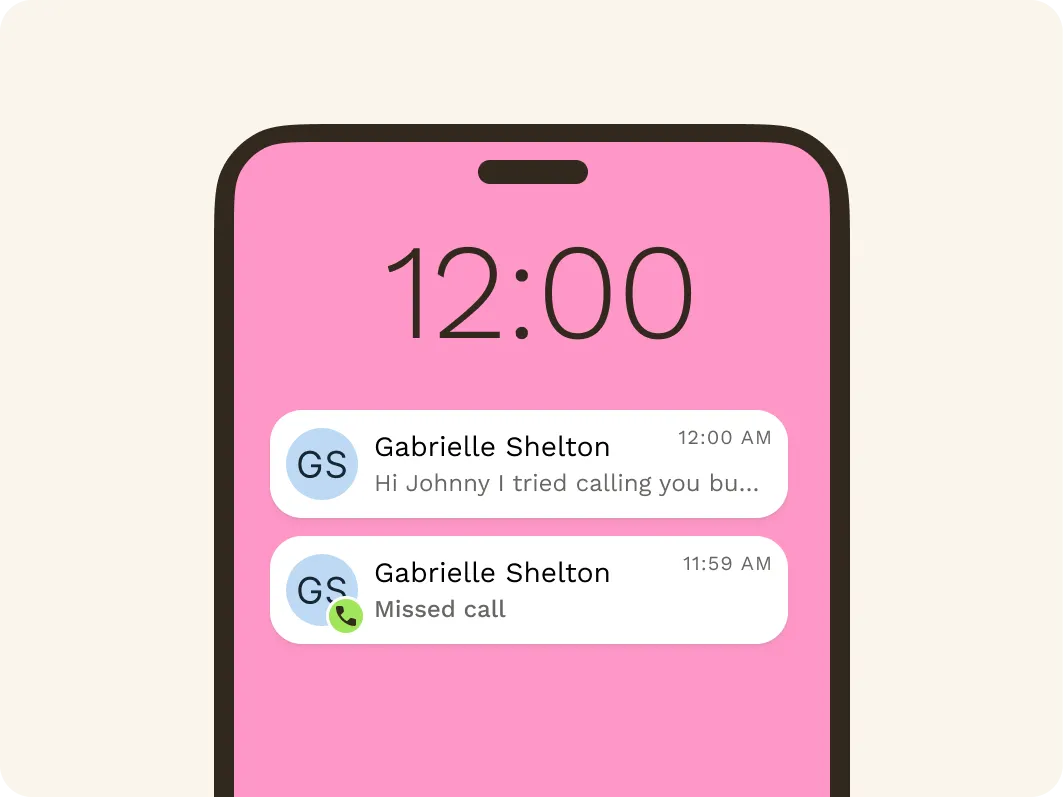
Dedicated Notifications
Receive RCS notifications separately from any other alerts. Messages appear on the lock screen — even when the app isn't running, so you never miss a message.
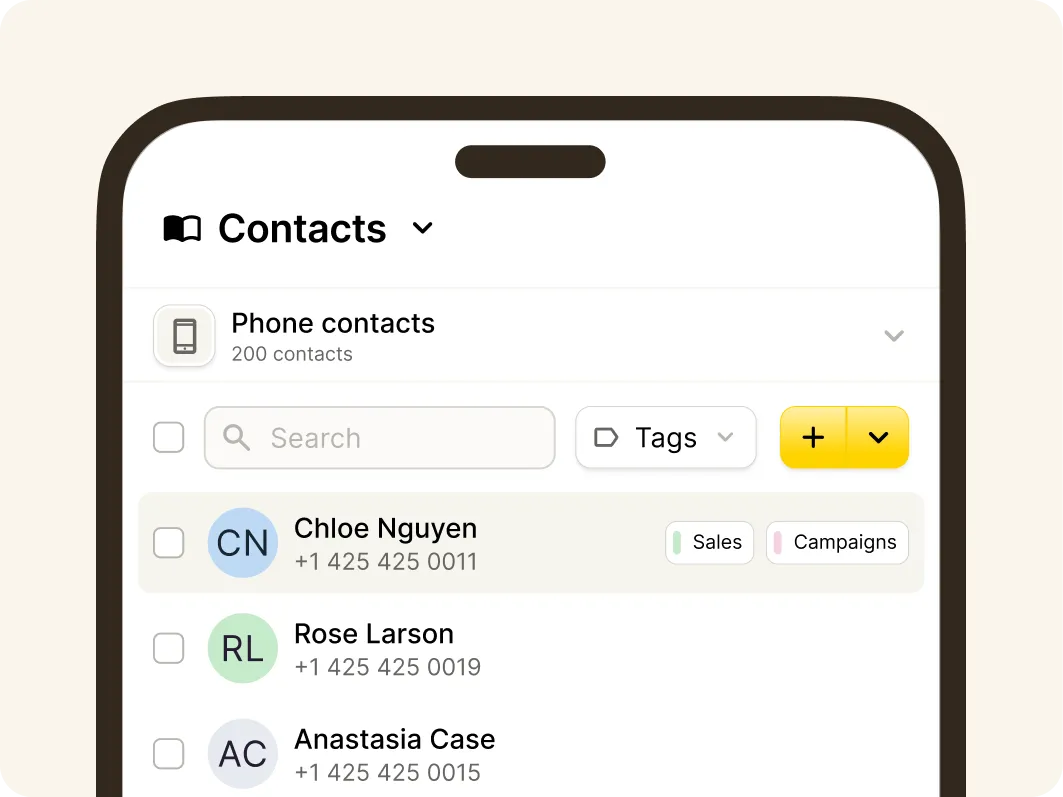
Phone Saved Contacts
Access phone-stored contacts without syncing or importing them into YakChat. This supports BYOD by keeping personal and professional data clearly separate on employee-owned phones.
Fallback to SMS
Ensure Messages Get Through Using SMS Fallback
Quickly add a new local text-only number or bring your own SMS carrier, enabling SMS to be used when RCS is unavailable.
YakChat Number
Grab a new SMS-only number in your local area
BYOC
Integrate your own CPaaS service provider
Compliance built-in
YakChat + RCS: Compliance by Design
Personal devices are a compliance black hole, but your business data shouldn't be. YakChat eliminates the risk of shadow IT by archiving every business interaction while keeping personal messaging strictly private. Even on your team's personal devices, your corporate intelligence remains secure, auditable, and compliant with GDPR and FCA industry retention obligations.
One App. Every channel.
Add More Messaging Channels to Your Mobile App
RCS is a core messaging channel, but effective engagement spans multiple channels.YakChat unifies RCS, SMS and WhatsApp in a single workspace — so teams can shift conversations between channels and devices without losing context or control.